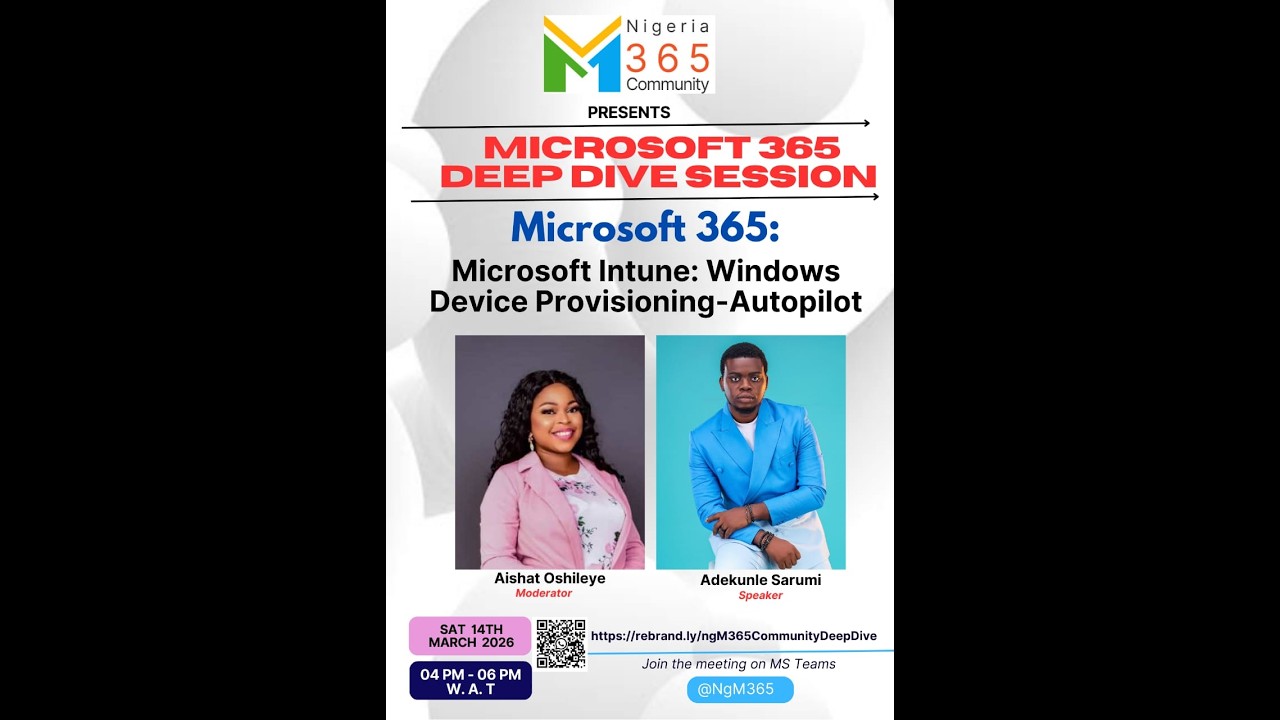
Nigeria M365 Deep Dive | Intune & Windows Autopilot Part 2 | Adekunle Sarumi
Автор: Nigeria M365 Community Meetups Channel
Загружено: 2026-03-14
Просмотров: 31
Описание:
Welcome to Part 2 of the Nigeria Microsoft 365 Community Deep Dive Session on Windows Autopilot and Microsoft Intune! 🚀
In this continuation session, Adekunle Sarumi (Microsoft Certified Trainer & Enterprise Administrator) walks the community through the practical implementation and validation of Windows Autopilot deployment, demonstrating how devices receive policies, applications, and configurations after enrollment into Microsoft Intune.
Participants observe a live demonstration of device provisioning, including application deployment, device synchronization, and how required vs available applications behave inside the Company Portal. The session also covers common troubleshooting scenarios such as application installation failures and compatibility considerations when packaging applications for deployment.
The session concludes with a recap of key Windows Autopilot concepts and a preview of the next deep dive topic: Device Configuration Profiles in Microsoft Intune.
This practical walkthrough is ideal for IT administrators, endpoint engineers, and Microsoft 365 professionals who want to understand how modern device deployment works in real enterprise environments.
📌 Watch, learn, and strengthen your Microsoft 365 endpoint management skills with the Nigeria M365 Community.
🕘 Detailed Timestamps
[Session Continuation & Q&A]
00:03 – Transition into Part 2 of the Deep Dive Session
00:34 – Opening the Floor for Questions
00:42 – Hybrid Environment Question on Device Enrollment
01:04 – Discussion on Device Naming and Synchronization
[Live Demonstration: Autopilot Device Deployment]
40:04 – Checking Device Configuration Status
40:18 – Device Reset and Initial Configuration
40:27 – Policy and Configuration Sync Explanation
40:54 – Verifying Application Deployment
[Application Deployment via Company Portal]
41:05 – Confirming Installed Applications
41:20 – Standard User Permissions Explained
41:44 – Policy Sync and Device Access
42:03 – Waiting for Intune Policies to Apply
42:18 – Policy and Application Deployment Behavior
[Company Portal Application Demonstration]
42:34 – Launching Company Portal
42:47 – Device Sign-In and SSO
43:06 – Required vs Available Applications
43:22 – Viewing Installed and Enforced Apps
43:46 – Why Required Apps Cannot Be Uninstalled
44:23 – Organization-Controlled Application Deployment
[Troubleshooting App Installation Issues]
44:43 – Question: Fixing Application Installation Failures
45:00 – Store Apps vs Packaged Applications
45:17 – Compatibility Issues with Packaged Apps
45:32 – Identifying Installation Error Messages
[Session Recap & Next Topic]
46:27 – Key Autopilot Deployment Concepts Recap
46:34 – Autopilot is Cloud-Driven Deployment
46:43 – Enrollment Status Page (ESP) Overview
46:59 – Preview of Next Deep Dive: Device Configuration Profiles
[Closing Remarks]
47:17 – Preparing Lab Devices for Future Sessions
47:34 – Final Appreciation and Session Close
👥 Session Credits
Speaker: Adekunle Sarumi
Host: Nigeria Microsoft 365 Community
👥Organizers
Olajumoke Toriola
Emmanuel Itoje
Rafia Abdul Salam
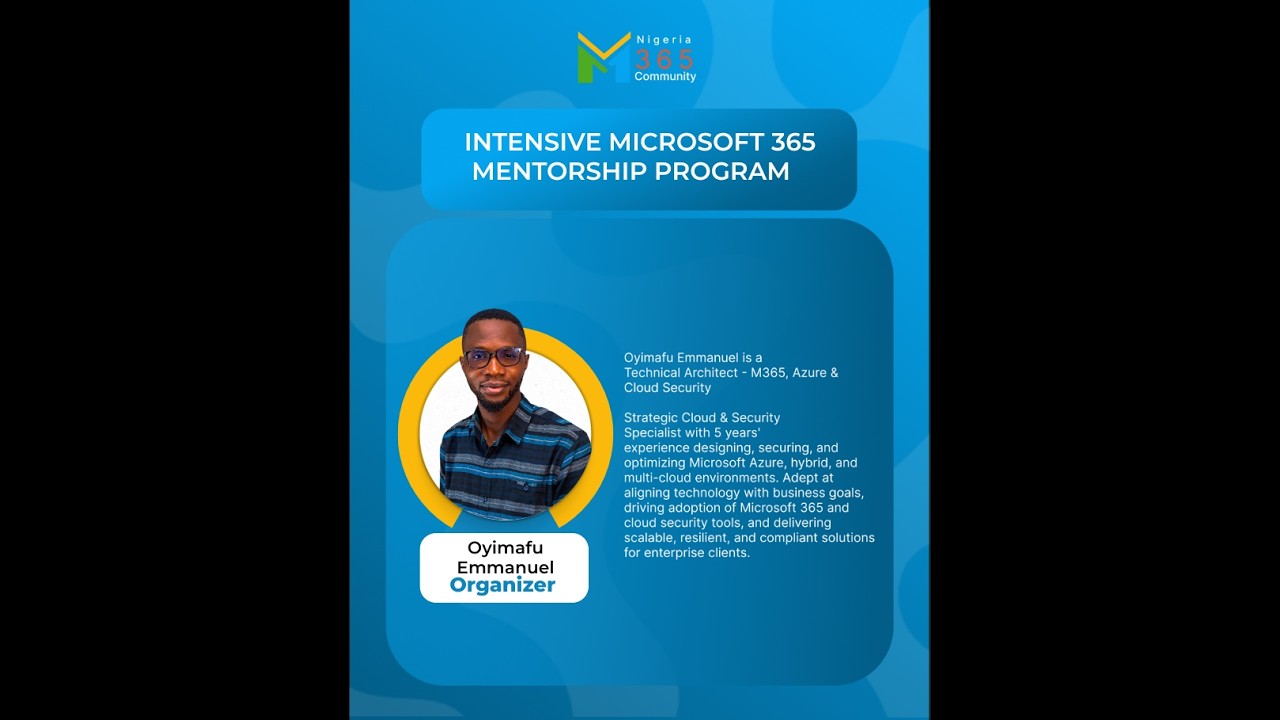
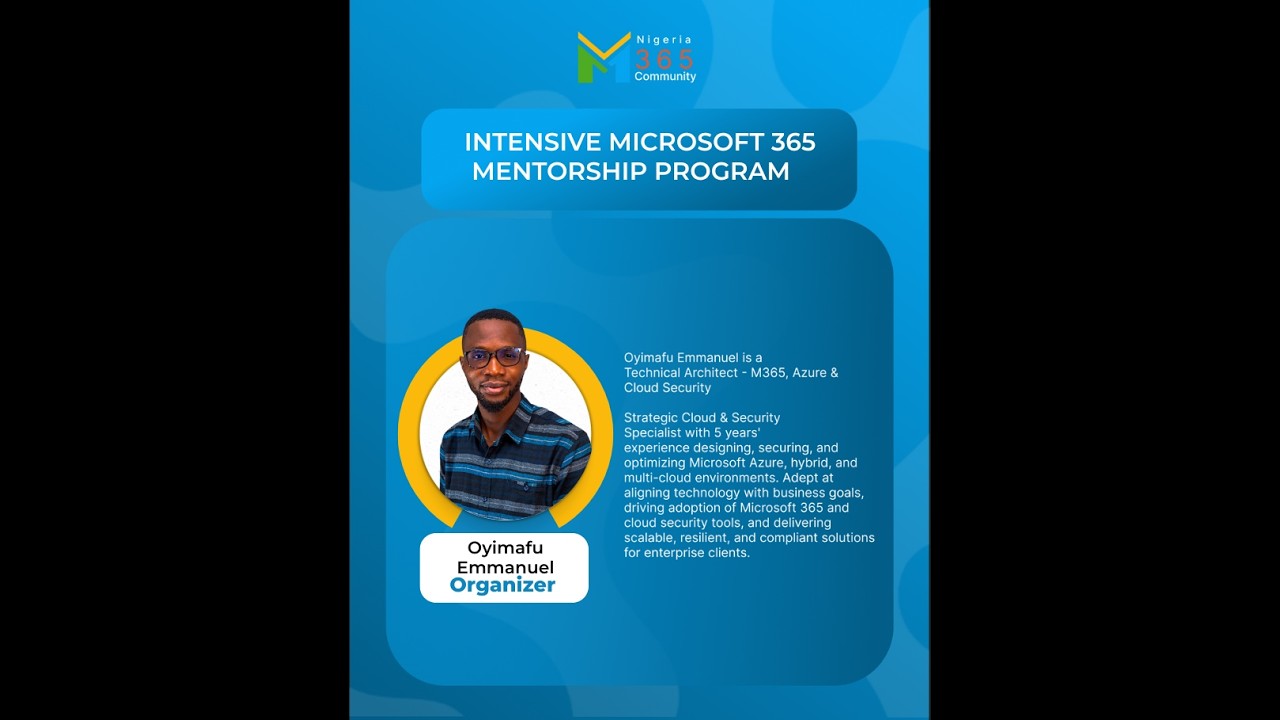
Oyimafu Emmanuel
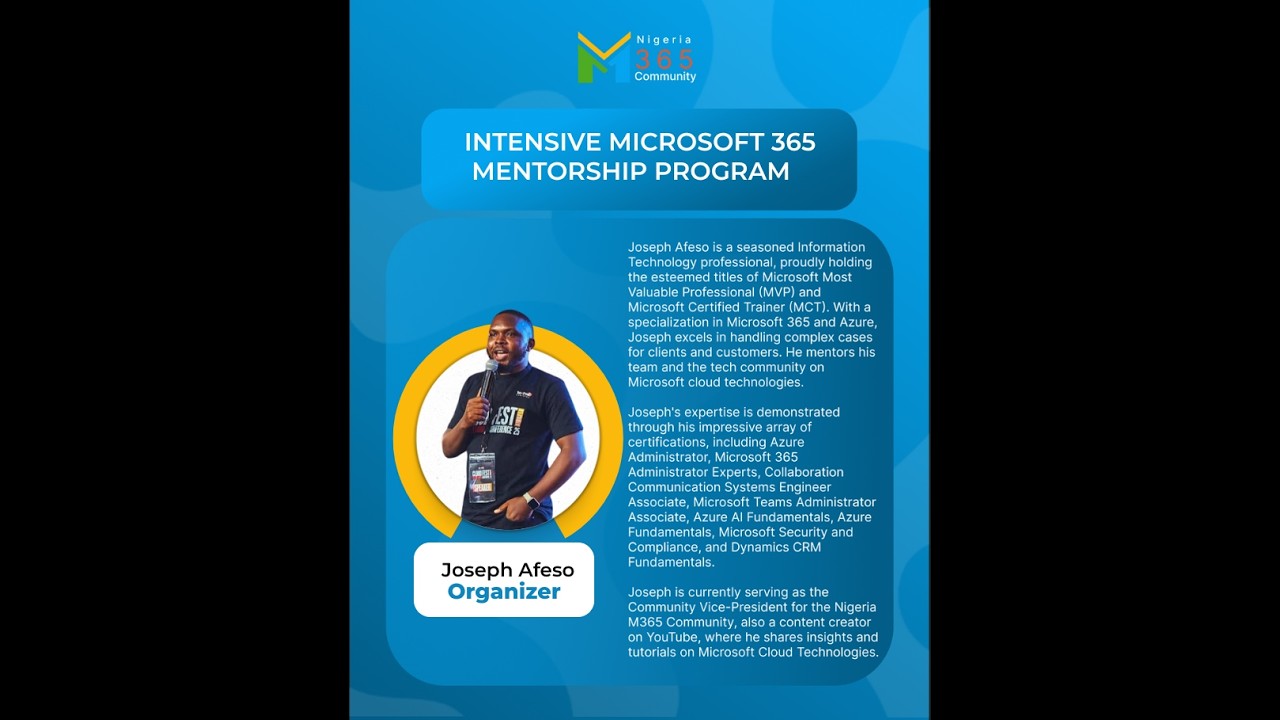
Joseph Afeso
Adekunle Sarumi
Aisha Oshileye
Paul Ogboriafor
🔗 Stay Connected with the Nigeria M365 Community
Join our community to access:
• Biweekly Microsoft 365 Deep Dive sessions
• Hands-on labs and mentorship programs
• Practical cloud and security learning
• Networking with Microsoft professionals
✨ Thank you for learning with the Nigeria M365 Community.
#NigeriaM365 #Microsoft365 #WindowsAutopilot #MicrosoftIntune #EndpointManagement #CloudLearning #TechCommunity
Повторяем попытку...
Доступные форматы для скачивания:
Скачать видео
-
Информация по загрузке: