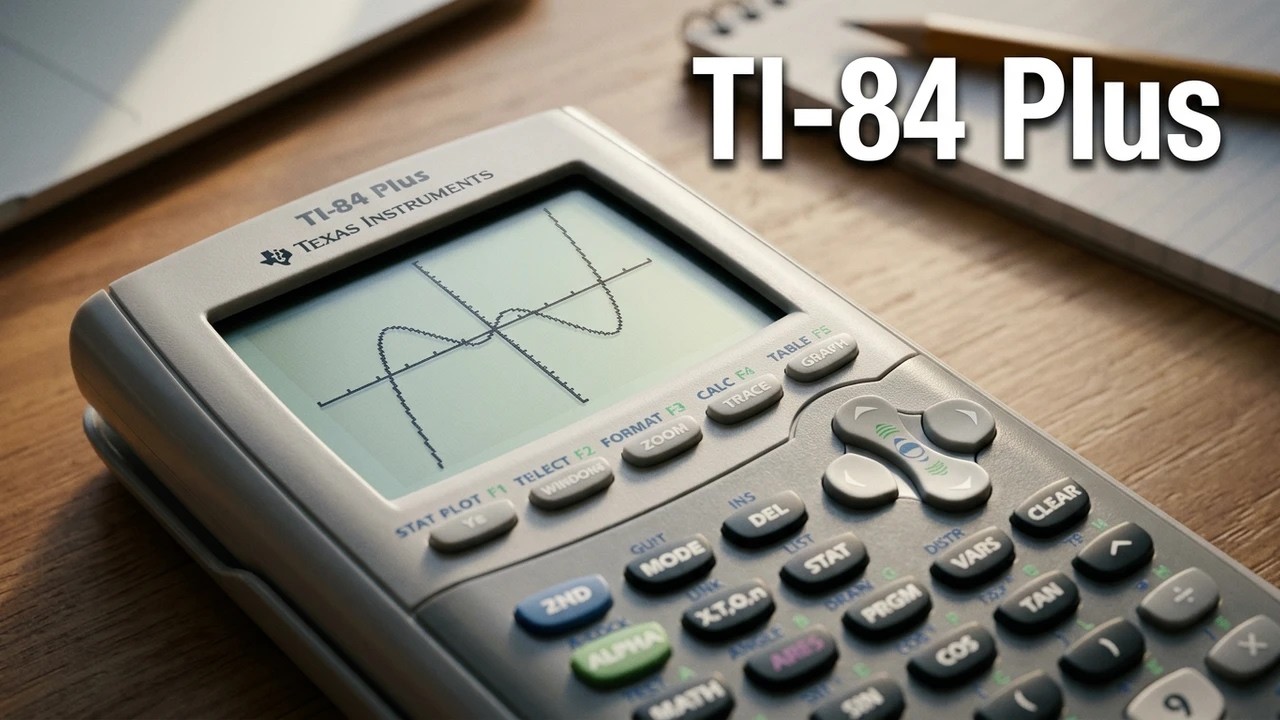
Self Test Diagnostics tool for the TI-84 Plus CE
Автор: TheLastMillennial
Загружено: 2018-05-25
Просмотров: 8693
Описание:
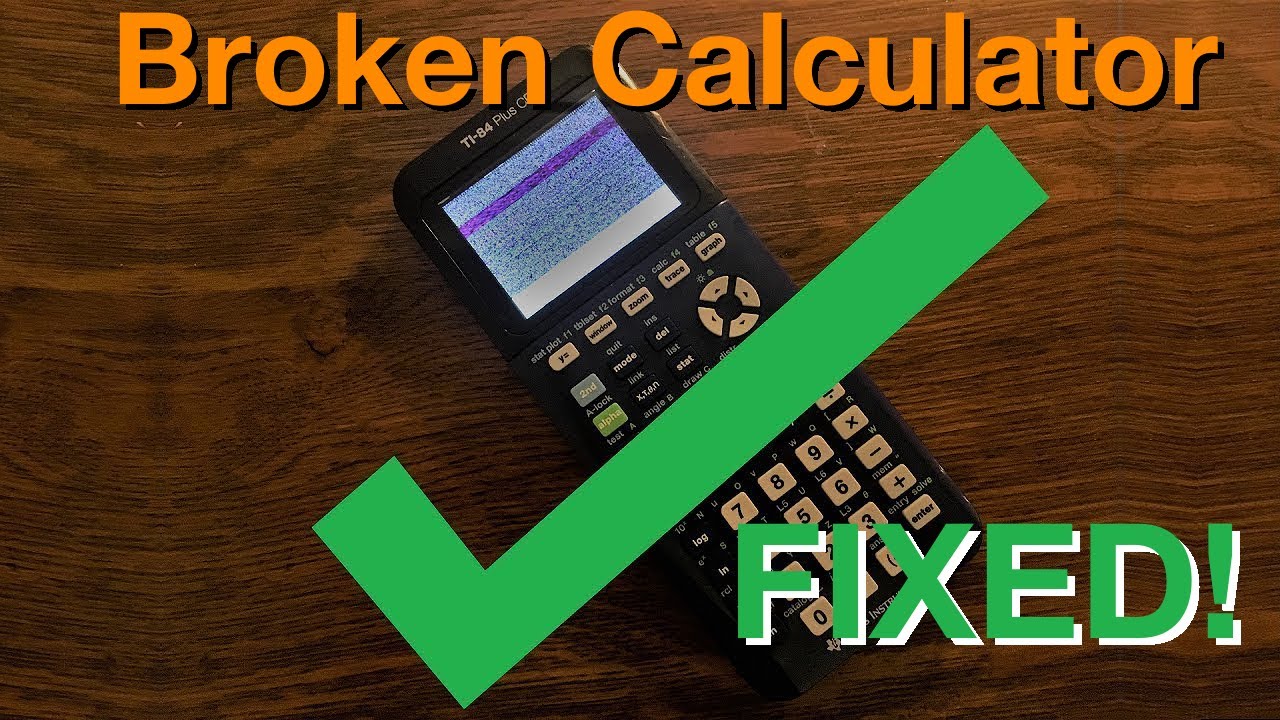
This is how to run the diagnostics tool and how to use it! Could be useful for troubleshooting or fixing a broken calculator.
Timestamps:
0:00 What is Self-Test?
0:23 How to enter Self-Test.
1:28 How to use Self-Test.
1:45 [1] LCD screen test.
2:10 [2] Brightness of the backlight test.
2:40 [3] Battery charge test.
3:12 [4] LED test. (note: the TI 84 Plus CE does not have this LED!)
3:50 [5] Keypad test.
4:24 [6] FLASH (Archive) test.
4:50 [7] RAM test.
5:12 [8] Tests 1-7.
5:22 [9] USB port test.
6:03 [0] USB port test.
6:53 What to do if your calculator fails a test.
Videos:
Calculator recovery: • Advanced Calculator Recovery, Diagnostics,...
How to update your calculator: • How to upgrade the Operating System on a T...
How to archive your programs: • How to fix errors when sending files to yo...
Docs:
Electronic Emissions: https://www.ti.com/sc/docs/apps/msp/i...
Credits:
Big thanks to Peter Tillema for all his footage!
Also thank you to MateoConLechuga and KermMartian for their help!
Emulator: CEmu -https://ce-programming.github.io/CEmu/
Music:
Closer Look - Azur • Λ Z U R | Closer Look
Braxel Brobots -Peggy Suave • [Electro Swing] Peggy Suave - Braxel Brobots
Groove Grove -Kevin MacLeod • Kevin MacLeod ~ Groove Grove
Повторяем попытку...

Доступные форматы для скачивания:
Скачать видео
-
Информация по загрузке: