ycliper

Популярное

Музыка Кино и Анимация Автомобили Животные Спорт Путешествия Игры Юмор

Интересные видео

2025 Сериалы Трейлеры Новости Как сделать Видеоуроки Diy своими руками

Топ запросов

смотреть а4 schoolboy runaway турецкий сериал смотреть мультфильмы эдисон
Скачать

8 ways to customize Samsung Galaxy S8 / S8 Plus

Автор: mobiscrub

Загружено: 2017-04-23

Просмотров: 150558

Описание: Best ways to customize the Samsung Galaxy S8/S8+

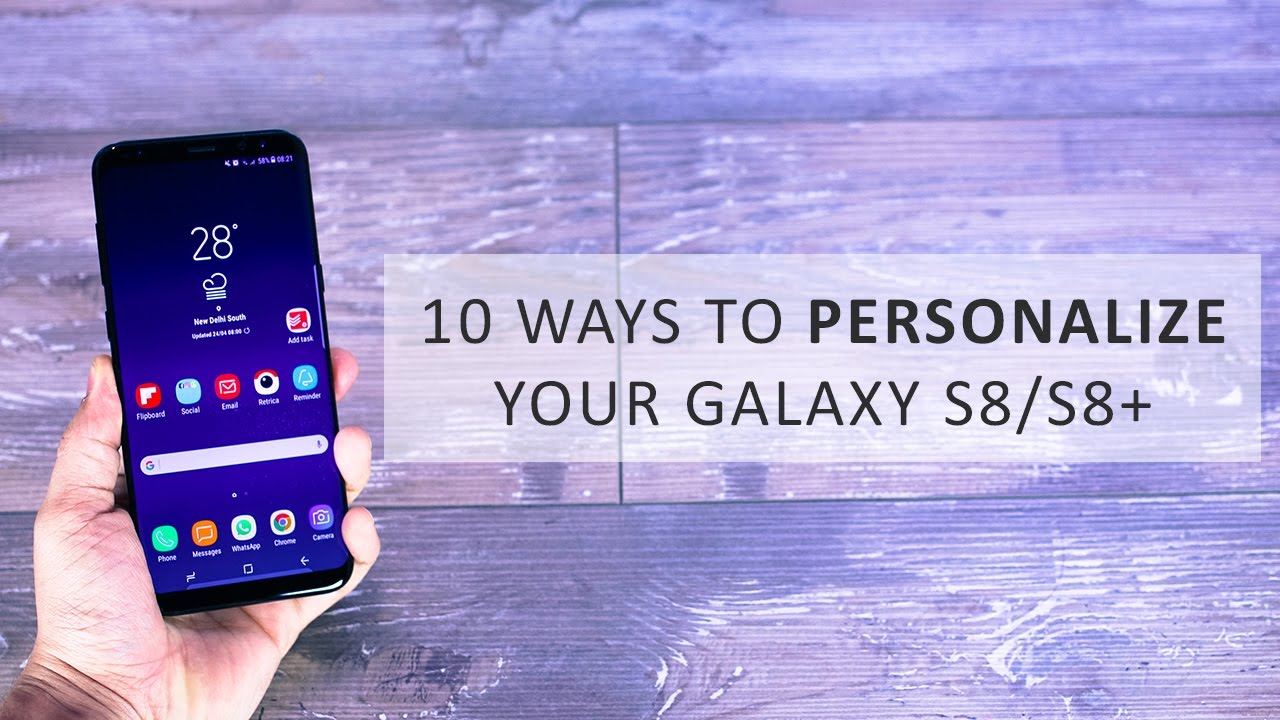
You’ve probably been hearing about the always on display – but on the lock screen you have a widget area wherein you can add quite a few things. You just have to go into settings, tap into lock-screen and security, and then look for information and face widgets. You can go into FaceWidgets and pretty much enable or disable things that you want access to on the lock screen itself. Music is definitely something that’s good to have considering you get quick access to music controls without unlocking your phone – and works perfect for when you are at parties or driving.

The second thing you can personalize is the edge panel. The Galaxy S8 comes with a few installed and enabled on the edge but you can go into settings and choose to enable more or disable a few of the available and pre-installed edge panels.

You can also re-order the installed and enabled edge panels to appear in a particular order that you’d prefer. And you can also go into the Galaxy apps store to download more edge panels for your Galaxy S8 like the way I did with this calculator. I think it’s one of the most useful edge panel ever and I don’t have to be hunting for a calculator because this works off a lock-screen as well.

You can have all the apps on the homescreen itself just like in the Apple iPhone. Just go into homescreen settings within the display settings and then select – HOME SCREEN only and what that does is that it puts out all the apps that you’ve got out on to the homescreen and then there’s no app drawer.

The always on display is probably the most visible part & hence its customization is a fairly important one. You can see that I have a fresh gradient look on the number 14. But then there’s so much more possible. So let’s get started with what we can do here. Go into settings and then lock screen and security and select Always on display. You can firstly choose what information to display on the always on screen – a digital or an analog clock, or a calendar or an image or just the edge panel to show the time and date.

The last customization option is basically one of the coolest ways to receive a notification and you’ll see why. It doesn’t work with all application but with most. Every time you get a notification, the edges of the phone light up beautifully just like that. It looks even better in the dark and the only way I could have captured on a camera – but it looks amazing and quite nice even in regular lighting.

Не удается загрузить Youtube-плеер. Проверьте блокировку Youtube в вашей сети.
Повторяем попытку...
8 ways to customize Samsung Galaxy S8 / S8 Plus

Поделиться в:

Доступные форматы для скачивания:

Скачать видео

  • Информация по загрузке:
Скачать аудио

Похожие видео

⚡️ Военная техника заходит в города || РФ объявила срочную эвакуацию

⚡️ Военная техника заходит в города || РФ объявила срочную эвакуацию

Samsung Galaxy S8 vs Samsung Galaxy S8+

Samsung Galaxy S8 vs Samsung Galaxy S8+

Galaxy S8: First 10 Things to Do!

Galaxy S8: First 10 Things to Do!

Экстренно. Нет слов. Невероятное решение в Европе. Новости сегодня

Экстренно. Нет слов. Невероятное решение в Европе. Новости сегодня

Samsung Galaxy S8 notification LED and Always on Display ENG 4k

Samsung Galaxy S8 notification LED and Always on Display ENG 4k

10 Amazing Tips to Customize your Samsung Galaxy S8

10 Amazing Tips to Customize your Samsung Galaxy S8

Samsung Galaxy S8 Hidden Features – Top 10 List

Samsung Galaxy S8 Hidden Features – Top 10 List

10 ways to speed up your Samsung Galaxy S8 (S8+)

10 ways to speed up your Samsung Galaxy S8 (S8+)

2 способа восстановить потерянные мобильные данные в быстрых настройках | Galaxy S8, S9, S10, S10...

2 способа восстановить потерянные мобильные данные в быстрых настройках | Galaxy S8, S9, S10, S10...

Советы и рекомендации по использованию Samsung Galaxy S8 — 25 лучших советов и рекомендаций

Советы и рекомендации по использованию Samsung Galaxy S8 — 25 лучших советов и рекомендаций

40+ Samsung Galaxy S8 & S8+ Camera Tips and Tricks: The Complete Guide

40+ Samsung Galaxy S8 & S8+ Camera Tips and Tricks: The Complete Guide

OPPO Find X Lamborghini Super VOOC vs OnePlus 6 vs P20 Pro vs Xiaomi Mi 8 vs Galaxy S8 CHARGING TEST

OPPO Find X Lamborghini Super VOOC vs OnePlus 6 vs P20 Pro vs Xiaomi Mi 8 vs Galaxy S8 CHARGING TEST

Yes! Install OneUI 7 Android 15 on Galaxy S8, S8+ & Note 8

Yes! Install OneUI 7 Android 15 on Galaxy S8, S8+ & Note 8

How To Make Your Galaxy S8 Faster & Improve Your Battery Life - YouTube Tech Guy

How To Make Your Galaxy S8 Faster & Improve Your Battery Life - YouTube Tech Guy

3 СКРЫТЫХ трюка | Galaxy S8/S8+, о которых вы не знали

3 СКРЫТЫХ трюка | Galaxy S8/S8+, о которых вы не знали

Samsung Galaxy S23 vs Samsung Galaxy S8 - Camera Test

Samsung Galaxy S23 vs Samsung Galaxy S8 - Camera Test

10 Samsung Galaxy S8+ Tips, Tricks & Hidden features

10 Samsung Galaxy S8+ Tips, Tricks & Hidden features

Galaxy S26 Ultra — реальное обновление или просто изменение характеристик?

Galaxy S26 Ultra — реальное обновление или просто изменение характеристик?

Galaxy Watch Ultra 2 — СОВЕТЫ, ХИТРОСТИ И СКРЫТЫЕ ФУНКЦИИ!!!

Galaxy Watch Ultra 2 — СОВЕТЫ, ХИТРОСТИ И СКРЫТЫЕ ФУНКЦИИ!!!

Номер Арамчик и шоу-балет  – Концерт География Уральских Пельменей – Зимбабве

Номер Арамчик и шоу-балет – Концерт География Уральских Пельменей – Зимбабве

© 2025 ycliper. Все права защищены.


  • Контакты
  • О нас
  • Политика конфиденциальности


Контакты для правообладателей: [email protected]