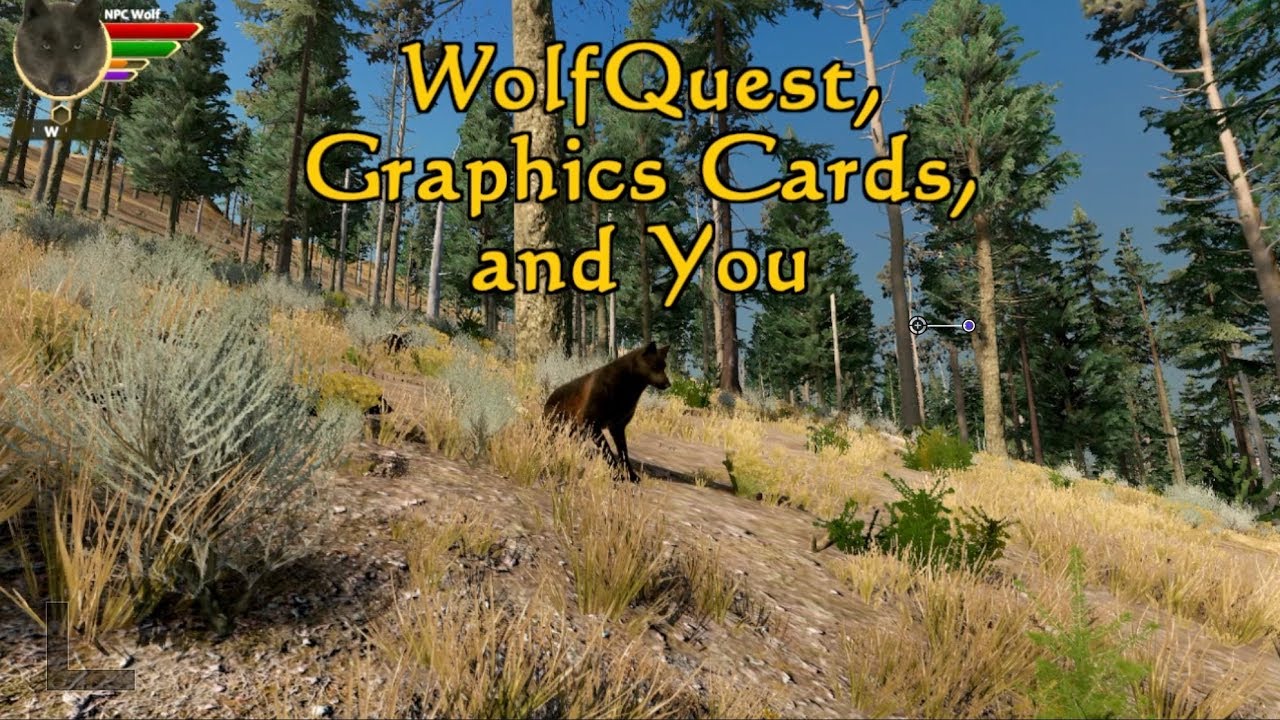
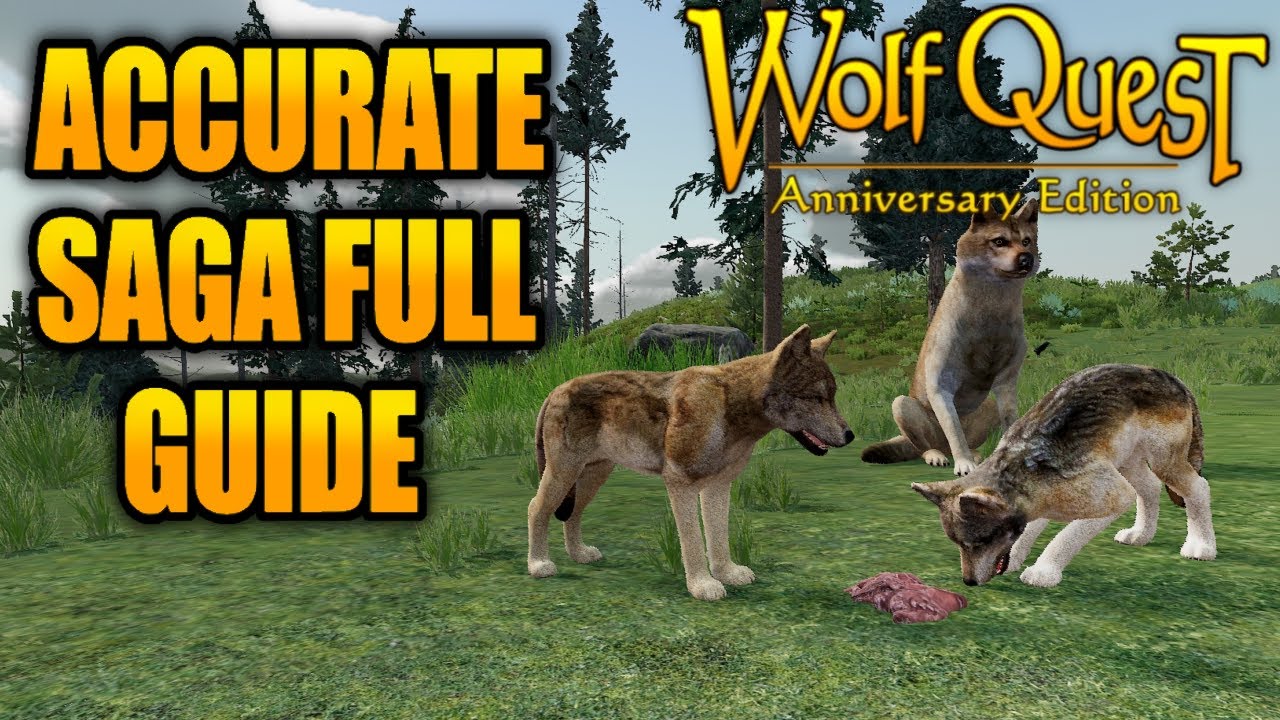
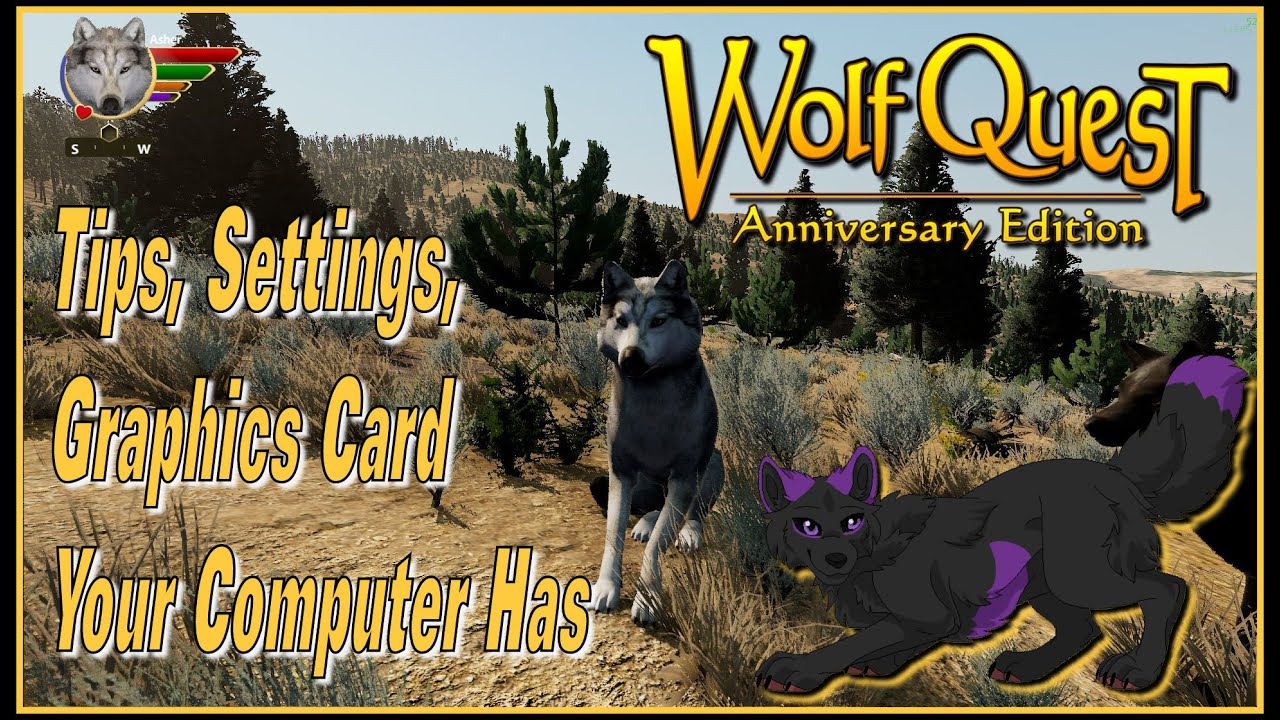
WolfQuest 3 AE: Tips, Settings, Graphics Card Your Computer Has,
Автор: MIDNIGHTSKYWOLF
Загружено: 2021-01-10
Просмотров: 6242
Описание:
WolfQuest 3 AE: Tips, Settings, Graphics Card Your Computer Has
#WolfQuest3 #WolfQuest #GraphicsCard
Live the life of a wild wolf!
https://support.wolfquest.org/help/gr...
https://www.videocardbenchmark.net/gp...
Checking your Hardware:
On Windows, you can find this information by following the instructions below.
To find your graphics card, search for "Device Manager" in the Start menu. Then look for Display Adapters, and expand it. Send either an image or the exact text you see under Display Adapters after expanding it.
To find your other specifications, search for "About your PC" in the Start menu, and take a screenshot or copy the text in the "Device Specifications" section.
On Mac OSX, you can find this information by following the instructions below.
To find your specifications, click the Apple icon on the top left corner. From the drop-down menu, find and click on "About This Mac". We ask that you provide us with the information shown on the "overview" tab. This would mean the model numbers following: Processor, Memory, Graphics.
Check Your Graphics Card
Go to this website and search the page to see the score for any particular graphics card:
Score above 8000: high graphics quality settings at 40-60 FPS or better.
Score 4000 to 8000: medium quality settings at 30-50 FPS.
Score 2000 and 4000: lower graphics quality levels at 30-40 FPS.
Score 1000-2000: low quality levels, possibly using "Basic" graphics which lack some of the fancy effects like snow on trees.
Score under 1000: the game may not run at all, or only at the lowest graphics quality with reduced screen resolution.
System Requirements
WolfQuest: Anniversary Edition
Windows
Minimum:
OS: Windows 7/8/10 64-bit
Processor: Intel Core i5 or equivalent
Memory: 6f GB RAM
Graphics: Intel Iris 630 Pro or similar (using "Basic" mode in graphics settings)
DirectX: Version 11
Storage: 6 GB available space
Sound Card: DirectX compatible soundcard or onboard chipset
Recommended:
OS: Windows 7/8/10 64-bit
Processor: Intel Core i5 or equivalent
Memory: 8 GB RAM
Graphics: Nvidia GTX 1060 or Radeon 580
DirectX: Version 11
Storage: 6 GB available space
Sound Card: DirectX compatible soundcard or onboard chipset
Embark on a quest for survival
Your quest begins on the slopes of Amethyst Mountain. Here you must test your hunting skills against elk, moose, and mule deer. Once you're a skilled hunter, you can seek out another wolf to become your mate.
Then you'll venture together to Slough Creek, cutting through the mountains north of the Lamar Valley, to establish a territory and den site. Here you will raise a litter of pups: training them, feeding them, defending them against the competition, and finally taking them on a cross-country journey to a summer home.
Can your little family pack succeed?
Experience Yellowstone
Explore WolfQuest's realistic recreation of the Northern Range of Yellowstone National Park — "the Serengeti of North America" — where herds of elk and other ungulates roam the sagebrush steppe grasslands, alpine forests, and magnificent high ridges.
But watch out for packs of stranger wolves, who patrol their territories and don't look kindly on intruders. The wilderness brims with other dangers too — grizzly bears, cougars, and coyotes — who all vie with you for territory and food.
Play WolfQuest alone or with friends!
In single-player games, learn how to hunt, communicate with other wolves, find a mate, establish a den and territory, raise pups, and embark on a perilous journey to a summering site.
In multiplayer games, join together as a pack to explore the wilderness, hunt, establish territory, raise pups, and move to the summer rendezvous site together.
http://www.wolfquest.org/
Acer Nitro 5 - 17.3" Laptop Intel i5-9300H
https://www.amazon.com/dp/B08P3S9V71?...
Повторяем попытку...
Доступные форматы для скачивания:
Скачать видео
-
Информация по загрузке: