Samsung Galaxy J7 SM-J710F LCD Graphics Problem Solution | Display Distortion & Lines Fix
Автор: Mobile hardware solutions
Загружено: 2025-08-27
Просмотров: 211
Описание:
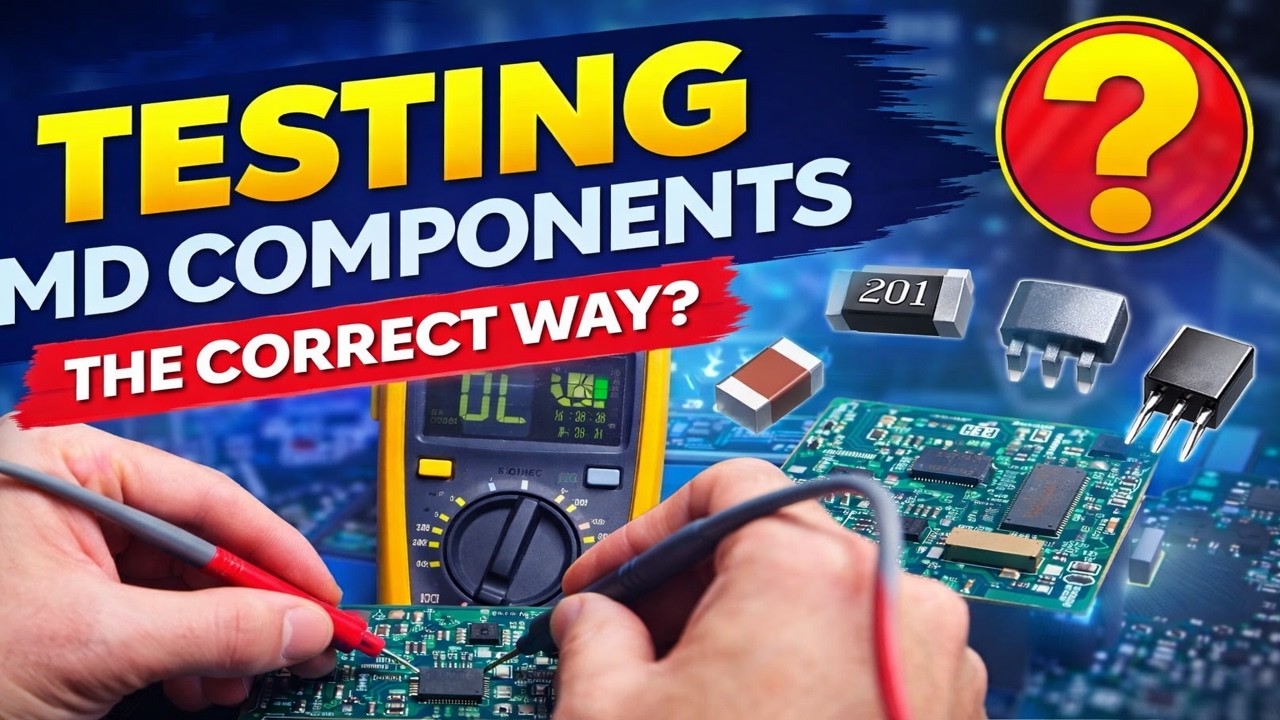
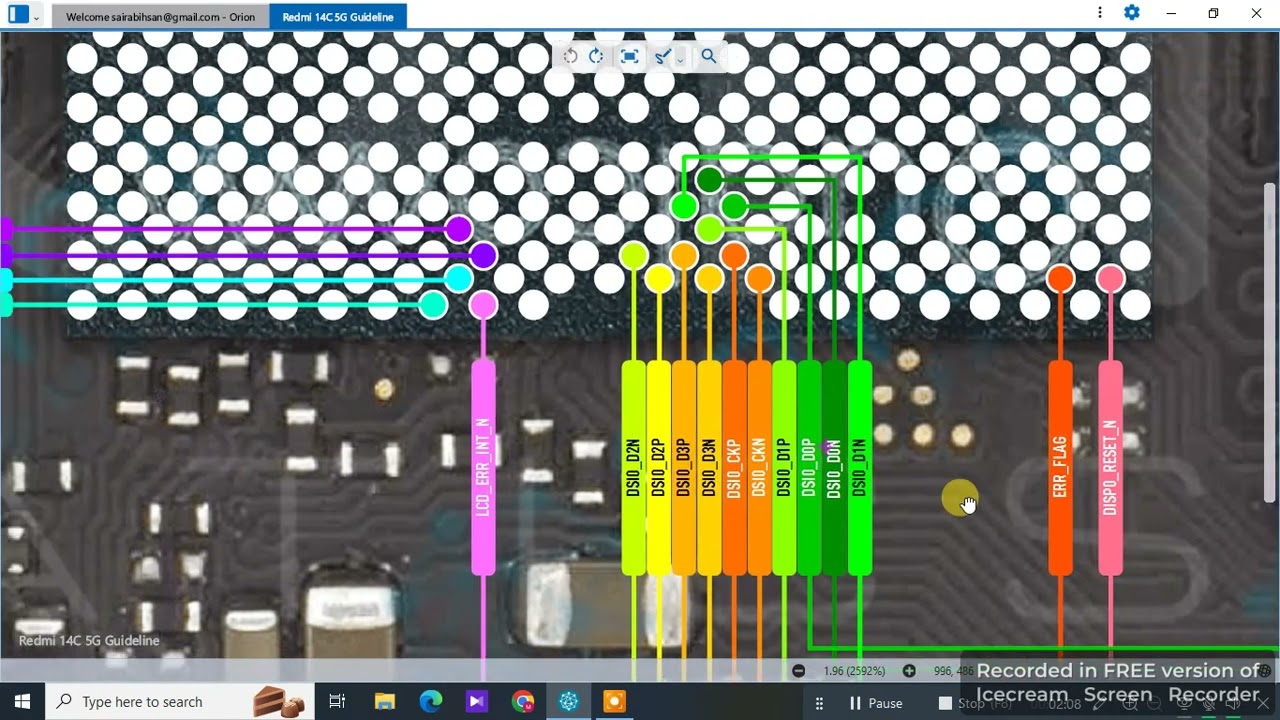
If your Samsung Galaxy J7 SM-J710F LCD shows distorted graphics, lines, color patches, or display IC problems, this video gives a complete hardware repair solution. Learn how to check LCD connector, display lines, GPU supply voltages, and PMIC output. Step-by-step Samsung J710F LCD graphics repair guide in Urdu Hindi for mobile technicians.
🔧 30 Step-by-Step Instructions
Power off and disassemble Samsung J710F.
Remove SIM tray and back cover.
Disconnect battery connector.
Remove the display flex connector.
Inspect LCD connector pins for damage.
Clean LCD connector with IPA.
Check LCD connector under a microscope.
Test continuity of LCD data lines.
Check VDDI (display supply ~1.8V).
Check VCI (2.8V–3.0V).
Check AVDD (positive supply ~5–6V).
Check VGH (positive gate ~15–20V).
Check VGL (negative gate ~-6V).
Measure VCOM (around 4.5V).
If voltages missing, check PMIC outputs.
Trace missing line back to coil/fuse.
Replace damaged fuse/coil if needed.
Inspect display IC (U2401 area).
Reflow display IC carefully.
Replace IC if no graphics output.
Test with a new LCD panel.
If problem remains, check GPU supply.
Check CPU BGA solder joints.
Reflow CPU only if necessary.
Inspect motherboard for corrosion.
Clean affected area with IPA.
Apply jumper if any broken track.
Reassemble device carefully.
Connect new/tested LCD.
Power on and verify display graphics.
📢 Hashtags
#SamsungJ710F #SamsungJ7 #SamsungLCDProblem #SamsungGraphicsSolution #SamsungDisplayFix #SamsungRepair #SamsungHardwareSolution #SamsungMobileRepair #SamsungGraphicsIC #SamsungRepairGuide
Повторяем попытку...

Доступные форматы для скачивания:
Скачать видео
-
Информация по загрузке: