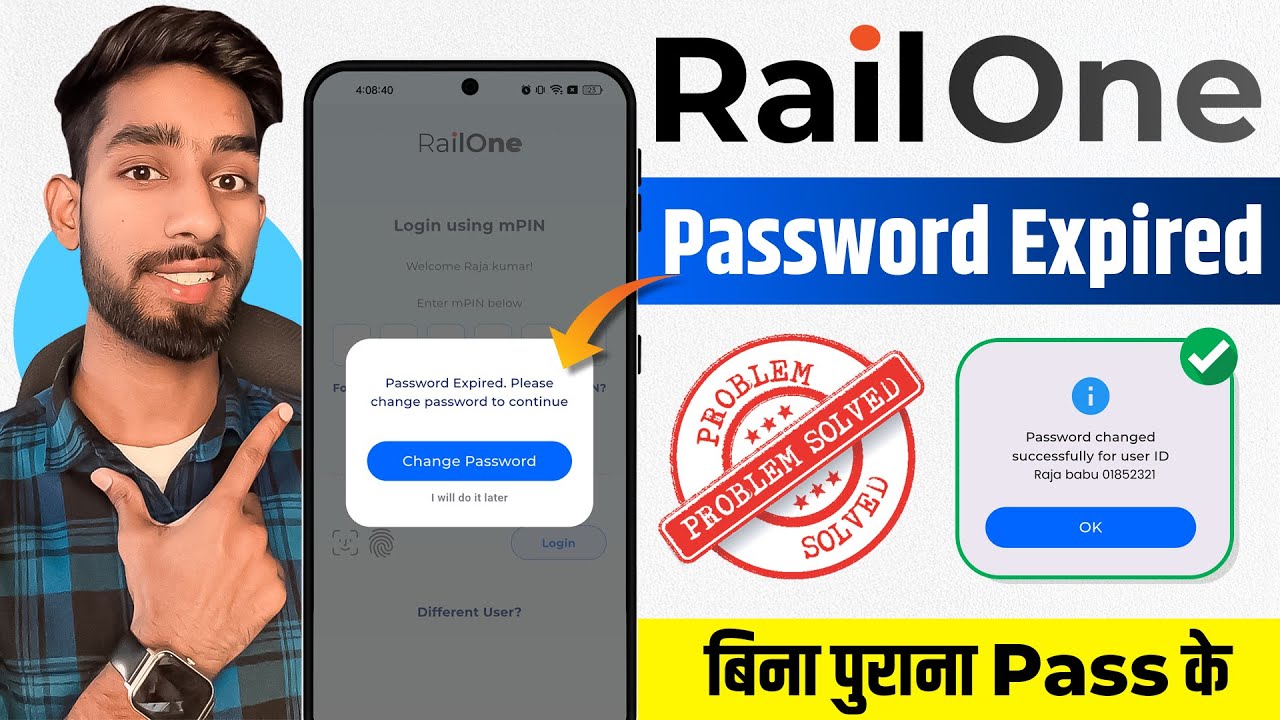
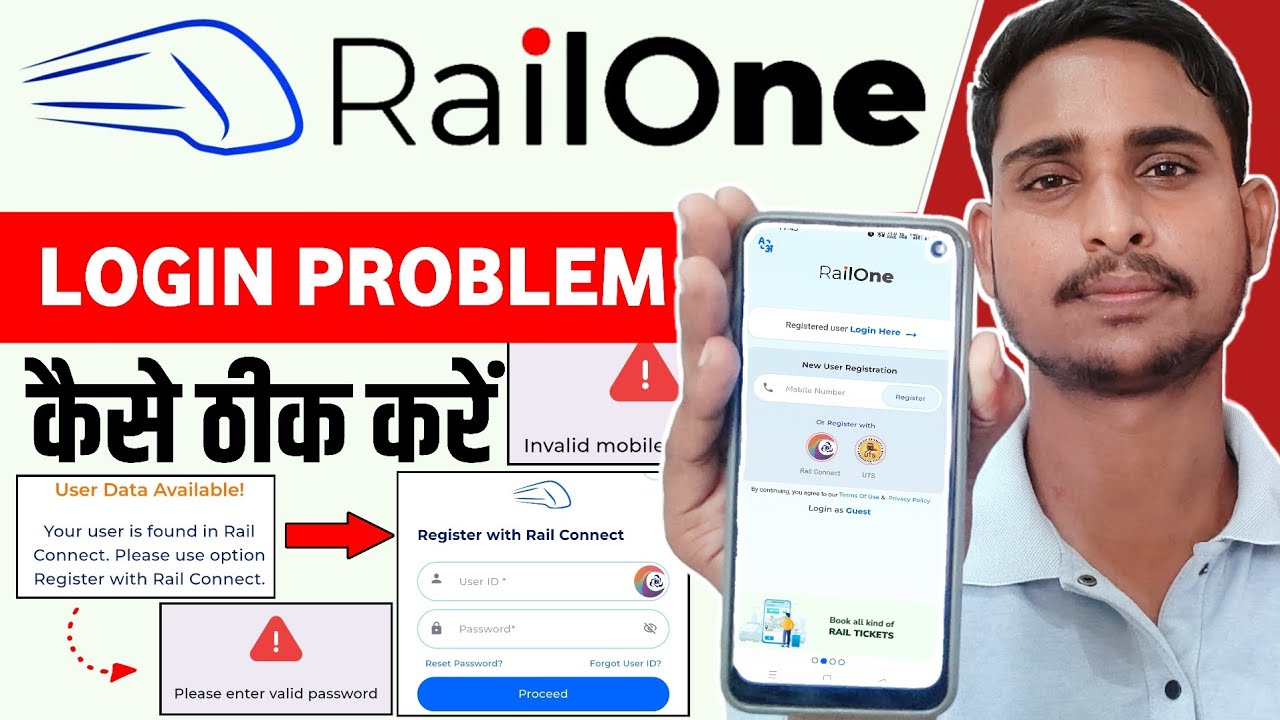
How to Change password Railone app | Railone app password Expired Problem | Railone Forget password
Автор: TEC KEY
Загружено: 2025-07-12
Просмотров: 19121
Описание:
How to Change password Railone app | Railone app password Expired Problem | Railone Forget password
If your Railone app password has expired, you'll generally need to follow a password reset process. Here's a breakdown of common solutions and important information:
1. "Forgot Password" Option:
The most straightforward solution is to use the "Forgot Password" option within the Railone app itself.
You'll likely be asked to enter your registered mobile number or email ID.
An OTP (One-Time Password) will be sent to your registered contact for verification.
After successful verification, you'll be able to set a new password.
2. Link with IRCTC Credentials:
Railone is designed to integrate with existing IRCTC accounts. If you have an IRCTC account, you might be able to use your existing RailConnect or UTSonMobile credentials to log in or register on Railone.
If your IRCTC password is also expired or you're facing issues there, you might need to reset it through the IRCTC website or app first.
3. Common Issues and Solutions:
OTP Not Received: Check your network connection, ensure you've entered the correct mobile number/email, and try requesting the OTP again.
App Crashes/Login Issues: Ensure your app is updated to the latest version. If problems persist, try reinstalling the app.
Account Blocked: Some users have reported their IRCTC accounts getting blocked due to password mismatches when trying to use Railone. In such cases, the account might be blocked for a full day and become available for password reset at midnight.
4. Contact Support:
If you're still unable to resolve the issue, contact Railone support.
Email: [email protected]
Helpline: Call 139 (Indian Railways Helpline)
Important Notes:
Railone is a relatively new "super app" launched by Indian Railways, and some users have reported initial teething issues with login and updates.
The app features a "single sign-on" capability, meaning you ideally won't need to remember multiple passwords for various railway services once logged in.
For reserved ticket bookings, you can also use the IRCTC app or website.
By following these steps, you should be able to resolve your Railone app password expired problem.
#railone
#password Expired
#irctc
.........................................................................
Amazon paid promotion
मैं वीडियो में क्या use करता हु।
Samsung Galaxy M56 👇
https://amzn.to/4k3oyoe
*Grenaro wireless mic 👇
https://amzn.to/41dcslJ
*Boya wire mic 👇
https://amzn.to/3CNOg01
*Amazon Tripod 👇
https://amzn.to/4gFYFIU
*Xiaomi Pad 7 👇
https://amzn.to/3WZGOpD
🔳Amazon Store collection 👇
https://www.amazon.in/shop/desiitech
..........................................................................
Disclaimer:-
Copyright Disclaimer Under Section 107 of the Copyright
Act 1976, allowance is made for "fair use" for purposes such as criticism, comment, news reporting, teaching, scholarship, and research. Fair use is a use permitted by
copyright statute that might otherwise be infringing.
Non-profit, educational or personal use tips the balance in
favor of fair use.
......................................................................
Video Topic Covered:-
railone app password change
how to change password railone app
railone app login issues
railone app password reset
railone app account security
railone app account settings
railone app password update
railone app login help
railone app user guide
railway app password change
irctc railone app
railone app troubleshooting
railway ticket booking
railone app registration process
railone app account management
......................................................................
Thanks for watching............
Повторяем попытку...

Доступные форматы для скачивания:
Скачать видео
-
Информация по загрузке: