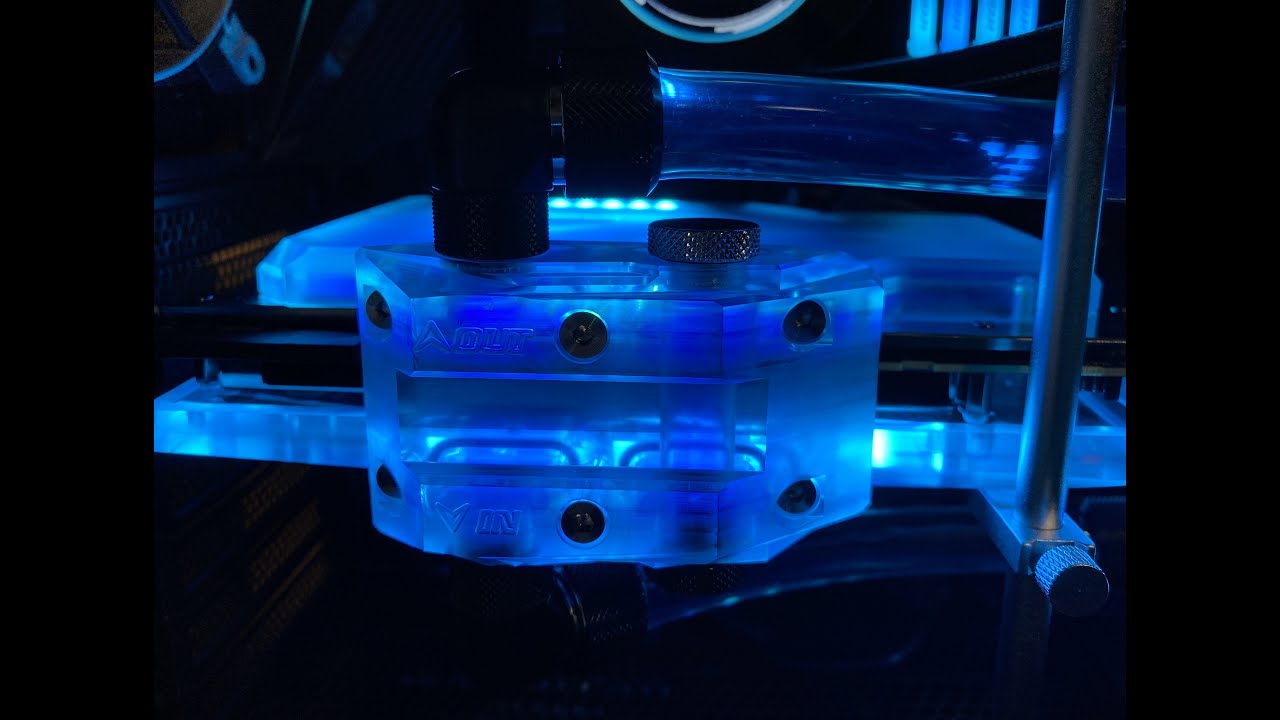
Bykski 3090 Xtreme waterforce WB gpu block with active backplate installation
Автор: Chris Tech Rants
Загружено: 2021-06-02
Просмотров: 10851
Описание:
So......my 360 rad finally arrived. so i decided to shoot the installation of the blocks since, i'd be draining the loop to install the new rad =)
Installation only, not done with benchmarking =)
VIDEO CARD: Aorus rtx3090 xtreme waterforce WB
BYKSKI Waterblock with active backplate
Waterblock: N-GV3090AORUS-X
Active backplate: N-GV3090AORUS-TC-BE
Take away for this video:
1. Backplate, as per the desciption of the item posted on aliexpress: the block's designed for rtx 3090 master.
2. Slight bending of the pcb near the display ports. You'd have to find your solution else where, as it may vary with the pcb i suppose. i fixed mine by placing a bit of thermal pads on top of the capacitors near the display port/ near where the bending happens.
3. in my case, cause of the bending is cause by the thermal pads on top of the vrams.
4. just be careful, i don't think having an xtreme waterforce edition had anything to do with it, since i'm pretty sure the backside of the pcb is pretty standard for all 3090s (UNLESS I'M MISTAKEN).
5. just remember that bending of the pcb isn't really good for the card especially during prolonged use at high PCB temps.
6. with the active backplate installed, you'd have to consider your motherboard pcie spacing if thinking about getting 2 3090s. so the entire card now eats 3 slots of pcie. factoring in the fittings for both the in and out port, it will eat up 5 slots.
hope you guys like it.
Повторяем попытку...
Доступные форматы для скачивания:
Скачать видео
-
Информация по загрузке:


