Finally, A 4K Webcam You Won't Regret Buying
Автор: Stream Scheme
Загружено: 2026-03-13
Просмотров: 589
Описание:
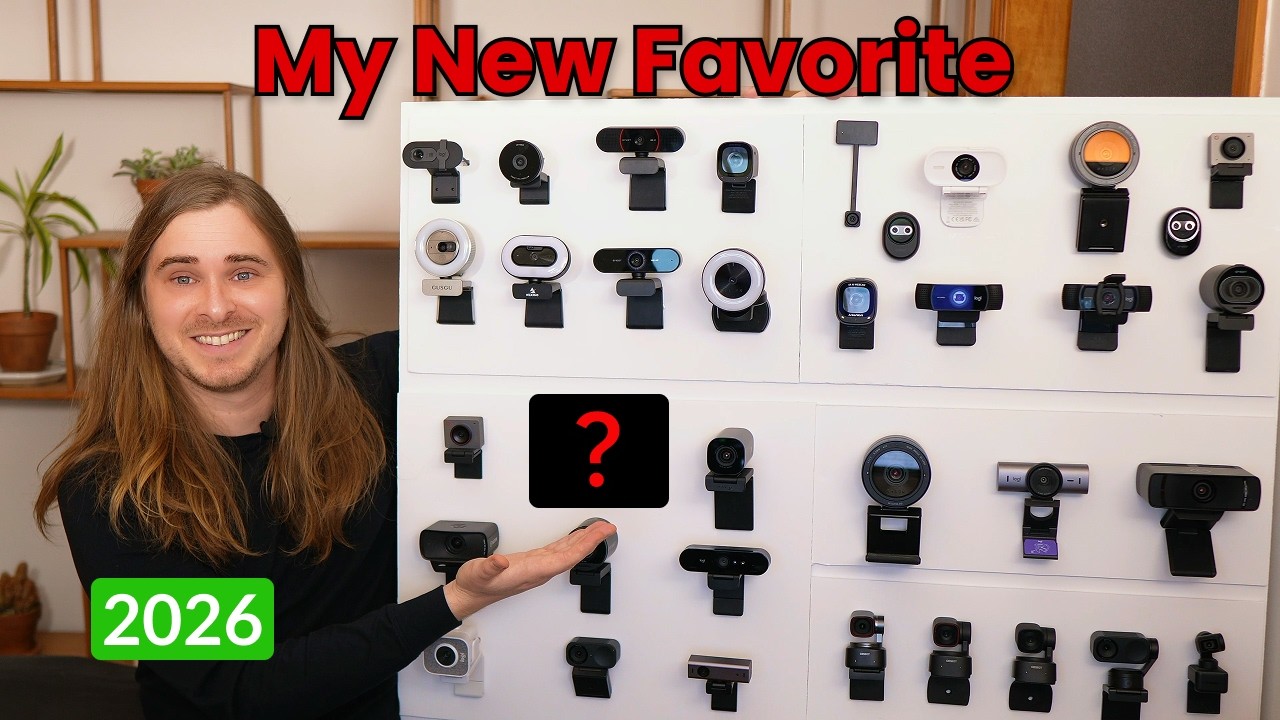
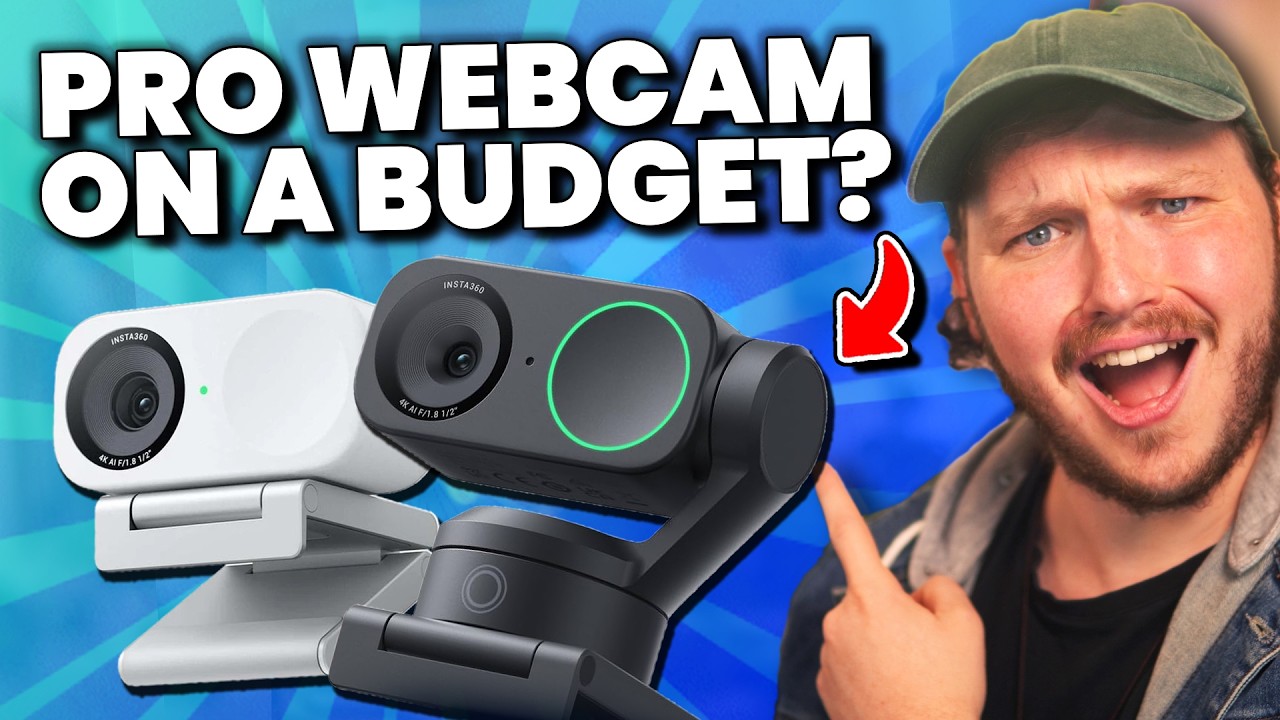
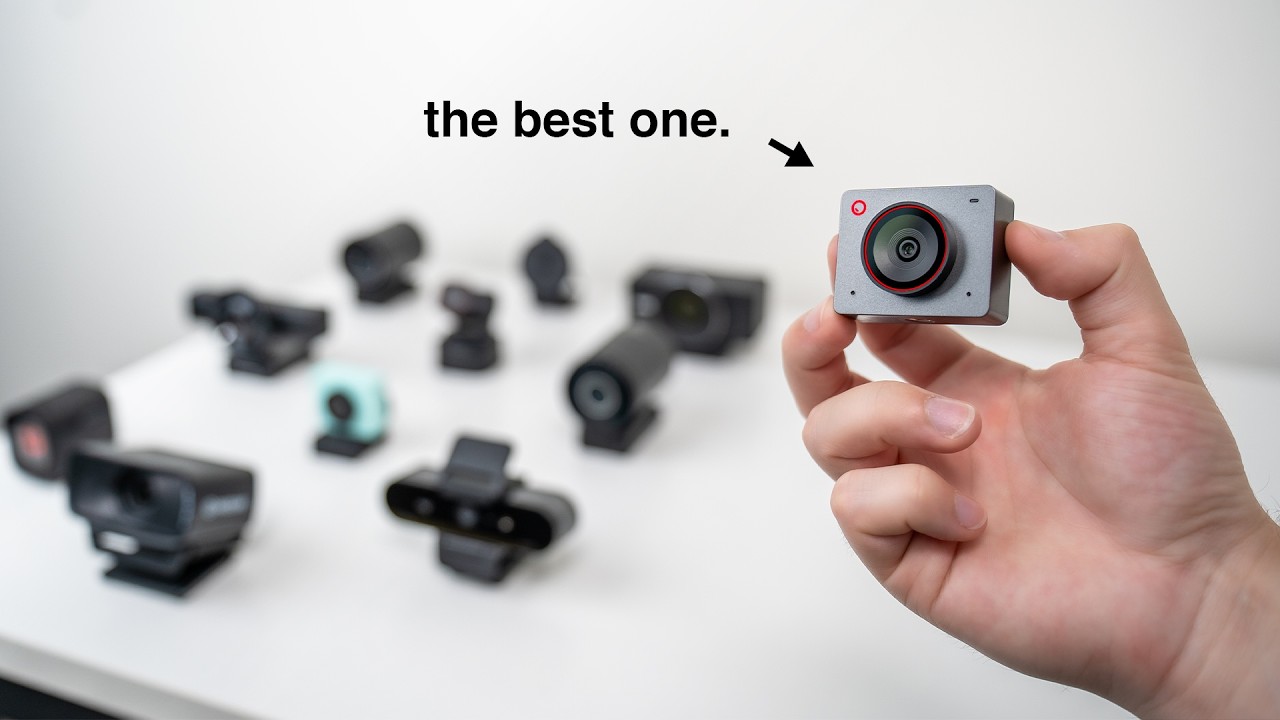
Picking the right or best 4k webcam on a budget is a big decision, not just for the quality of your content, but also for your wallet, there are literally thousands of webcams to pick from, but today I want to show you my personal favourite, the one I've been using since December on my streams because its one of the best webcams for streaming, and potentially the BEST Webcam right now, the INSTA360 Link 2 Pro!
👉 First 10 purchases on either platform using the dedicated code will get a free mini tripod and, will get up to 20% off, as well as a 1-month free membership for Insight Pro.
👑Insta360 Store:
· 🔴Affiliate link: https://bit.ly/4setxXl
· 🔴Code: INRSGSZ9MXA
👑Amazon:
· 🔴 Link: https://bit.ly/4kViaRy
· 🔴Gift code: STREAMCAM
👑INSTA360 LINK2C PRO - Cheaper, but Same Image Quality:
https://amzn.to/4sHRTZI
👑Lighting I Used:
🔴Neewer GL1C: https://amzn.to/3GkqRVR
🔴Neewer GL1 PRO: https://amzn.to/4nwKyuc
👑Budget Lighting:
🔴Neewer GL25B: https://amzn.to/4nD9SyU
🔴Smallrig Handheld: https://amzn.to/3Gvoi36
These tiny little webcams are boasting a massive 4K image, with crisp quality, amazing colour accuracy, full HDR for dynamically lit scenes, a 1.9 Fstop for better depth of field, and insane low light performance, with amazing auto focus, optional face tuning filters, and gesture controlled automatic face or body tracking … all of this is amazing, but is this 4K webcam worth buying?
🔴 Download FREE Animated Overlays From Our DISCORD:
https://bit.ly/FREEStreamOverlays
How To Add A Webcam To Streamlabs OBS and OBS
To add our webcam to Streamlabs OBS or OBS, go-to sources, click add source, add a new video source, and select your webcam from the list, you have your webcam, now you need to change the settings.
We need to turn off all of the automatic settings. Right-click the camera source, properties, change the default to custom, now you can edit the resolution to be 1920 by 1080, OR 720. If you plan to crop in on your camera or zoom in like we want to do later in this video, 1080 is probably the resolution you want, but it is more intensive on your PC so I do recommend 720p for most people.
Next is FPS, I noticed some lag issues with I set this to highest but they went away if I set it to match the source, OR set it to 30.
Colour space you’ll want 709, and finally, the color range is set to full. This will give you your base webcam inside Streamlabs OBS or OBS.
🕘Timestamps:
0:00 Why Buying A 4K Webcam Is Difficult
0:20 Why I Use The INSTA360 Link 2 Pro 4K Webcam Now
1:10 Best Low Light Performance for a 4K Webcam - INSTA360 Link 2 Pro
4:00 Real Depth Of Field and Sharpness - INSTA360 Link 2 Pro
5:10 How good is the Autofocus on the INSTA360 Link 2 Pro?
5:35 How do the Colours look on the INSTA360 Link 2 Pro?
6:25 How To Use The 2-Axis Gimbal and Tracking on the INSTA360 Link 2 Pro?
7:10 Cheaper More Budget Friendly on the INSTA360 Link 2C Pro
7:27 Why I Love INSTA360 Gimbal Webcams now
7:45 How to control the INSTAL360 Link 2 Pro from your Phone
8:48 Is The INSTA360 LINK 2 PRO A Budget 4K Webcam?
How To Change White Balance Inside Streamlabs OBS or OBS
Essentially different lights produce different color temperatures, you need to set your webcam or any camera to match that white balance so that you get accurate colors.
Normally set my key light up so that it is producing daylight or white color of around 4500 kelvin, and I will set my white balance to something similar in my camera. For now, there are charts you can use to help but essentially the mistake is that people don’t set this manually meaning the webcams and camera often try to adjust it automatically and the camera gets it VERY wrong!
It’s why sometimes you are super orange or super pale, the webcam has gone “This looks about 3600 kelvin!” when in reality it might be 5500 kelvin but it thinks 3600 because it saw an orange poster and thought it was white. To adjust this manually, you’ll go into your webcam settings and find it here, make sure automatic is off, and drag it around till you find the right balance for you.
The style of this video is similar to Alpha Gaming and Gaming Careers in parts. A large influence on this series has come from content creators like Wild4games and Nutty.
Free LUTS For Streaming And Video:
https://www.premiumbeat.com/blog/29-f...
🎬Watch our most recent videos:
https://bit.ly/RecentStreamVids
🎬 Playlists You Might Like:
https://bit.ly/StreamGuidesPlaylist
-------------------------------SOCIAL-------------------------------
🐦Go force Eljay to use Twitter: http://bit.ly/EljaysTweets
#4kwebcam #review #webcam
Повторяем попытку...
Доступные форматы для скачивания:
Скачать видео
-
Информация по загрузке:






![Как я делаю ДЛИННЫЕ видео в Grok за 0₽? [ГАЙД 2026]](https://imager.clipsaver.ru/JqmsTdUdfeY/max.jpg)