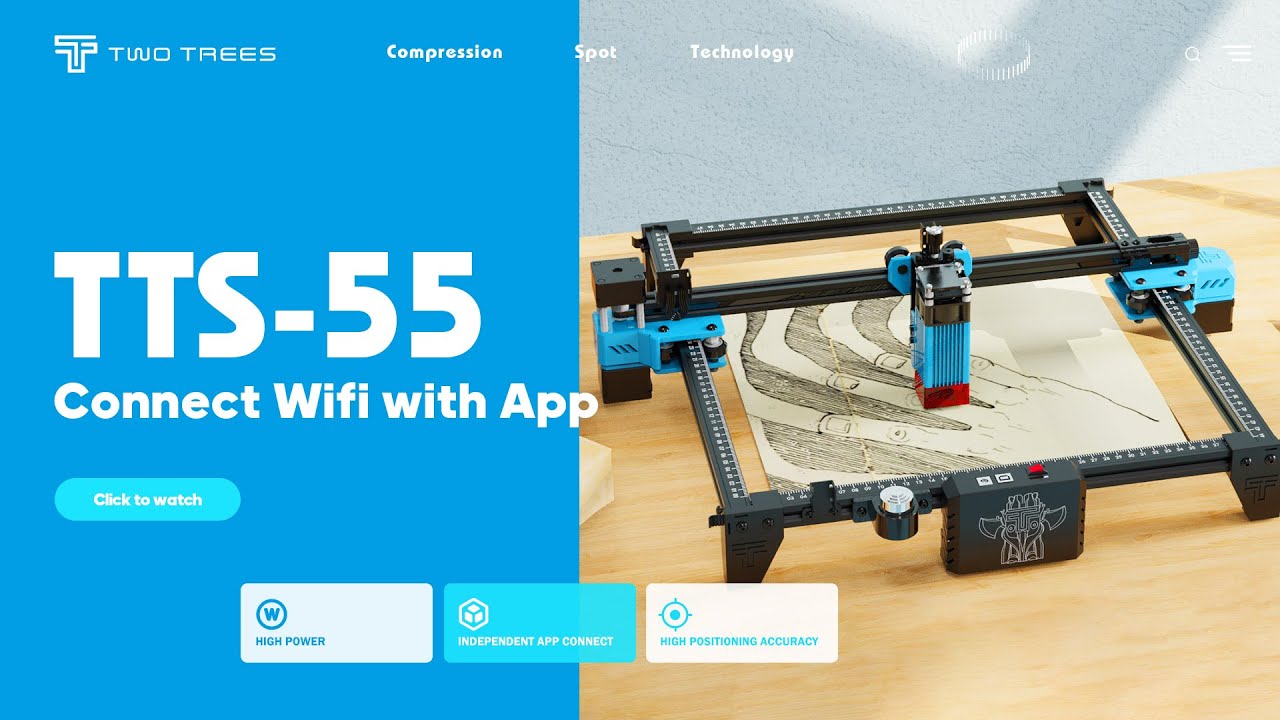
TTS-55 | Connect Wifi with App
Автор: TWO TREES Official
Загружено: 2022-04-25
Просмотров: 49847
Описание:
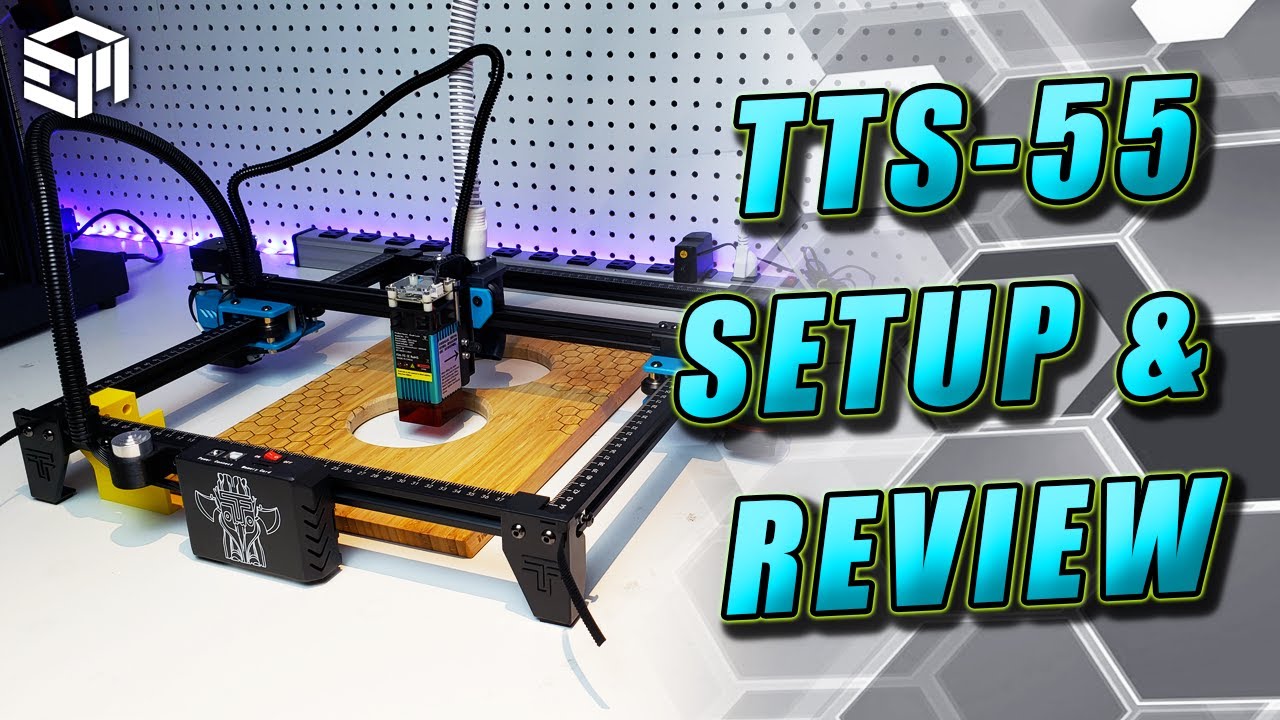
📚This video will show you how to connect TTS-55 and operate it wirelessly.
Not only supports computer operations but also supports collection operations, follow my steps to see how to play with TTS-55
1. Install the CH340 driver
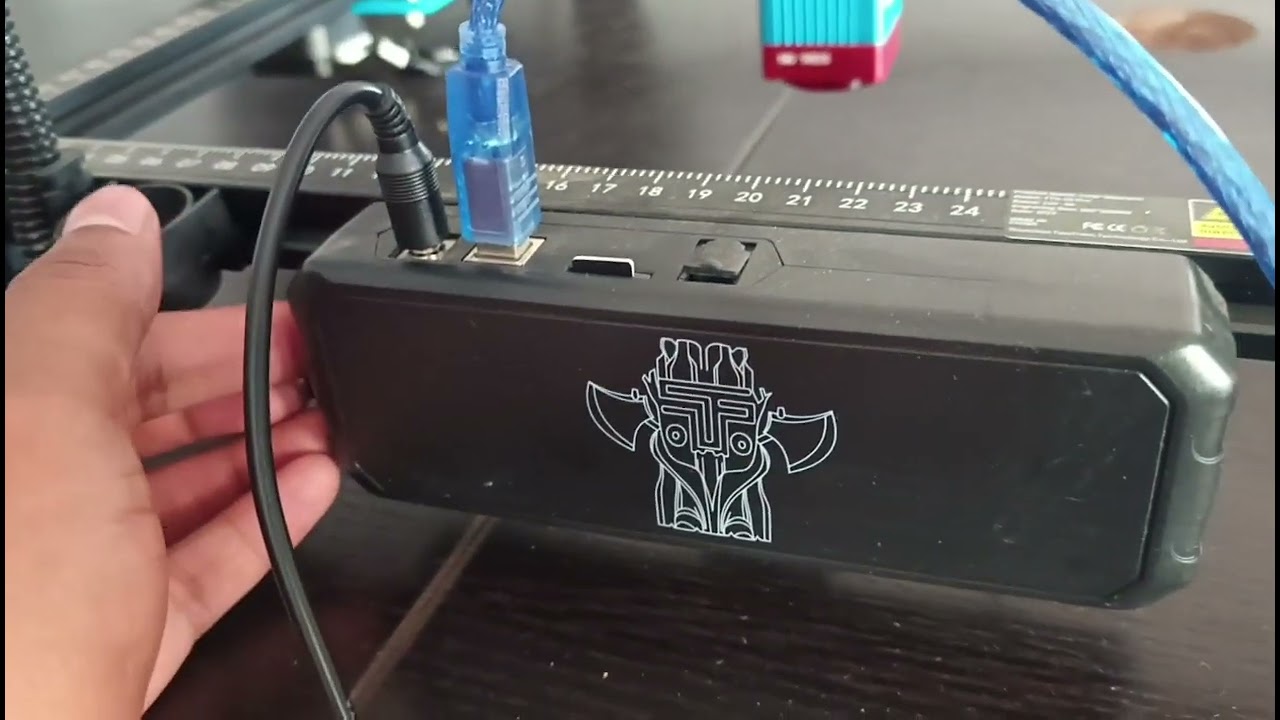
2. Pluging the USB cable and turn on the TTS-55 switch
3. Check the machine link serial port
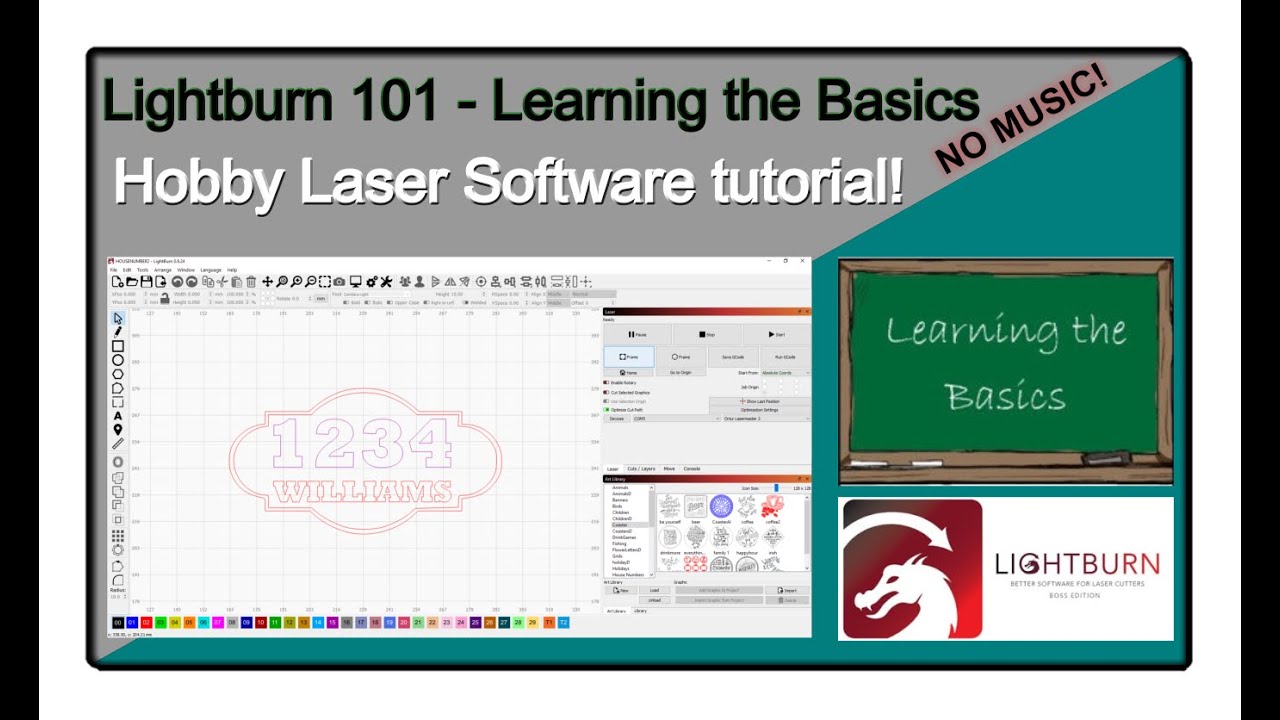
4. Install laser tool
5. Enter the WiFi setting interface
6. Find "MSKLaser" in the app store or TF card to install
7. Enter the APP interface to import parameters then test whether the machine moves normally
Everything is ok??? Let's start to create art🚀
----------------------------------------------------------------------#twotrees
🚩 For more info or help please find
Tech or After-sales Support: service @twotrees3d.com or Whatsapp:+86 177 2282 7789
Members' Support: / twotr. .
For buying please directly go to TwoTree's official shop: https://www.twotrees3dofficial.com
-----------------------------------------------------------------------#laserengraver
#laserengraving #laser #laserengraved #lasercutting #co #lasercutter #lasermarking #lasermarker #lasercut #fiberlaser #custom #laserengrave #engraving #lasermark #cnc #diy #handmade #personalized #laserengravingmachine #laserco #woodworking #lasermarkingmachine #gifts #lasermachine #gcclaserpro #laseretched #lasercuttingmachine #cncwoodworking #gccworld
Повторяем попытку...
Доступные форматы для скачивания:
Скачать видео
-
Информация по загрузке: