How to program the Roland TR-909 drum machine!
Автор: Rosen Sound
Загружено: 2025-06-10
Просмотров: 1681
Описание:
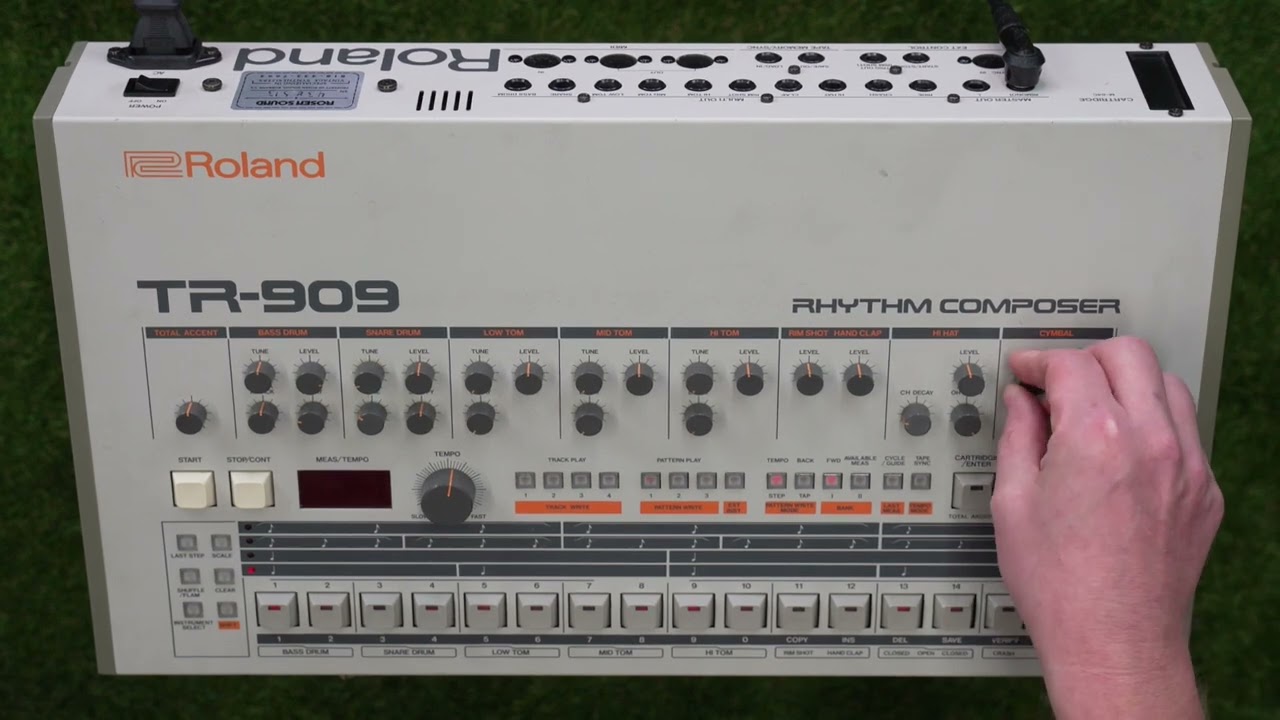
This video will show you how to program patterns and tracks into the Roland TR-909 rhythm composer. It will also show you how to utilize the Total Accent and Shuffle/Flam functions as well as how to initialize the 909 to its factory defaults.
00:00 Intro
00:12 Powering on the 909
00:25 Changing TEMPO MODE
01:19 BANK I or II selection
01:40 PATTERN WRITE mode
01:54 CLEAR a pattern
02:10 STEP pattern write mode
02:24 Program BASS DRUM in STEP pattern write mode
03:04 INSTRUMENT SELECT button
03:21 Program SNARE DRUM in STEP pattern write mode
03:32 Program OPEN HI HAT in STEP pattern write mode
03:55 TAP pattern write mode
04:22 Program sounds in TAP pattern write mode
05:00 A word about HI HAT choking
05:32 Program TOTAL ACCENT in STEP pattern write mode
05:48 Program SHUFFLE in STEP pattern write mode
06:09 Program FLAM in STEP pattern write mode
07:26 Change time signature with SCALE button
07:43 Changing PATTERNs
07:51 Chaining two PATTERNs together
08:07 Chaining five PATTERNs together
08:25 Enter TRACK WRITE mode
08:36 DELETE a track
08:41 Reset LAST MEASure to 1
08:49 Program PATTERN 1 into measures 1 & 2
09:10 Program PATTERN 2 into measures 3 & 4
09:20 Program PATTERN 4 into measure 5
09:25 Enter TRACK PLAY mode
09:51 Initializing the 909 to factory defaults
10:15 Outro
Повторяем попытку...
Доступные форматы для скачивания:
Скачать видео
-
Информация по загрузке: