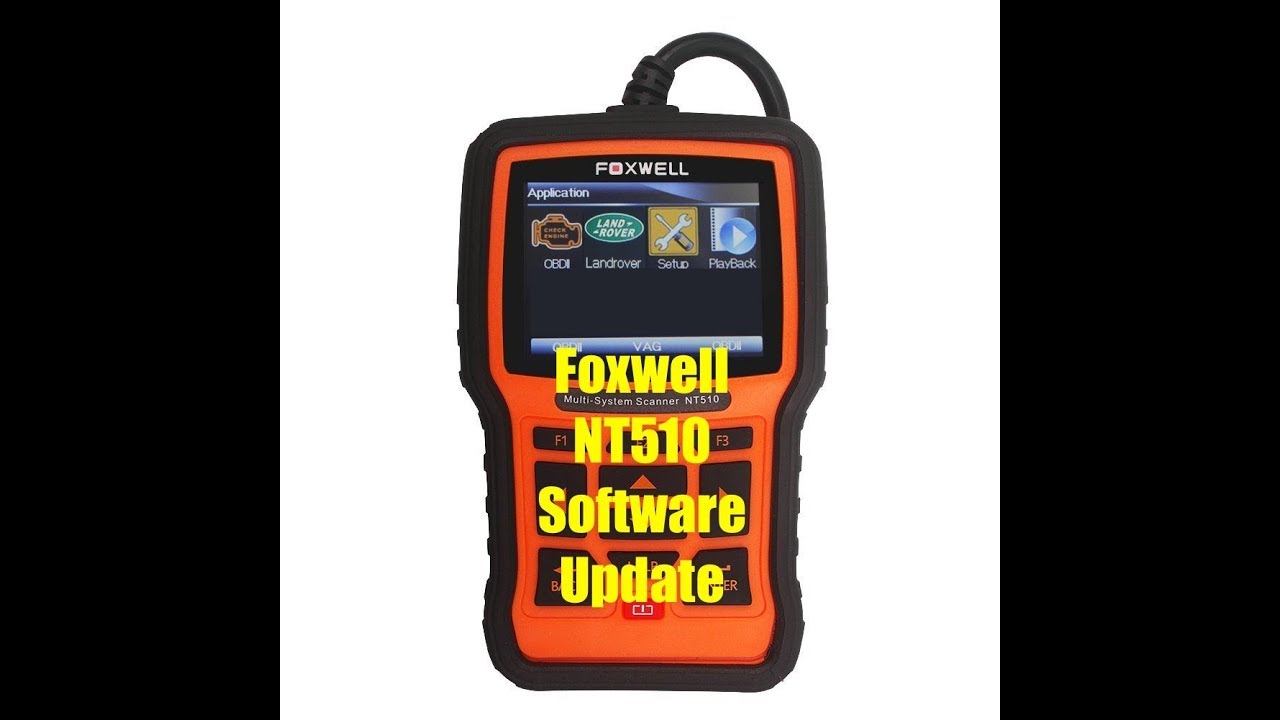
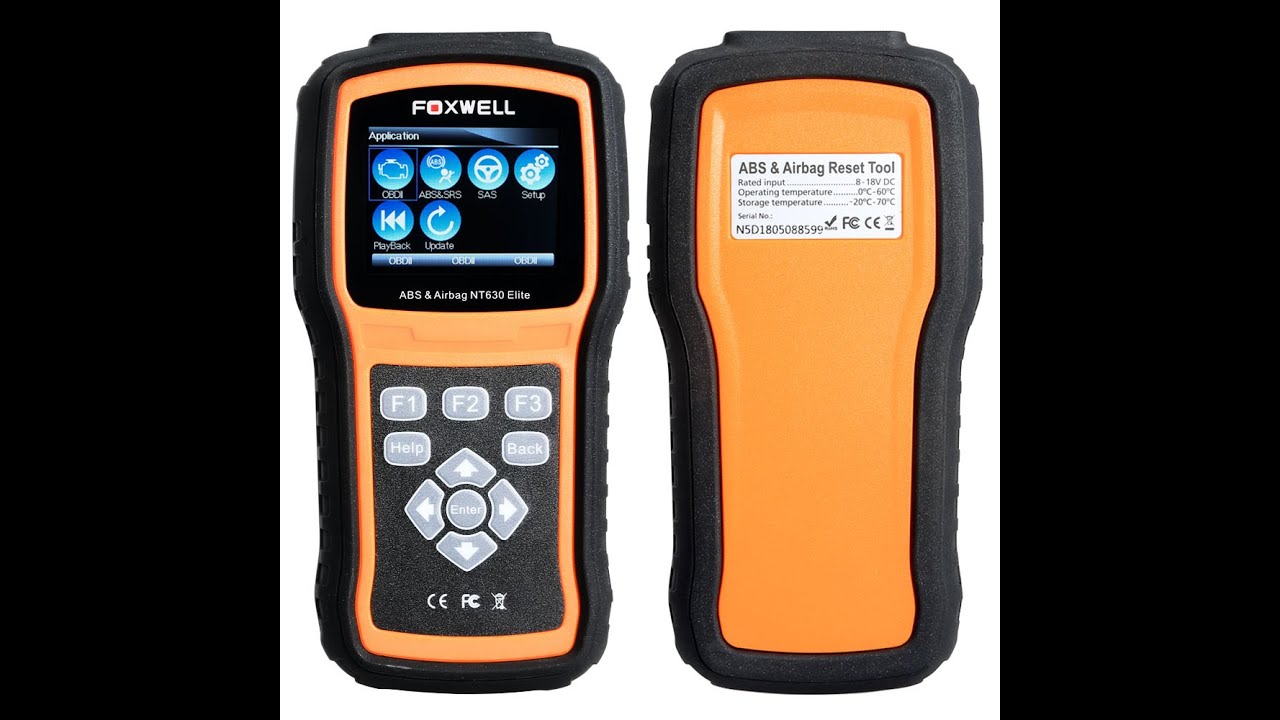
Foxwell Scan Tools - NT301 Software Update Procedure
Автор: OLCTinfo
Загружено: 2014-07-17
Просмотров: 49512
Описание:
http://foxwell.com.au/nt301-software-...
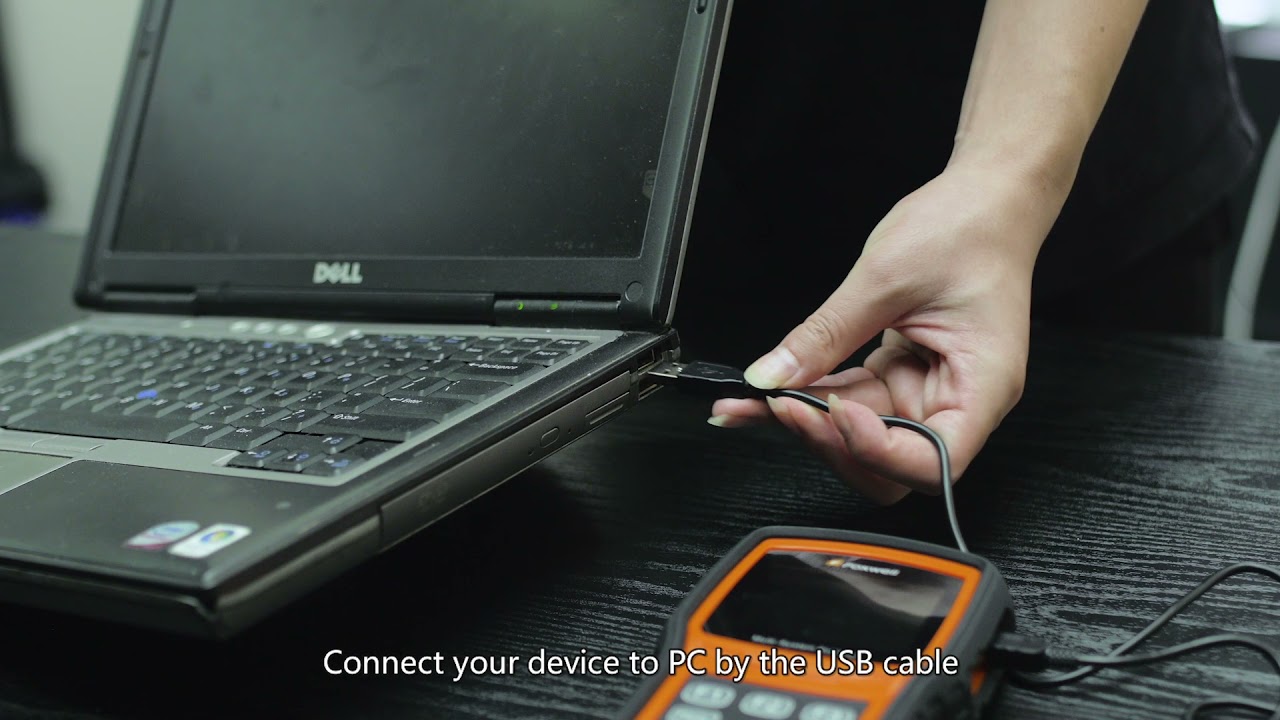
Install the Suppled USB cable into a USB port on your computer,
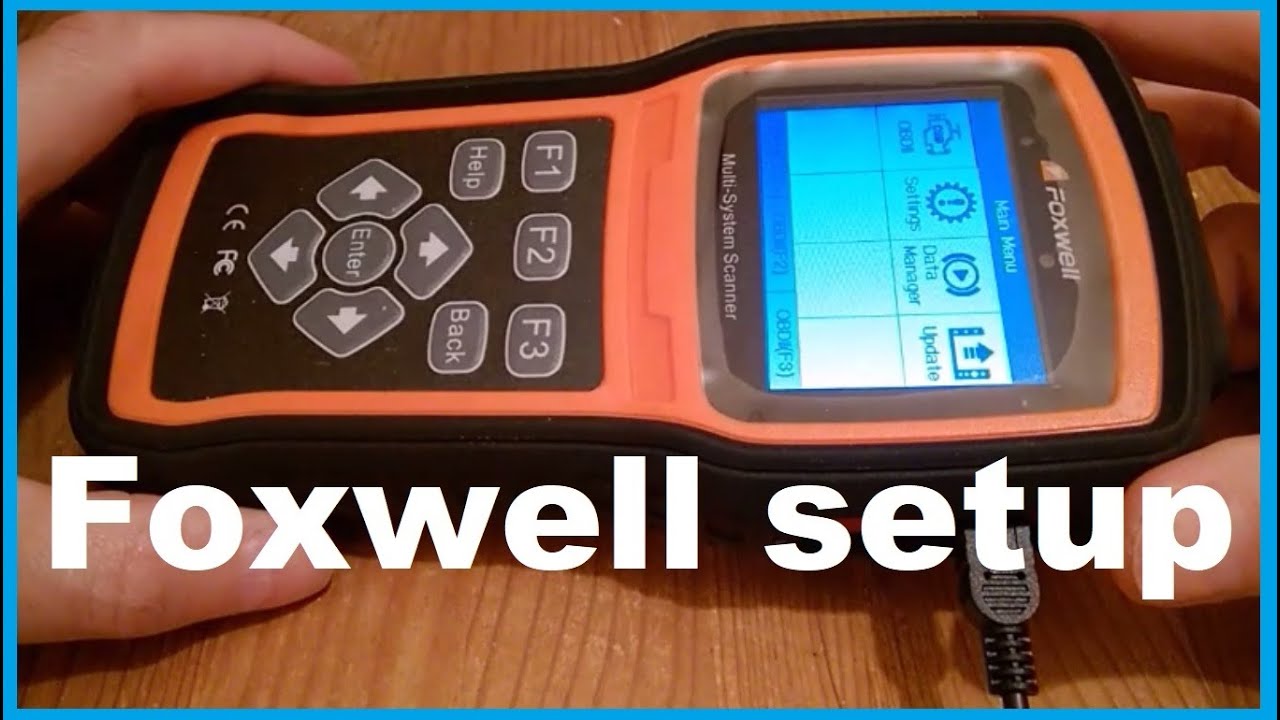
Inset the other end into the NT301 Foxwell Scan Tool.
Open the Nt wonder application
It will display what tool is currently connected and its status.
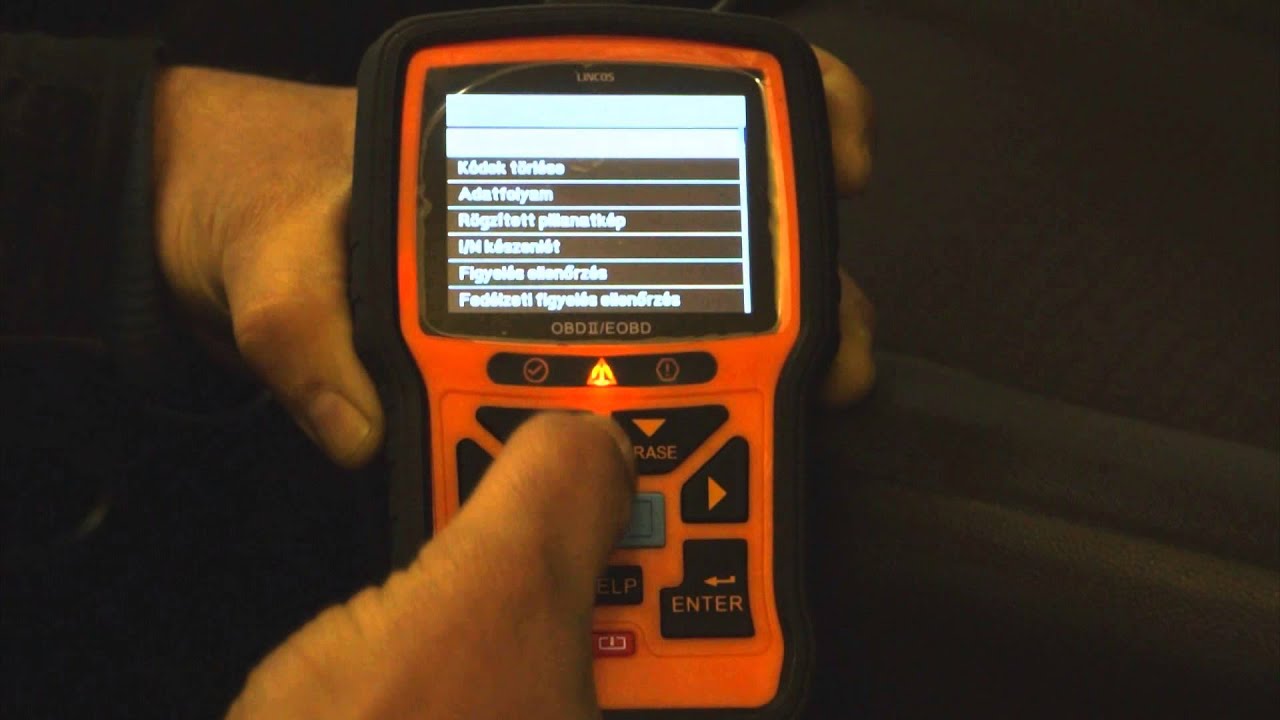
To update the tool, it needs to be put into update mode, this is done, (as displayed on the screen) by Holding down the HELP button for 5 seconds.
Select Update online in the NT wonder application and the update will download and install.
In the next video I will show you how to print saved data from your scan tool.
Website : http://foxwell.com.au/
Facebook : / foxwelltech
Twitter : / foxwelltech
Google Plus : https://plus.google.com/+FoxwellAu/posts
Повторяем попытку...

Доступные форматы для скачивания:
Скачать видео
-
Информация по загрузке: