HONOR Magic8 Pro – Reset Camera Settings
Автор: HardReset.Info
Загружено: 2026-01-28
Просмотров: 29
Описание:
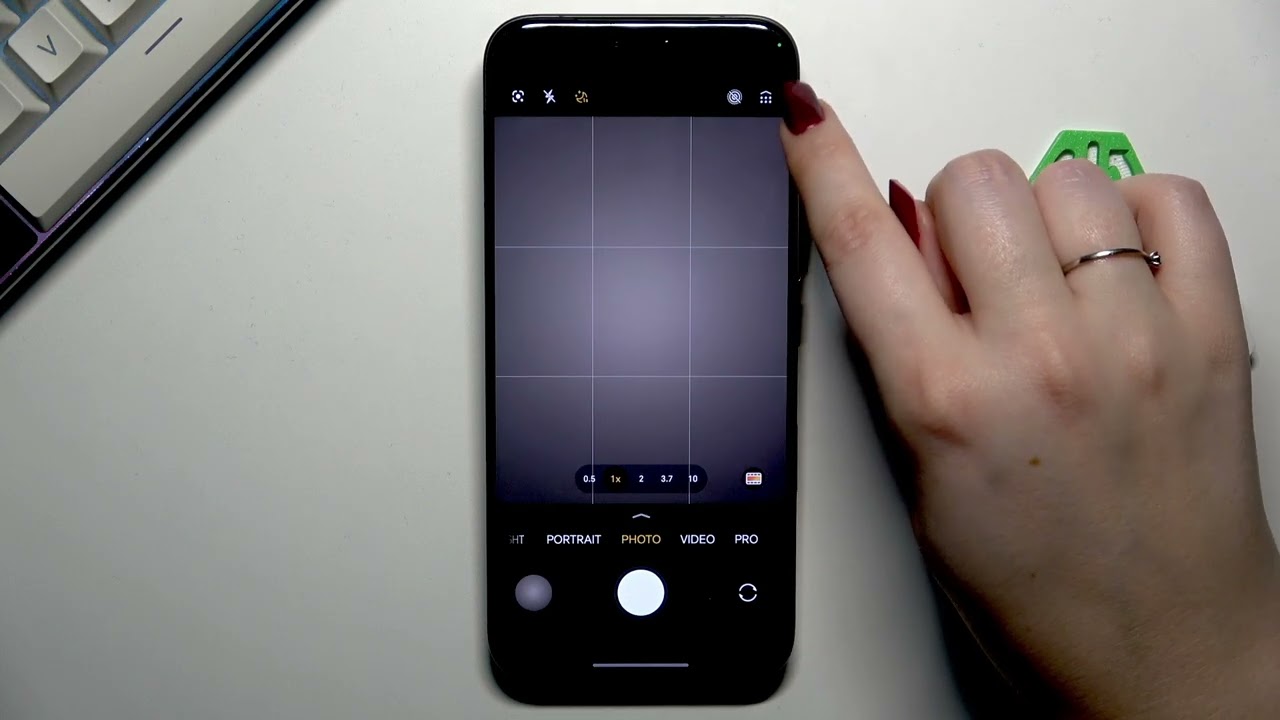
In this video I show how to reset camera preferences on the HONOR Magic8 Pro. You will learn how to open the Camera app, access the six-dot menu, go into Camera settings, use Restore Defaults and confirm the reset. After the operation you will see the grid lines removed, Auto Night Mode returned to default, and the camera asking for location permission again. This quick, clear walkthrough helps when camera options behave unexpectedly or you want to restore the original camera configuration on your HONOR Magic8 Pro. Useful for fixing custom setting mistakes, returning to stock behavior, or troubleshooting camera issues.
How to reset camera settings on HONOR Magic8 Pro?
How to restore default camera preferences on HONOR Magic8 Pro?
Where is Restore Defaults in HONOR Magic8 Pro Camera app?
0:00 Intro – Reset camera preferences on HONOR Magic8 Pro
0:06 Open Camera app and check current photo mode
0:18 Show grid lines as visual evidence
0:30 Tap six-dot menu (top-right) to open camera options
0:37 Tap Settings to enter camera settings
0:47 Scroll down and tap Restore Defaults, then confirm OK
0:55 Camera requests location permission after reset
1:11 Results: grid removed, Auto Night Mode set to default
1:32 End – summary and subscribe
#HONORMagic8Pro #CameraReset #CameraSettings #SmartphoneTips
Find out more:
https://www.hardreset.info/devices/ho...
Follow us on Instagram ► / hardreset.info
Like us on Facebook ► / hardresetinfo
Tweet us on Twitter ► / hardreseti
Support us on TikTok ► / hardreset.info
Use Reset Guides for many popular Apps ► https://www.hardreset.info/apps/apps/
Повторяем попытку...
Доступные форматы для скачивания:
Скачать видео
-
Информация по загрузке:




![Divine Music - The Year Mix Vol.10 [Chill & Ethnic Deep 2025]](https://image.4k-video.ru/id-video/Q3XBH_FhuKY)

![[4K FULL HD] Relaxing Water Background | 1 HOUR | Calm Water Wallpaper (No Sound)](https://image.4k-video.ru/id-video/y9PTNTSpGJs)

