How to Draw a Circle in WPS Office | Draw Shapes
Автор: MrQuick
Загружено: 2023-08-26
Просмотров: 3395
Описание:
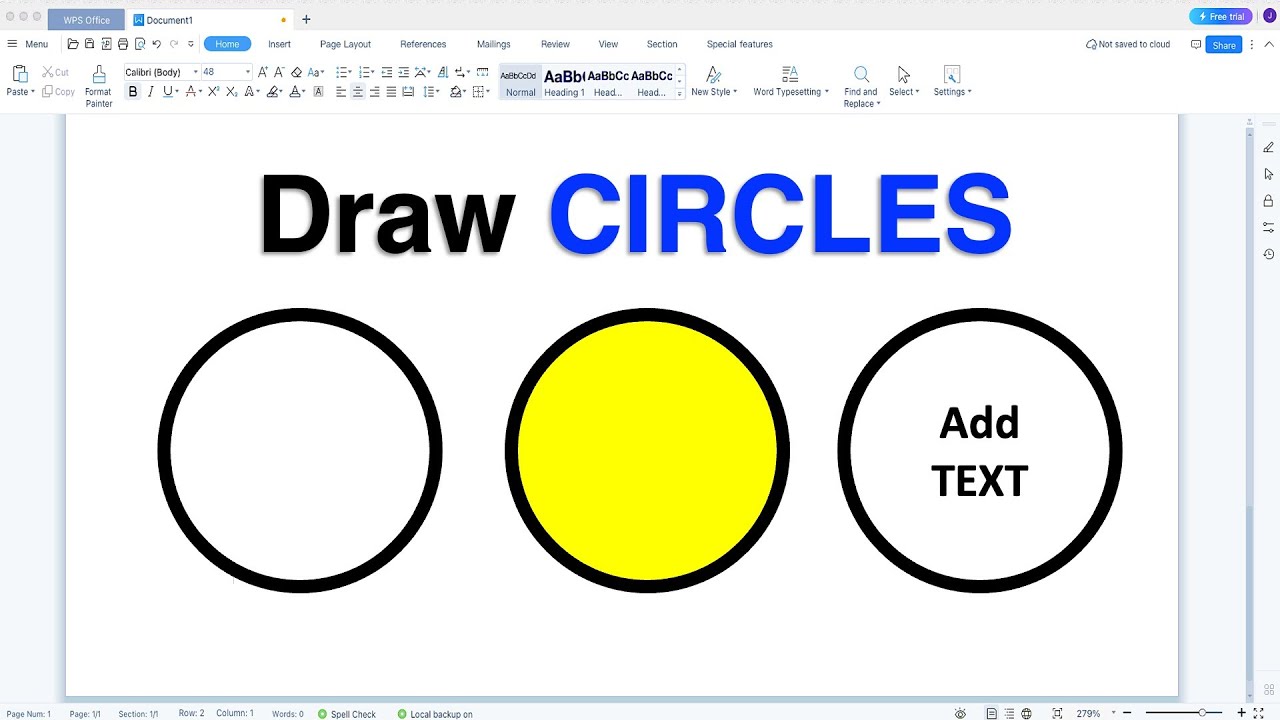
In this WPS Shapes Tutorial Video Learn How to Draw a Circle in WPS Office Writer document. To draw the perfect circle go to the Shapes Option under the Insert Tab and select oval then click inside the WPS writer document to get the perfect circular shape. You can customize the circle by changing its corder color thickness and style. You can also fill a circle with color and add text to a circle.
0:00 Circle
0:14 Draw Circle in WPS
0:50 Perfect Circle In WPS Office
1:05 Change Circle Color
1:27 Customize Borders of Circle
1:56 Add a Text to Circle
I hope this detail shapes tutorial will solve your problem of how to draw circle in WPS Office. You can use the same method to draw other shapes like square, rectangle, arrow or lines.
If you have any questions comment and let me know
Повторяем попытку...
Доступные форматы для скачивания:
Скачать видео
-
Информация по загрузке:




![ARMIA PUTINA DRUGĄ ARMIĄ ŚWIATA? PRAWDZIWA SIŁA ROSJI [WOLSKI I BOJKE]](https://imager.clipsaver.ru/-0hLR4R3gvk/max.jpg)