How To Change Screen Brightness On Samsung Galaxy Fit 3
Автор: WebPro Education
Загружено: 2024-04-02
Просмотров: 667
Описание:
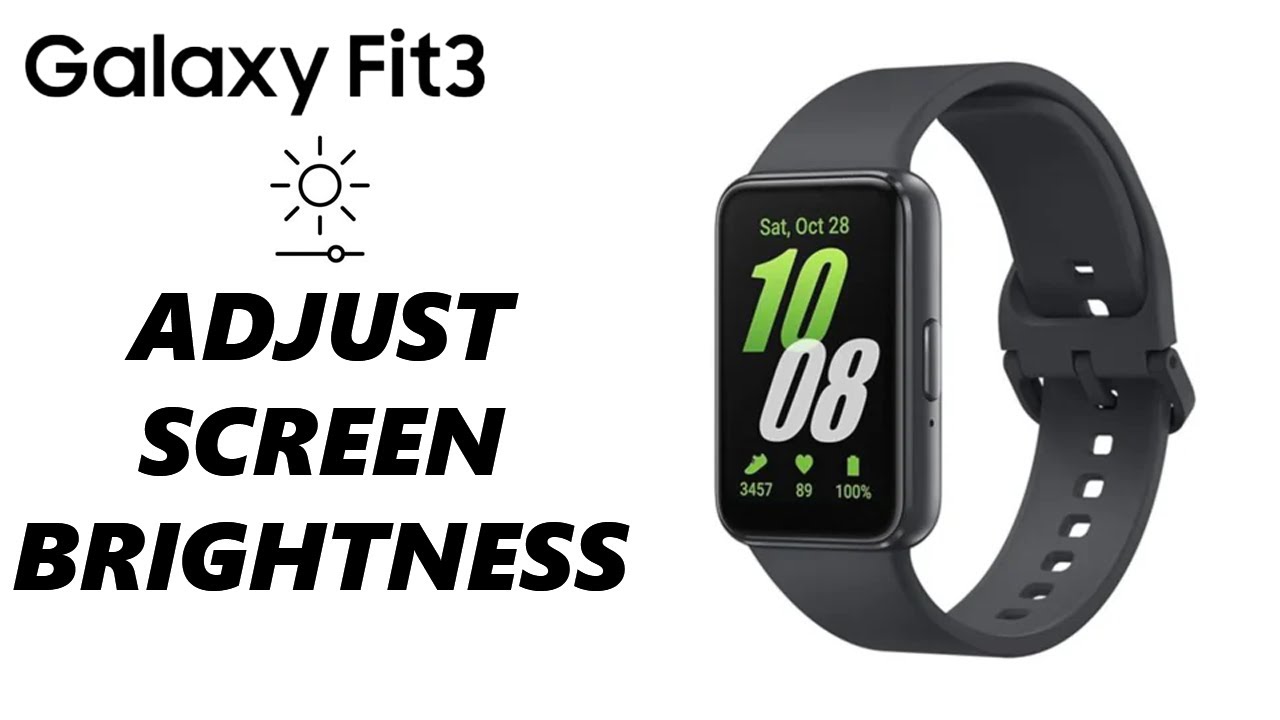
Here's how to change the screen brightness on the Samsung Galaxy Fit 3.
Read: https://www.webproeducation.org/how-t...
The Samsung Galaxy Fit 3 is a versatile fitness tracker equipped with various features to enhance your workout experience. One crucial aspect of any wearable device is the display brightness, as it can greatly impact visibility and battery life. Here’s a step-by-step tutorial on how to change the screen brightness on your Samsung Galaxy Fit 3.
How To Change Screen Brightness On Samsung Galaxy Fit 3
How To Adjust Screen Brightness On Samsung Galaxy Fit 3
Step 1: Swipe down from the top of the home screen to access the quick settings menu. This can be done by placing your finger at the top of the screen and dragging it downwards.
Step 2: In the quick settings menu, you will see various icons representing different settings and features of your Galaxy Fit 3. Look for the brightness icon, which typically resembles a sun or a sun with rays.
It is usually located among the quick settings icons, but if you don't see it immediately, you may need to swipe left or right to access additional quick settings.
Step 3: Tap on the brightness icon to adjust the screen brightness. This will typically open a slider or present you with a few preset brightness levels.
Use the slider or select the desired brightness level from the available options. Slide to the left to decrease brightness or to the right to increase brightness until you reach your preferred level.
Step 4: Once you've chosen the desired brightness level, tap anywhere outside the brightness settings menu to close it and apply the changes.
Take a moment to ensure that the new brightness level meets your needs by navigating through different screens and apps on your Galaxy Fit 3.
SAMSUNG Galaxy FIT 3:
https://amzn.to/3IxyGVK
Samsung Galaxy A25 5G, Factory Unlocked GSM:
https://amzn.to/3wKYjQe
Samsung Galaxy S24 Ultra (Factory Unlocked):
https://amzn.to/3UprMJi
Samsung Galaxy A15:
https://amzn.to/48Mas5A
Samsung Galaxy A05 (Unlocked):
https://amzn.to/3uaivK7
#SamsungGalaxyFit3 #BrightnessSettings #DisplayBrightness #QuickSettings #ScreenBrightness #AdjustBrightness #FitnessTracker #GalaxyFit3Tips #UserGuide
----My Gear for Youtube videos----
Main Camera (iPhone 13 pro): https://amzn.to/3GZztve
Tripod: https://amzn.to/35acqRa
Cell Phone Tripod Adapter: https://amzn.to/3v3wFuI
Lights: https://amzn.to/3vkoGK7
As a full disclosure, I use affiliate links on this channel, and purchasing through these links earns me a small commission. The price you pay will be the same!
Website: https://www.webproeducation.org
Facebook: / webproeducation.org
Twitter: / webpro_e
Instagram: / webproeducation
Повторяем попытку...
Доступные форматы для скачивания:
Скачать видео
-
Информация по загрузке: