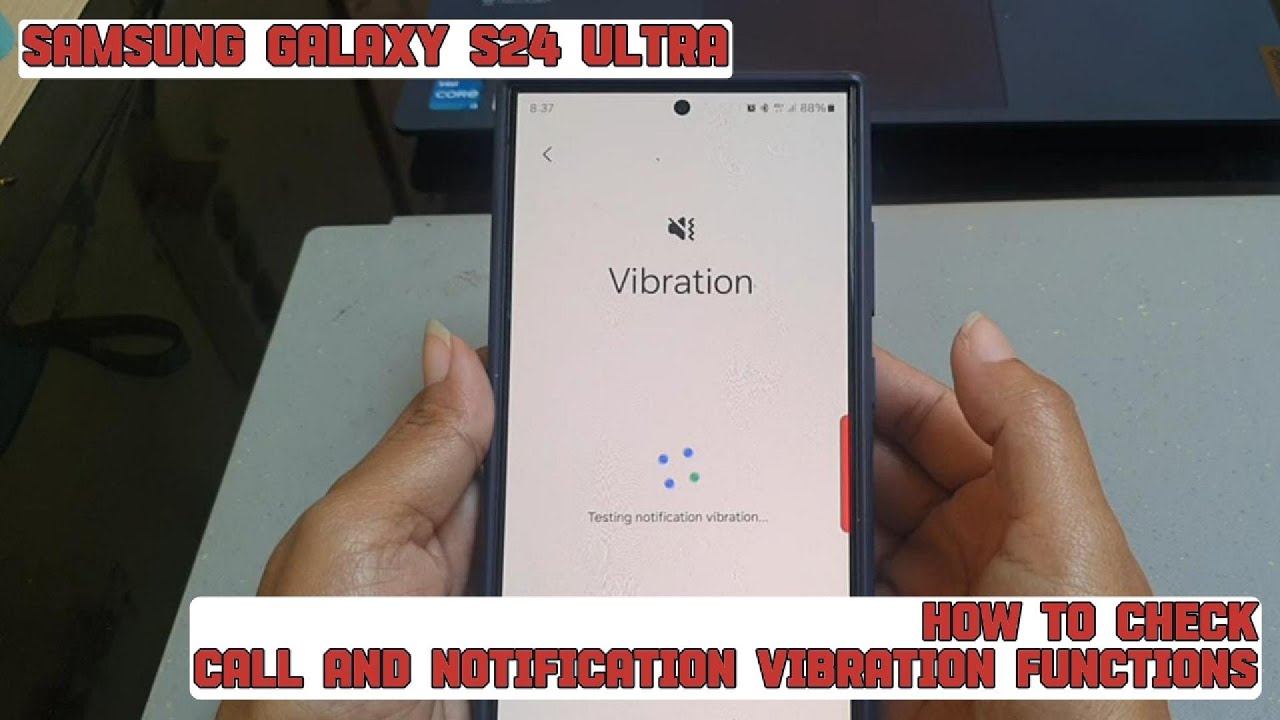
How to check call and notification vibration functions on your Samsung Galaxy S24 Ultra
Автор: S-Series School
Загружено: 2024-08-04
Просмотров: 42
Описание:
In this video, you will find the steps on how to check call and notification vibration functions on your Samsung Galaxy S24/S24+/S24 Ultra.
To check call and notification vibration functions on your Samsung Galaxy S24 Ultra, do the following steps:
Go to the settings menu.
Tap "Device care".
Under Additional care section, tap "Diagnostic".
Under Phone section, tap "Phone diagnostic".
Tap "Vibration" to start the test.
Tap "Vibrate" button to check the call vibration function. You will be asked whether or not you can feel the vibration. If you can feel the vibration, tap "Yes".
Tap "Vibrate" to check the notification vibration function. You will be asked whether or not you can feel the vibration. If you can feel the vibration, tap "Yes".
As the result, if you can feel both vibration functions, your phone will inform you that the call and notification vibration function on your phone are normal.
This video uses Samsung Galaxy S24 Ultra SM-S928B/DS International version runs with Android 14 (Upside Down Cake)
#galaxys24ultra #samsung #samsungtrainer
----------------------------------------------------------------------------------------------------------------------
You can join to our channel membership through this link to get extra benefits : https://www.youtube.com/@cakwin22/join
Повторяем попытку...
Доступные форматы для скачивания:
Скачать видео
-
Информация по загрузке:


