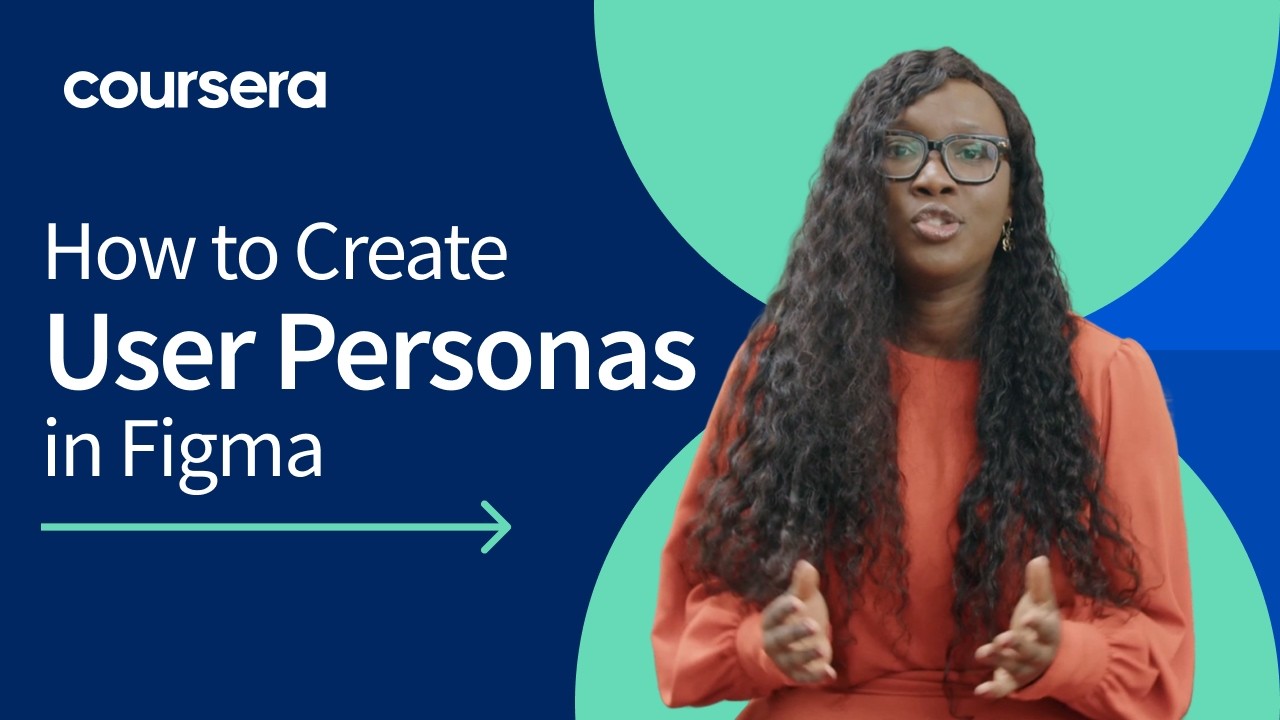
How to Create User Personas in Figma | Free UX Course Preview
Автор: Coursera
Загружено: 2025-04-08
Просмотров: 3944
Описание:
🎓 Free Preview Tutorial: Learn how to create professional user personas in Figma. From Coursera's UX Design Toolkit Professional Certificate.
⌚ Tutorial Timeline:
0:00 - Introduction to User Personas
0:50 - Setting up the Template
1:25 - Creating Components
2:59 - Adding Brand Elements
4:56 - Building Persona Examples
📝 You'll Learn:
• How to create reusable persona templates
• Working with auto-layout
• Component creation and management
• Brand integration techniques
• Practical persona writing tips
🛠️ Technical Skills Covered:
• Figma shortcuts and efficiency tips
• Component creation
• Auto-layout fundamentals
• Style management
• Frame organization
💼 Project Files:
• Greenleaf Grocers example
• Template structure
• Brand assets integration
🎯 This tutorial is part of our UX Design Toolkit Professional Certificate preview series.
👉 Enroll in the full certificate program here: https://bit.ly/4jAasdZ
📺 Watch more free UX tutorials and lecture videos from the course:
• UX Design Toolkit Professional Certificate...
⌨️ Useful Shortcuts Mentioned:
• Frame Tool (F)
• Auto-layout (Shift + A)
• Rename (Cmd/Ctrl + R)
• Duplicate (Option/Alt + Drag)
#UXDesign #UserPersonas #FigmaTutorial #UXResearch #CourseraPreview #DesignTutorial #UXCourse #LearnUX #DesignTools #UXBasics
About Coursera:
Learn UX design with industry-standard tools and techniques through Coursera's Professional Certificate program.
Повторяем попытку...
Доступные форматы для скачивания:
Скачать видео
-
Информация по загрузке: