DIY: LED THERMOMETER USING LM3914 AND LM35.
Автор: Creative Stuff
Загружено: 2018-08-19
Просмотров: 30789
Описание:
Find electronic components on https://www.utsource.net/
Utsource is a proffesional elelctronice supplier with more than 2 million product, lower price with free shipping.
hey everyone,hope you are doing fine.
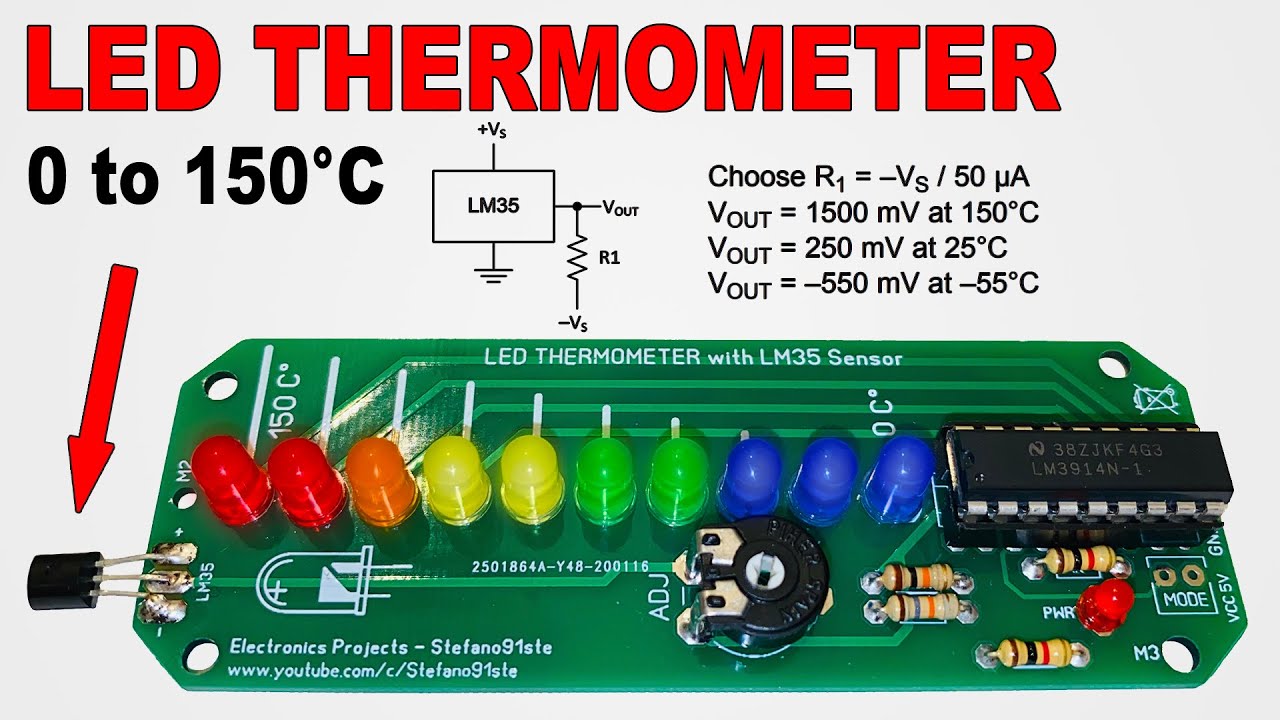
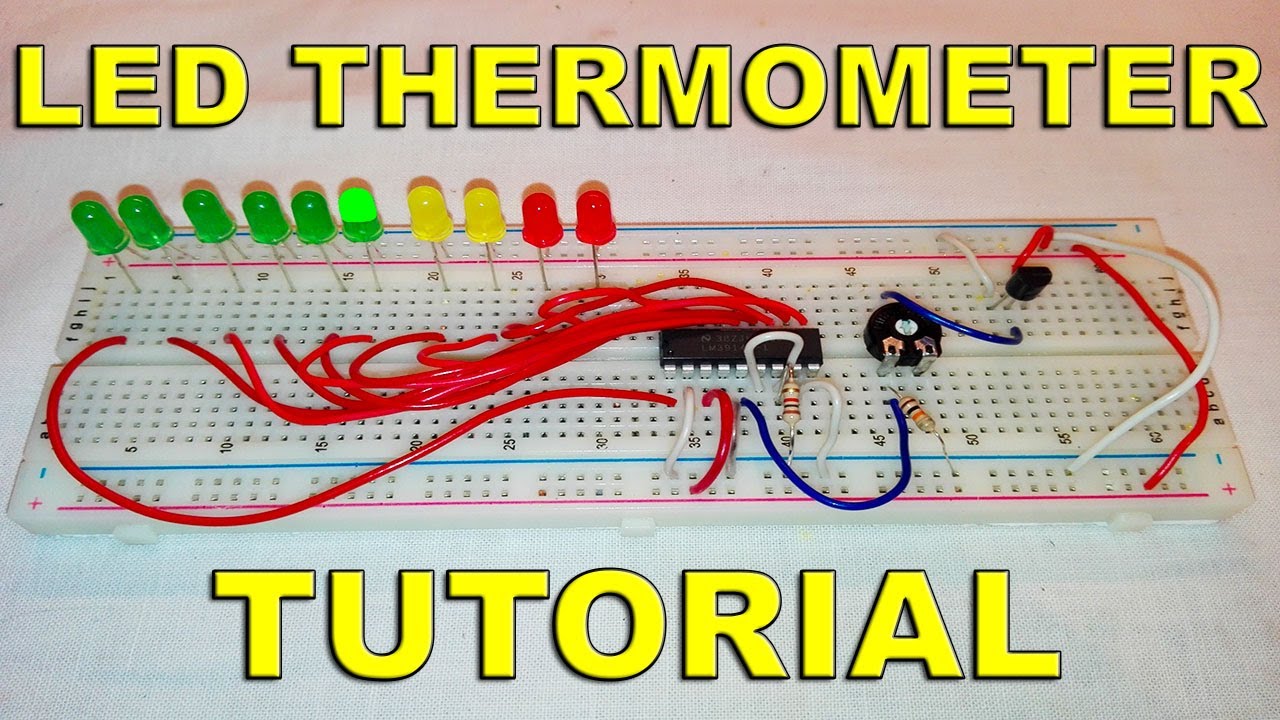
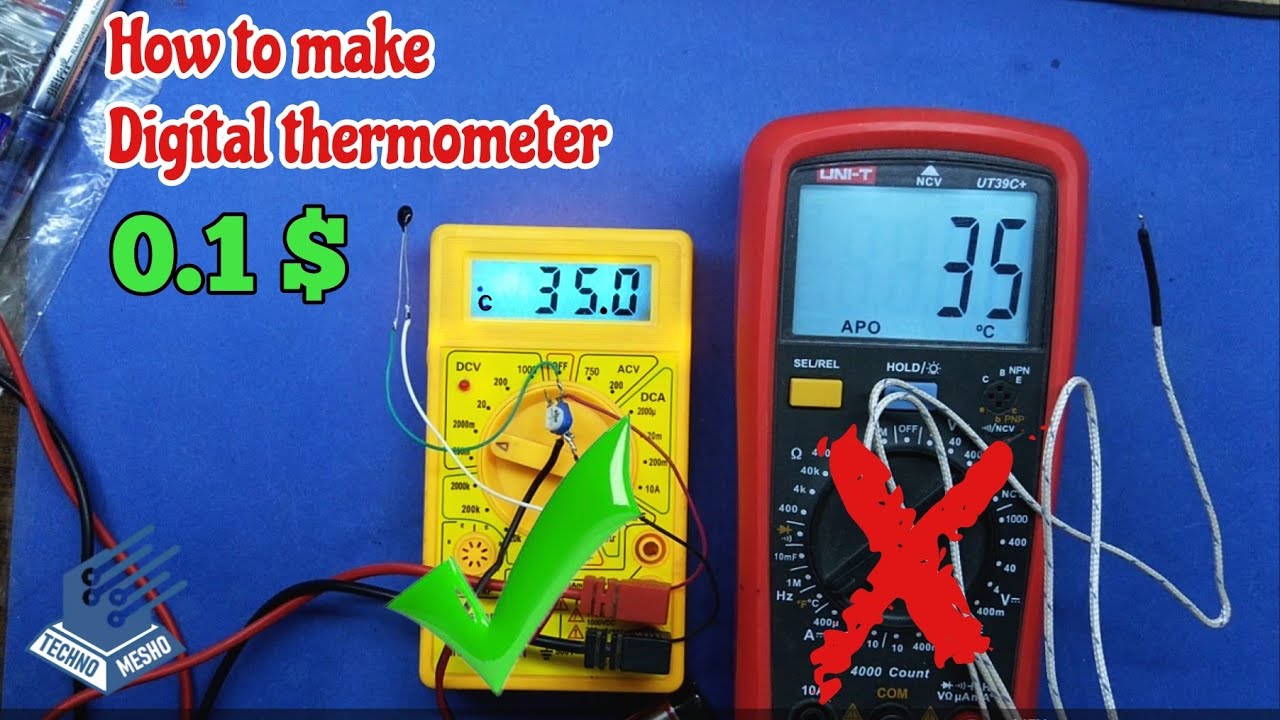
here in this video we are going to learn How to MAKE AN LED THERMOMETER USING LM3914 AND LM35.
Using the LM3914 and LM35 temperature sensor can be designed various electronic thermometer projects . The LM35 series are precision integrated-circuit temperature sensors, whose output voltage is linearly proportional to the Celsius (Centigrade) temperature.
The LM35 electronic led thermometer does not require any external calibration or trimming to provide typical accuracies of ±1⁄4°C at room temperature and ±3⁄4°C over a full −55 to +150°C temperature range.
The LM35’s low output impedance, linear output, and precise inherent calibration make interfacing to readout or control circuitry especially easy. It can be used with single power supplies, or with plus and minus supplies. As it draws only 60 μA from its supply, it has very low self-heating, less than 0.1°C in still air.
Things needed to make this LED THERMOMETER:-
1) 1x bread board and connectors
2) 1x LM3914 IC
3) 1x LM35 temperature sensor
4) 1x 100k potentiometer
5) 1x 1k resistor
6) 1x 10k resistor
7) 10x 5mm LED
7) 1x 9v power supply
circuit diagram:-
https://drive.google.com/open?id=1fGP...
Subscribe to my channel
/ creativestuff
my best video:-
• how to make wireless scrolling display board
faceebook - / creativestuff101
MAKE YOUR OWN 7 SEGMENT DISPLAY
• MAKE YOUR OWN 7 SEGMENT DISPLAY
how to make WIRELESS SCROLLING DISPLAY BOARD
• how to make wireless scrolling display board
How to make an ELECTRIC SCREWDRIVER
• How to make an Electric Screwdriver
How to Control a LOT of LEDs with Arduino & 74hc595
• How to Control a LOT of LEDs with Arduino ...
Повторяем попытку...

Доступные форматы для скачивания:
Скачать видео
-
Информация по загрузке: