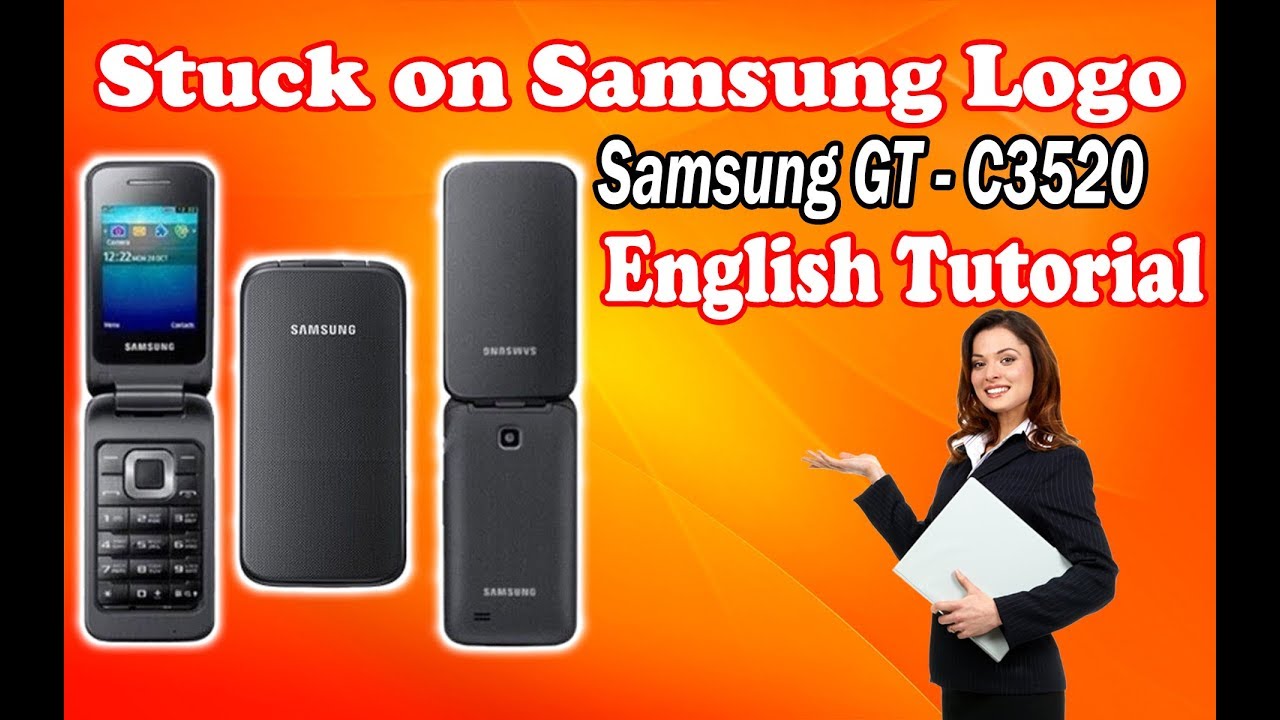
Samsung GT-C3520 Flashing Guide | Fix Hang on Logo, Pin Lock & Restart Problem
Автор: cfixer
Загружено: 2021-10-30
Просмотров: 7090
Описание:
Is your Samsung GT-C3520 stuck on the logo, constantly restarting, or have you forgotten your password and pin lock? In this video, we'll teach you how to use a flash tool to flash the official firmware and fix all software-related issues. This complete guide is the key to reviving your device!
Why do you need to flash?
Flashing is a definitive solution for deep software problems. You might need to flash your phone if:
Your phone is stuck on the boot logo and keeps restarting.
You've forgotten your password or pin lock.
The phone is completely dead and won't turn on.
Your phone is extremely slow, or apps are not working correctly and crashing constantly.
This comprehensive and practical guide offers the simplest and most reliable method for flashing official firmware and restoring the phone to its original state. This guide is suitable for both casual users looking for a simple solution and professional technicians who need a precise reference.
How will this method help you?
By performing this process, you can easily:
Fix the "hang on logo" issue.
Remove the pin lock.
Solve the constant restart problem.
Improve phone performance and restore its speed and efficiency.
Solve all software-related problems.
What You'll Learn & Fix in This Vital Video:
Preparing Tools & Drivers: How to install the necessary USB drivers and flash tool.
Firmware Preparation: How to find and download the correct and official firmware for your exact phone model.
Flashing Process: A step-by-step tutorial on how to use the flash tool to install the firmware.
Solving Common Problems: How to fix issues like a stuck logo, dead phone, and pin lock.
🔥 Key Problems This Tutorial Helps You Fix:
Samsung GT-C3520 Fix Restart
Fix Hang on Logo
Remove Pin Password
GT-C3520 Flashing Guide
Firmware Repair
⚠️ Crucial Warnings & Expert Notes:
Full Backup is a MUST: Before you start, make a complete backup of all your data. Flashing will erase all your information.
Use Correct Firmware: Only use firmware that is specifically for your exact phone model. Using the wrong ROM will brick your phone.
Battery Charge Level: Begin the operation with your battery at over 50% charge to prevent an unexpected shutdown.
USB Cable and Port: Use a reliable USB cable and a stable port. Disconnection during flashing can damage your phone.
Disclaimer: This tutorial is for solving software problems only. We are not responsible for any issues resulting from misuse or pre-existing hardware damage.
.................
link
1- https://bit.ly/3shPEj6
2- https://s23.picofile.com/file/8449844...
flasher
3-https://s22.picofile.com/file/8449844...
https://cfix.ir/8027/learn/software-l...
.............................
c3520 unlock z3x,c3520 flash,c3520i toner,c3520 flash file,c3520 firmware,c3520 unlock,c3520 boot key,c3520 flash mode,samsung c3520 bootloop,c3520 flash z3x,c3520 flash loader 7.5 4,samsung c3520 flashing,gt c3520 hard reset key,samsung gt-c3520 phone lock password,samsung gt c3520 flashing firmware,samsung gt c3520 sim unlock code,samsung gt c3520 reset password,flash samsung gt c3520,c3520 how to flash,c3520 imei repair z3x,c3520 tat mode
#cfix
#cfixer
#cfixir
#fixmobile
#repairmobile
#آموزش_تعمیرات_موبایل
#آموزش_موبایل
#تعمیرات_موبایل
#سیفیکس
#سی_فیکس
www.cfix.ir
#samsung
Повторяем попытку...
Доступные форматы для скачивания:
Скачать видео
-
Информация по загрузке: