How to Import and Prepare DXF Files for Laser Cutting in Adobe Illustrator
Автор: What Make Art
Загружено: 2025-02-21
Просмотров: 2839
Описание:
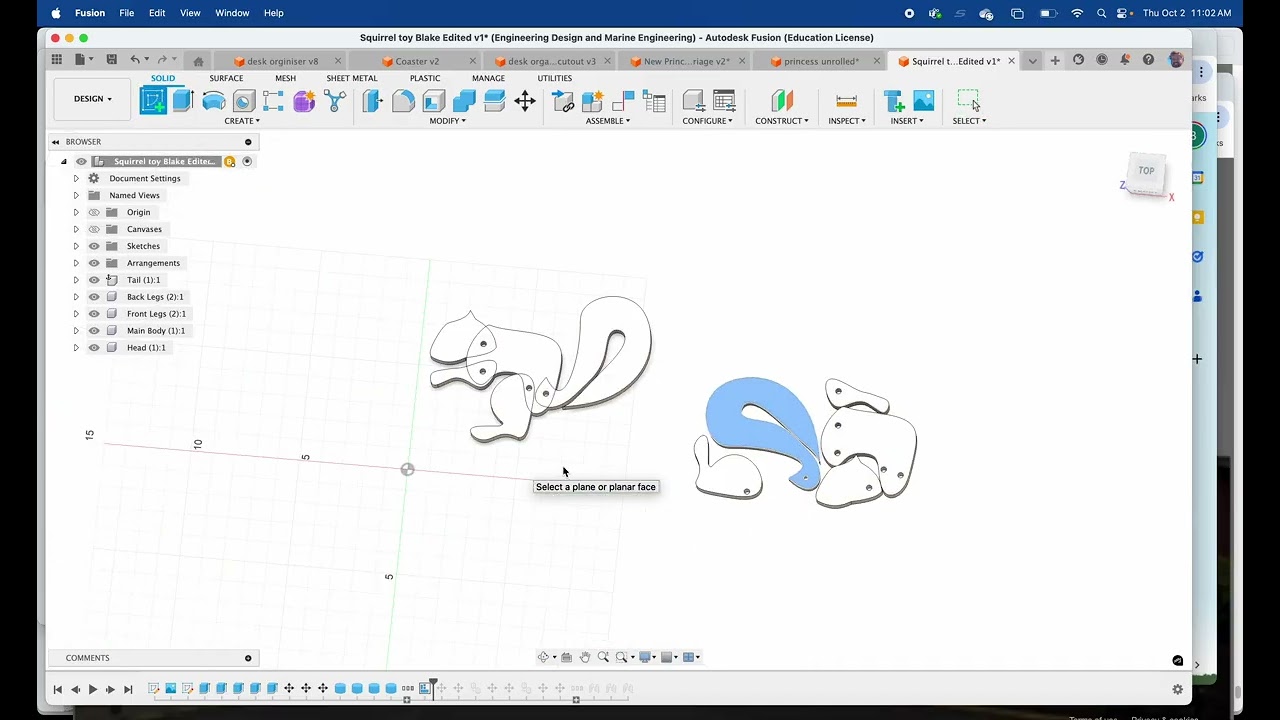
In this tutorial, you'll learn how to properly import a DXF file from Fusion 360 into Adobe Illustrator, scale it correctly, and adjust vector lines for laser cutting on an Epilog laser cutter. Follow these steps to ensure a smooth workflow and accurate cuts.
Key Steps Covered in This Video
00:00 – Introduction to the Adobe Illustrator and laser cut tutorial
00:06 – Setting the correct scale and measurement units
00:26 – Ensuring 1:1 scaling for accurate cutting
00:50 – Importing the file at the proper scale
01:00 – Adjusting vector lines for laser compatibility
01:10 – Understanding layers and organizing them for cutting order
01:26 – Assigning colors to different cutting operations
01:50 – Changing stroke properties (color and width) for laser recognition
02:33 – Finalizing the design and preparing for laser cutting
03:02 – Sending the file to an Epilog laser cutter and organizing cut order
Tips for Laser Cutting in Adobe Illustrator
Always use 1:1 scaling to maintain accurate dimensions.
Set stroke widths to 0.001 points for precise laser cuts.
Use layer colors (e.g., green for first cuts, red for later cuts) to organize the cutting order.
In the Epilog print dialog, ensure the cutting sequence follows the intended layer order.
By following these steps, you’ll be able to efficiently prepare DXF files for laser cutting using Adobe Illustrator.
Got questions? Drop them in the comments! If you found this tutorial helpful, don’t forget to like, share, and subscribe for more laser cutting and design tips!
Повторяем попытку...

Доступные форматы для скачивания:
Скачать видео
-
Информация по загрузке: