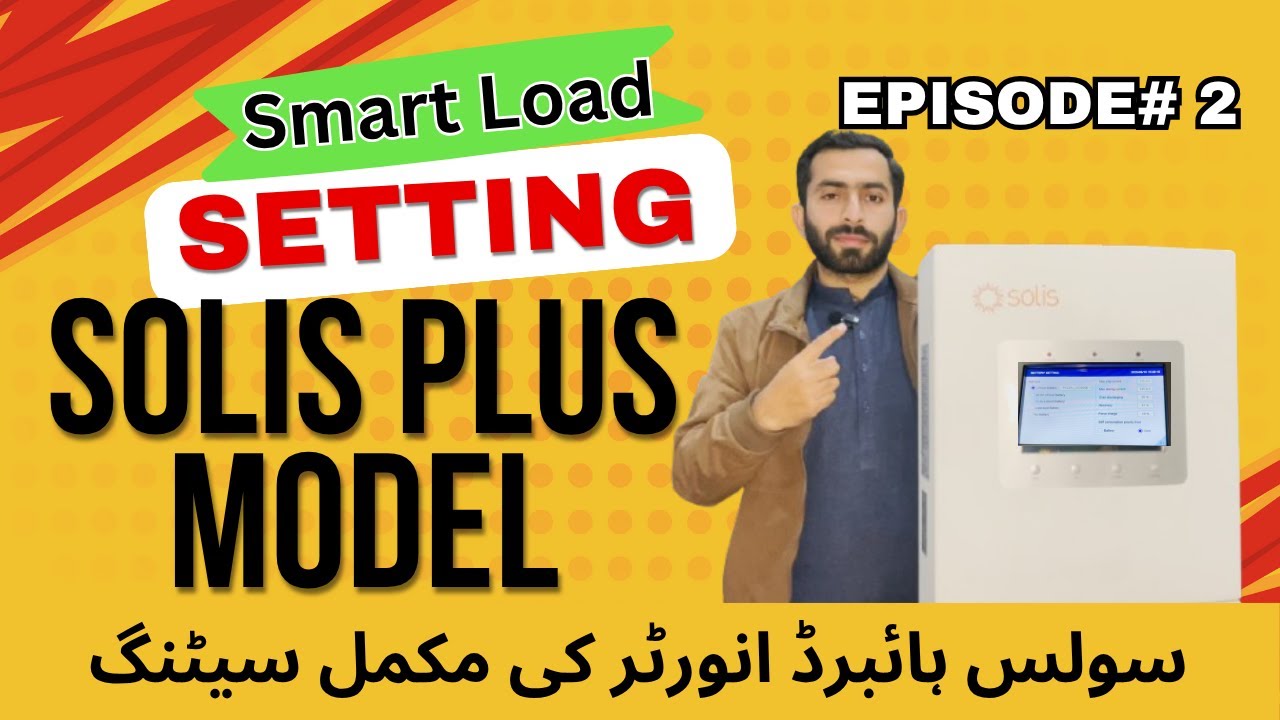
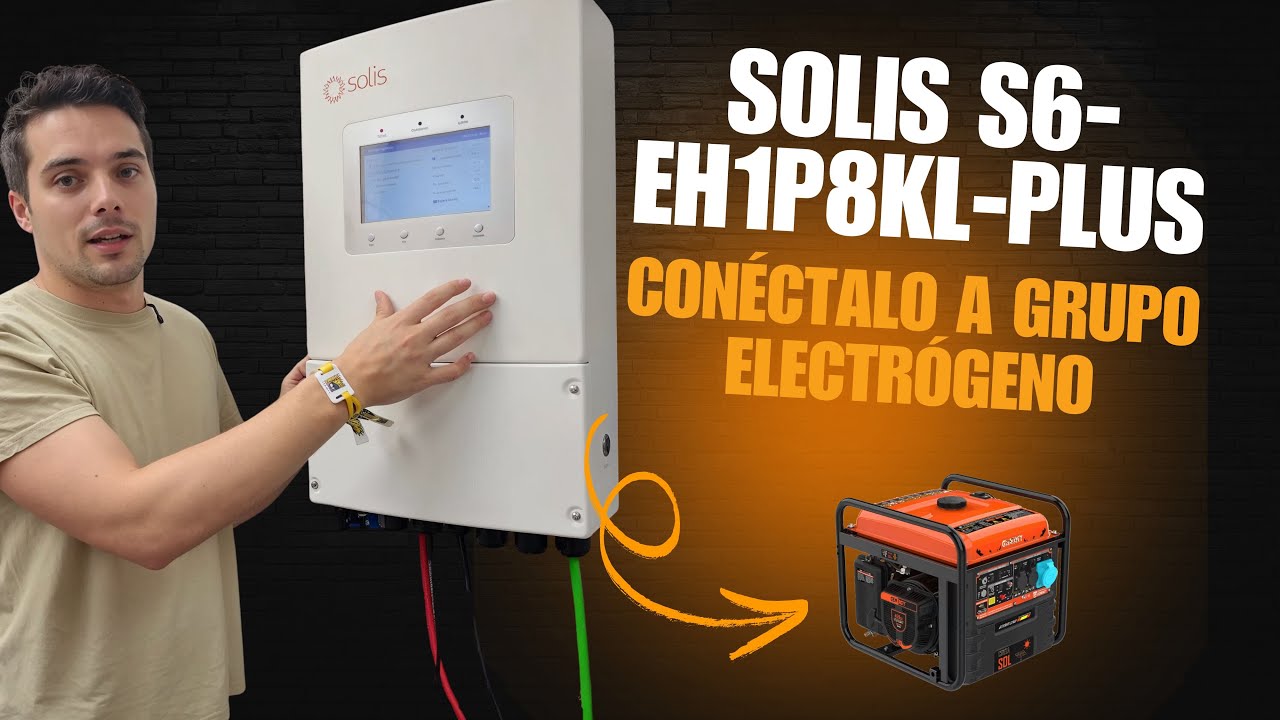
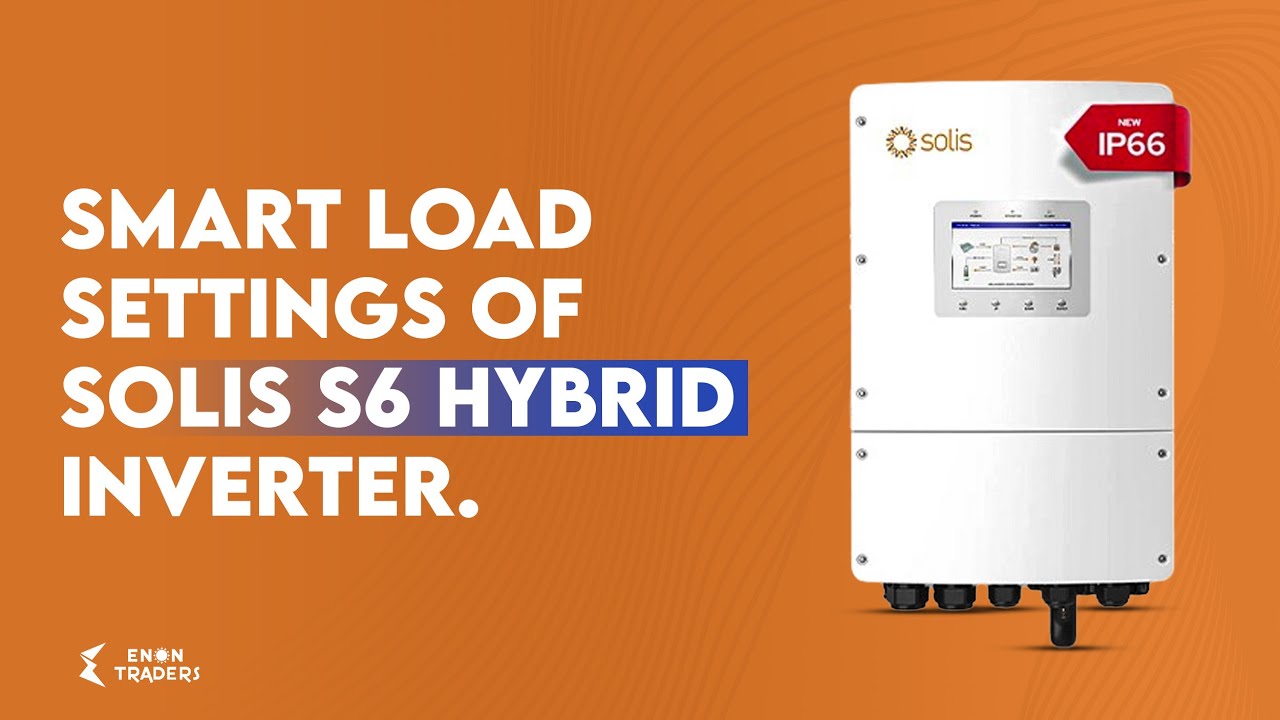
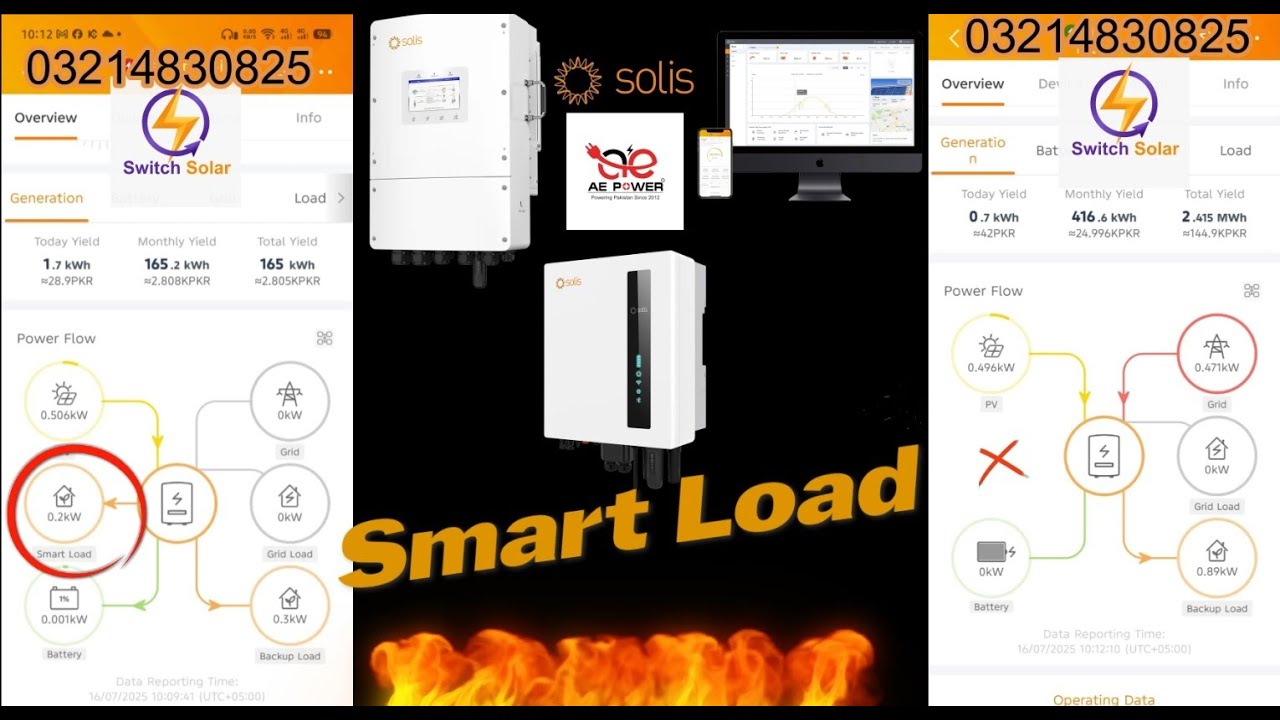
How to smart load on solis inverter
Автор: Electronic Solution
Загружено: 2025-07-16
Просмотров: 448
Описание:
Here’s how to set up *Smart Load* on a Solis S6 (or similar) hybrid inverter so your GEN port controls “non-essential” loads intelligently based on PV output and battery SOC:
---
⚙️ 1. Connect and Access Settings
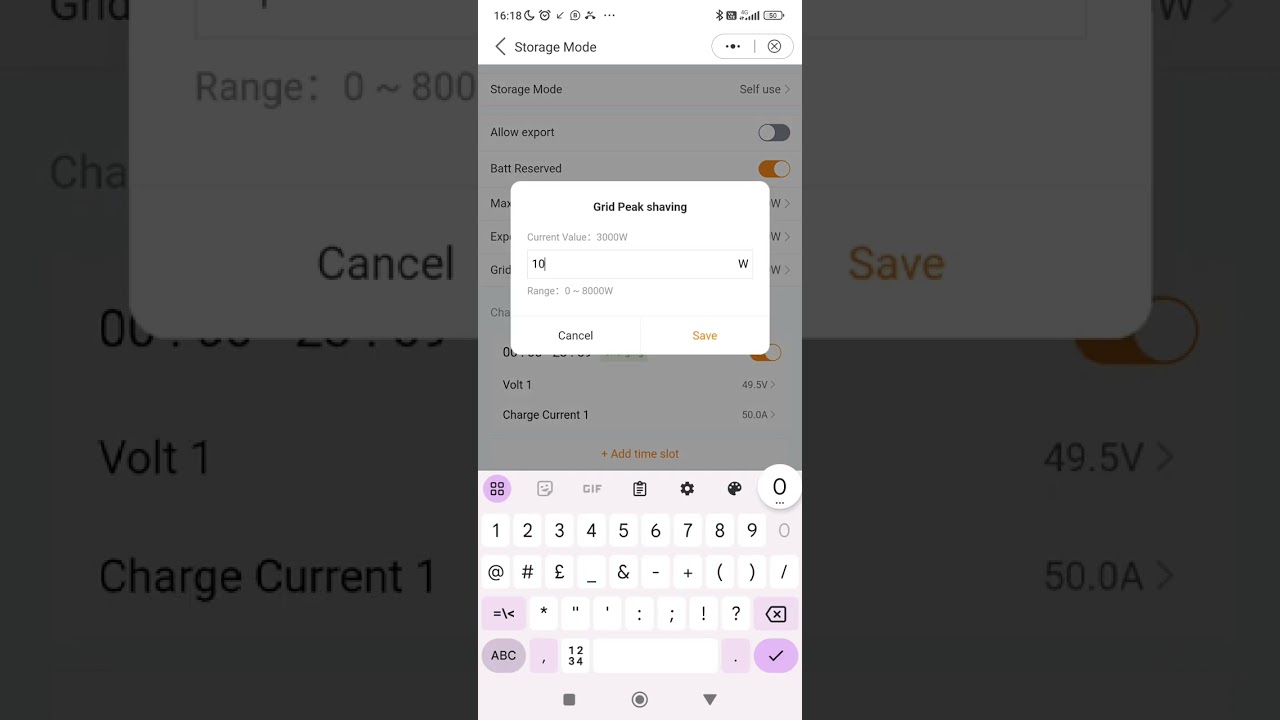
1. *Open the SolisCloud (or local Bluetooth) app* and connect as an **Installer**.
2. Navigate to **Settings → Smart Port**.
---
2. Choose Smart Load Mode
Under *Smart Port**, choose **"Smart Load output"* (instead of Generator input or AC-coupled) ([Scribd][1], [Scribd][2]).
This tells the inverter that the GEN (aux) port will power a controlled load—not a generator—based on conditions.
---
Повторяем попытку...
Доступные форматы для скачивания:
Скачать видео
-
Информация по загрузке: