Скачать
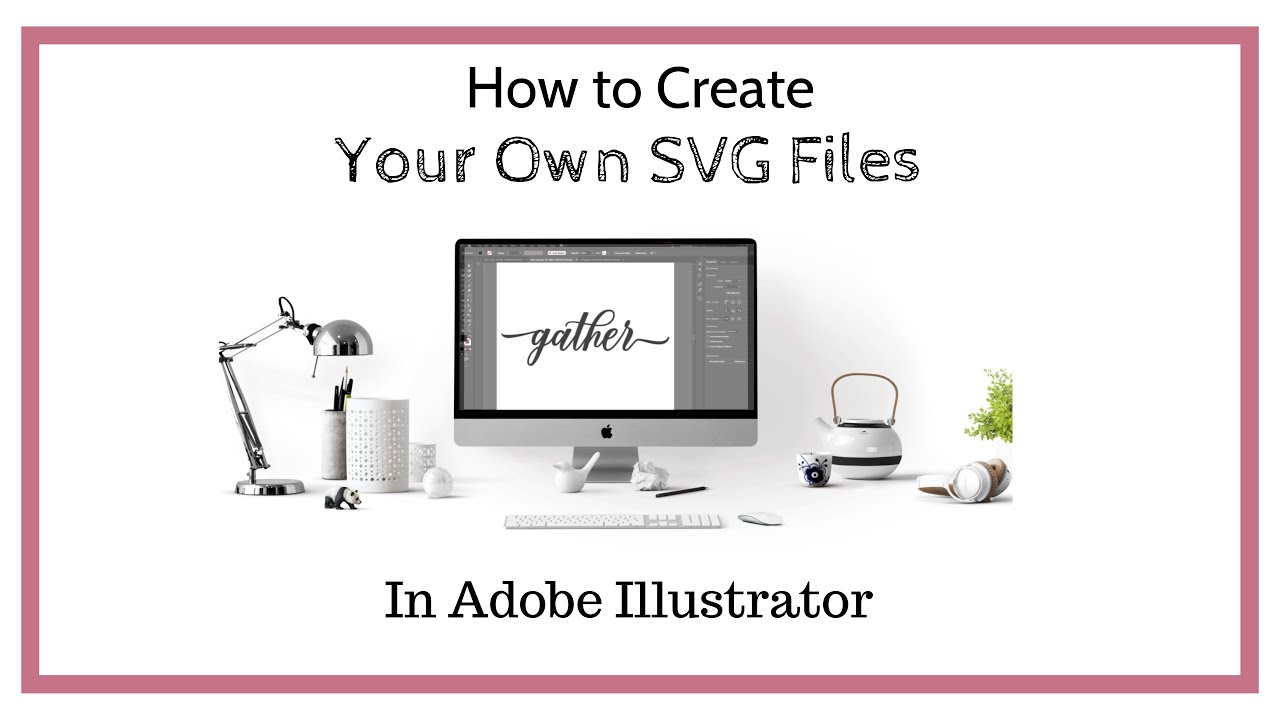
How to Make SVG Cut Files for Silhouette Cameo and Cricut in Adobe Illustrator
Автор: Say It With Simplicity
Загружено: 2019-07-15
Просмотров: 4511
Описание: In this introduction to creating SVG files in Adobe Illustrator we will be creating a basic text design in which can be saved as an SVG file. Then we will then merge it into Silhouette Studio ready to cut on the Silhouette Cameo. This process works for making designs for making SVG files for Cricut Design Space. Get started at making your own cutting machine files to sell on Etsy or your favorite selling platform. Visit me at https//sayitwithsimplicity.com for more projects and tutorials.
Не удается загрузить Youtube-плеер. Проверьте блокировку Youtube в вашей сети.
Повторяем попытку...
Повторяем попытку...
Доступные форматы для скачивания:
Скачать видео
-
Информация по загрузке: