ycliper

Популярное

Музыка Кино и Анимация Автомобили Животные Спорт Путешествия Игры Юмор

Интересные видео

2025 Сериалы Трейлеры Новости Как сделать Видеоуроки Diy своими руками

Топ запросов

смотреть а4 schoolboy runaway турецкий сериал смотреть мультфильмы эдисон
Скачать

Round Trip Editing Between Capture One and Photoshop

Автор: MrBirdman Photography

Загружено: 2022-07-03

Просмотров: 716

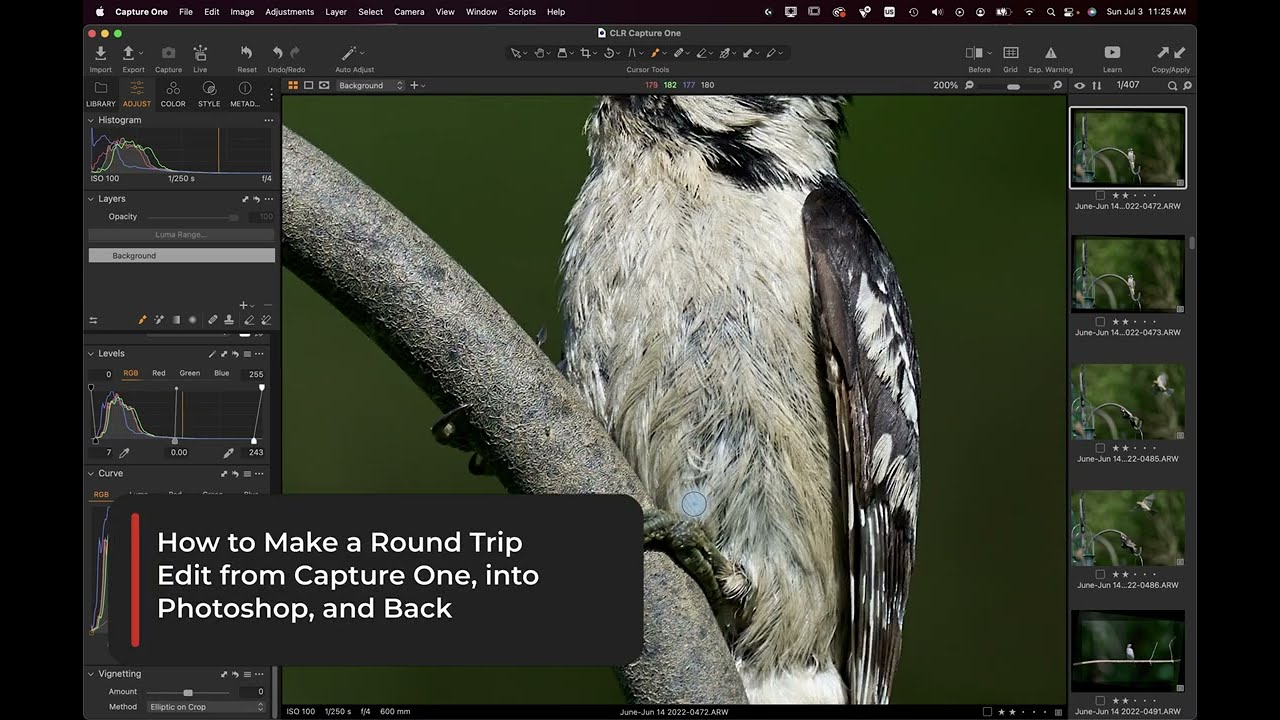
Описание: Brief guide on round trip editing between Capture One and Photoshop (along with its plugins).

Ok, so, today we’re going to be working on transporting a photo from Capture One into Photoshop for post processing and editing.

The best way to do this is get your photo roughly balanced out and precisely cropped where you’re going to want it in the long run. While we’re not “destroying” the RAW by any means, we are creating a PSD file variant which will have the specific characteristics baked into it- theres no going back and widening the crop.

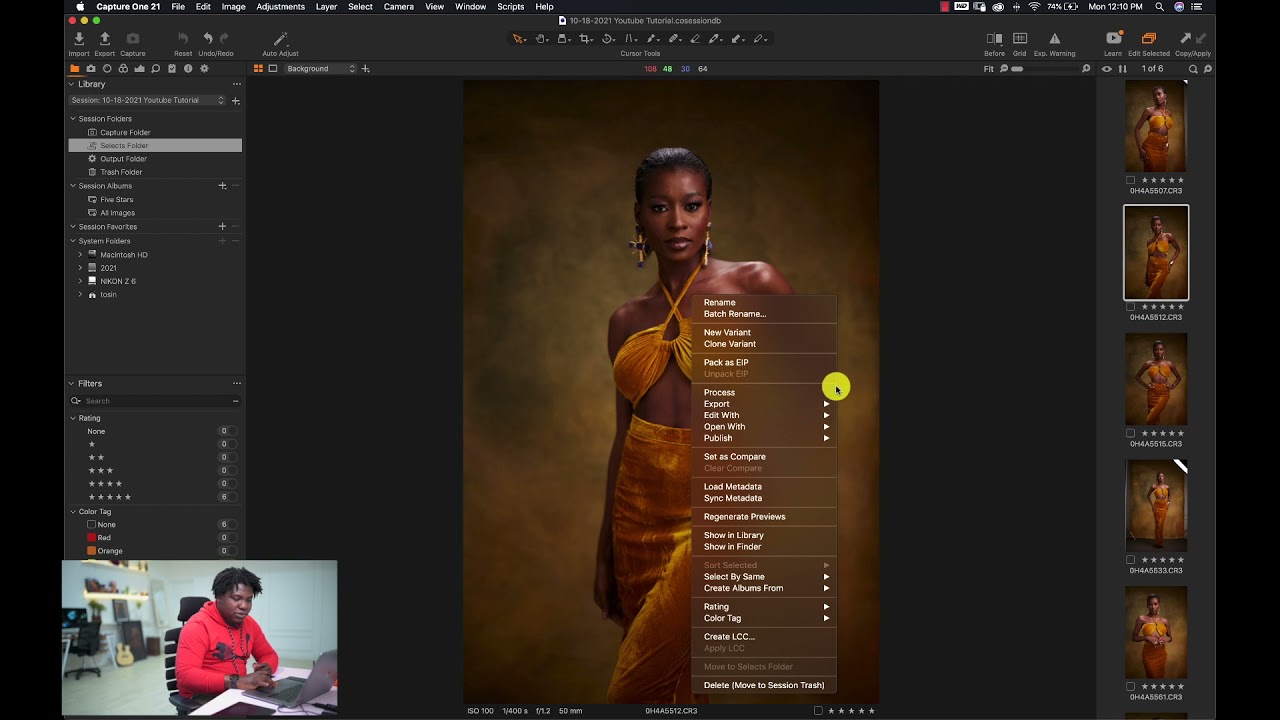
To move the photo from Capture One to Photoshop, simply right click on the photo in your browser and select “edit with”.

This will give you options for third party programs. Select PS and it will open automatically.

Once you have the PSD in Photoshop, you can make whatever changes you would normally do, including for our purposes, the Nik Silver Efex Pro processing. Once you hit save on any changes you make in PS it will bake it into the file back in your Capture One Library. Here, as a brief example, lets just convert the photo into black and white.

Hit apply and it automatically creates a new layer within photoshop. From here we go up to save the file and you’ll be able to see the change by switching back over to Capture One. From here you can organize, tag, export… as well as finalize the look of your photo.

All in all, it’s a seamless round trip process.

As this series progresses we’ll be exploring, in depth, using Nik Silver to create dramatically different develops of the same RAW negatives that will be introduced in Part One.

Thanks for watching.

Не удается загрузить Youtube-плеер. Проверьте блокировку Youtube в вашей сети.
Повторяем попытку...
Round Trip Editing Between Capture One and Photoshop

Поделиться в:

Доступные форматы для скачивания:

Скачать видео

  • Информация по загрузке:

Скачать аудио

Похожие видео

Silver Efex Pro 3 Walkthrough: Global Adjustments Part 1

Silver Efex Pro 3 Walkthrough: Global Adjustments Part 1

Capture One Magic Brush: Complex Color Correction

Capture One Magic Brush: Complex Color Correction

10 шагов редактирования RAW / Одно изображение от начала до конца / Снимок одного

10 шагов редактирования RAW / Одно изображение от начала до конца / Снимок одного

Как создать композицию лунного затмения в Photoshop

Как создать композицию лунного затмения в Photoshop

ИСПОЛЬЗОВАНИЕ СЕАНСОВ В CAPTURE ONE PRO (ИМПОРТ И ЭКСПОРТ)

ИСПОЛЬЗОВАНИЕ СЕАНСОВ В CAPTURE ONE PRO (ИМПОРТ И ЭКСПОРТ)

Как взламывают любой Wi-Fi без пароля?

Как взламывают любой Wi-Fi без пароля?

Capture One 20: Export to Photoshop

Capture One 20: Export to Photoshop

How to Correct Skin Colour in Capture One [Capture One Skin Colour Correction Tutorial]

How to Correct Skin Colour in Capture One [Capture One Skin Colour Correction Tutorial]

ОСЕЧКИН:

ОСЕЧКИН: "Похоже они разбегаются".Кого теряет Кремль, ФСБ, ФСИН, ГРУ, МУС, Украина и Иран

📷 50 фотографий, которые пытались скрыть от публики!

📷 50 фотографий, которые пытались скрыть от публики!

СЕКРЕТ, Который МЕХАНИКИ СКРЫВАЮТ – 95% Проблем С Машиной ЧИНИТСЯ БЕСПЛАТНО

СЕКРЕТ, Который МЕХАНИКИ СКРЫВАЮТ – 95% Проблем С Машиной ЧИНИТСЯ БЕСПЛАТНО

Украина запускает тотальное наступление: начинается полное освобождение от России

Украина запускает тотальное наступление: начинается полное освобождение от России

КАК узнать, что за тобой СЛЕДЯТ?

КАК узнать, что за тобой СЛЕДЯТ?

Master Capture One: Unleash Your Photo Editing Potential Like a Pro

Master Capture One: Unleash Your Photo Editing Potential Like a Pro

Photoshop: самый быстрый способ эффективно выровнять КОЖУ и удалить недостатки

Photoshop: самый быстрый способ эффективно выровнять КОЖУ и удалить недостатки

Understand Color Grading In Capture One With Big H Studios @BigH Studios

Understand Color Grading In Capture One With Big H Studios @BigH Studios

Учебное пособие по Capture One | Импорт и организация фотографий

Учебное пособие по Capture One | Импорт и организация фотографий

Infinite Color Photoshop Plugin Gets a POWERFUL Upgrade (2021 Update)

Infinite Color Photoshop Plugin Gets a POWERFUL Upgrade (2021 Update)

15 Лучших ФАНТАСТИЧЕСКИХ фильмов за последние 5 ЛЕТ! 2025

15 Лучших ФАНТАСТИЧЕСКИХ фильмов за последние 5 ЛЕТ! 2025

How To Get Started With Capture One 22 (Beginner's Guide)

How To Get Started With Capture One 22 (Beginner's Guide)

© 2025 ycliper. Все права защищены.


  • Контакты
  • О нас
  • Политика конфиденциальности


Контакты для правообладателей: [email protected]