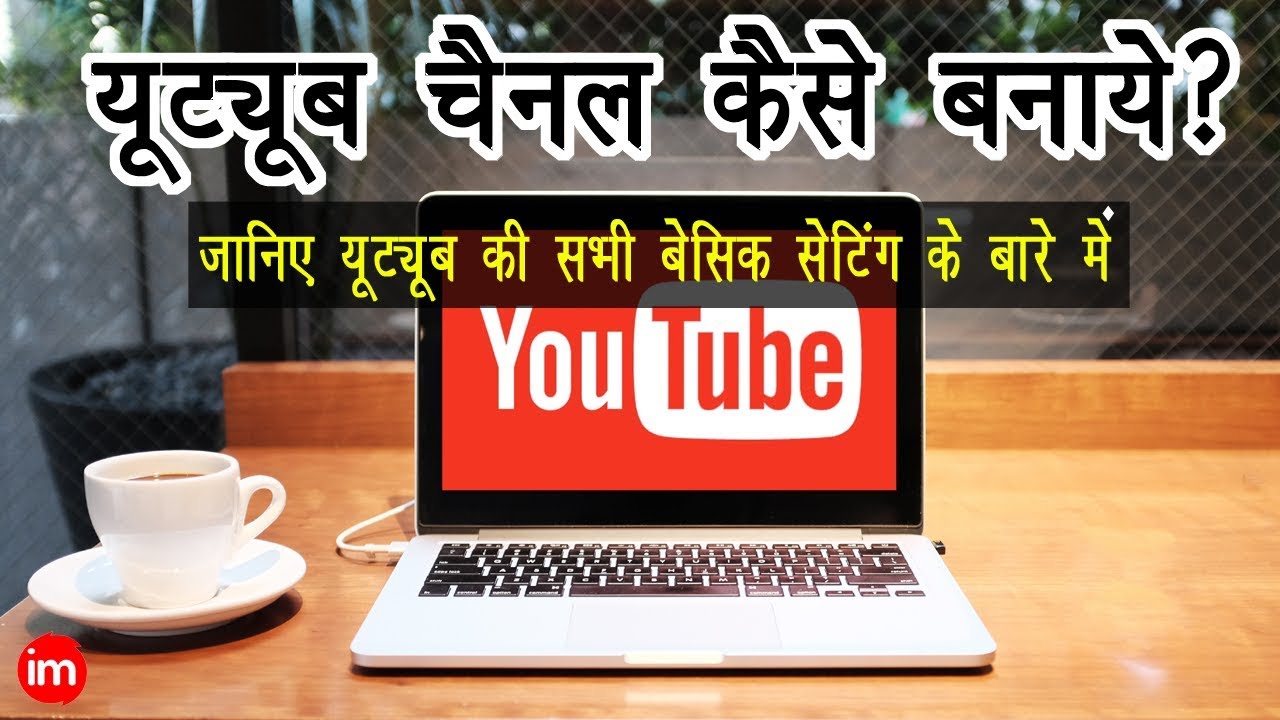
YouTube Channel Important Settings in Hindi | By Ishan
Автор: ISHAN MONITOR
Загружено: 2018-03-30
Просмотров: 212581
Описание:
Official Website: https://www.ishanmonitor.in
Email: [email protected] Follow @Twitter: / ishanllb
Follow @Instagram: / ishanllb
Join Our Telegram Channel : https://t.me/ishanmonitor
My Mic : https://amzn.to/2CYC2k2
My Camera : https://amzn.to/394SD1Y
My CPU : https://amzn.to/2U58Boj
My Monitor : https://amzn.to/2wnX4rf
: YouTube Channel Important Settings in Hindi | By Ishan
Building a successful YouTube channel is a pretty big commitment. You need to create fun, high-quality videos on a regular basis, put together a killer channel trailer, actively engage your community and optimize everything. It’s a pretty big undertaking.
On top of that, you need to think about the competition. YouTube is a powerful, but crowded, platform. Users upload over 400 hours of video every single minute. With so much fresh content competing for attention, you need every bit of help you can get. YouTube’s advanced settings can help you stand out and sharpen your competitive edge.
To get to your advanced settings, go to your YouTube Creator Studio. Once inside, click on ‘Channel’ in the Creator Studio menu on the left hand side and select ‘Advanced’.
It’s time to make the magic happen. Let’s take a look at what you can do inside the advanced settings menu to give your channel its best shot.
1.Choose your country: Making awesome videos isn’t cheap! A lot of creators turn to YouTube’s Partner Program and monetize their channel through advertisements. The extra cash helps them make more of the videos we love.
2.Set channel keywords: Using keywords in the title, description, and tags of your video lets YouTube know what your video is about. Your channel keywords tell the search engine what your entire channel is about.
3.Add a website to your channel: Your YouTube channel isn’t a marketing oasis standing on its own. It’s an integral part of your overall marketing strategy. Using a platform like YouTube to grow your authority and build a community is a smart play, but relying on it as your only means of communication with your followers is unwise.
To link your channel with your website, you’ll need to verify ownership. Enter your website in the box and request approval. YouTube will then walk you through the different ways you can verify your site. Pick the one that makes sense for you..
4.Channel recommendations: You know the related channels menu you can see on the right hand side when you’re browsing through someone’s channel page? In your advanced settings, you can ask YouTube to list your channel in that box.
5.Make the most out of analytics: YouTube gives you access to some pretty powerful analytics. You can break down your videos’ performance in incredible detail and isolate various factors.
If you use Google Analytics, linking it to your YouTube account can give you greater insight into user behavior on your channel page.
Building your YouTube channel: Building a successful YouTube channel doesn’t happen overnight. It’s a long-term process that takes a commitment to growth and regular analysis. You need to keep experimenting and testing small changes that might give your channel its best shot at growth. Using YouTube’s advanced channel settings can sharpen your edge and help you stay competitive.
...
Twitter : / ishanllb
Tags:-YouTube Channel Important Settings in Hindi,youtube channel ko search me kaise laye,youtube channel ki advance settings in hindi,youtube channel ke subscribers kaise dekhe,youtube channel ke subscribers ko msg kaise bheje,youtube channel ki setting kaise kare,youtube channel ke subscribers ko hide kaise kare,youtube channel ka watch time kaise dekhe,youtube channel ke total views kaise dekhe,youtube channel in hindi,ishan monitor,ishanmonitor,ishan sid
Повторяем попытку...

Доступные форматы для скачивания:
Скачать видео
-
Информация по загрузке:





![Как ПРАВИЛЬНО создать канал на YouTube в 2026 [Пошаговая инструкция]](https://imager.clipsaver.ru/xGbRqnO9sks/max.jpg)