Скачать
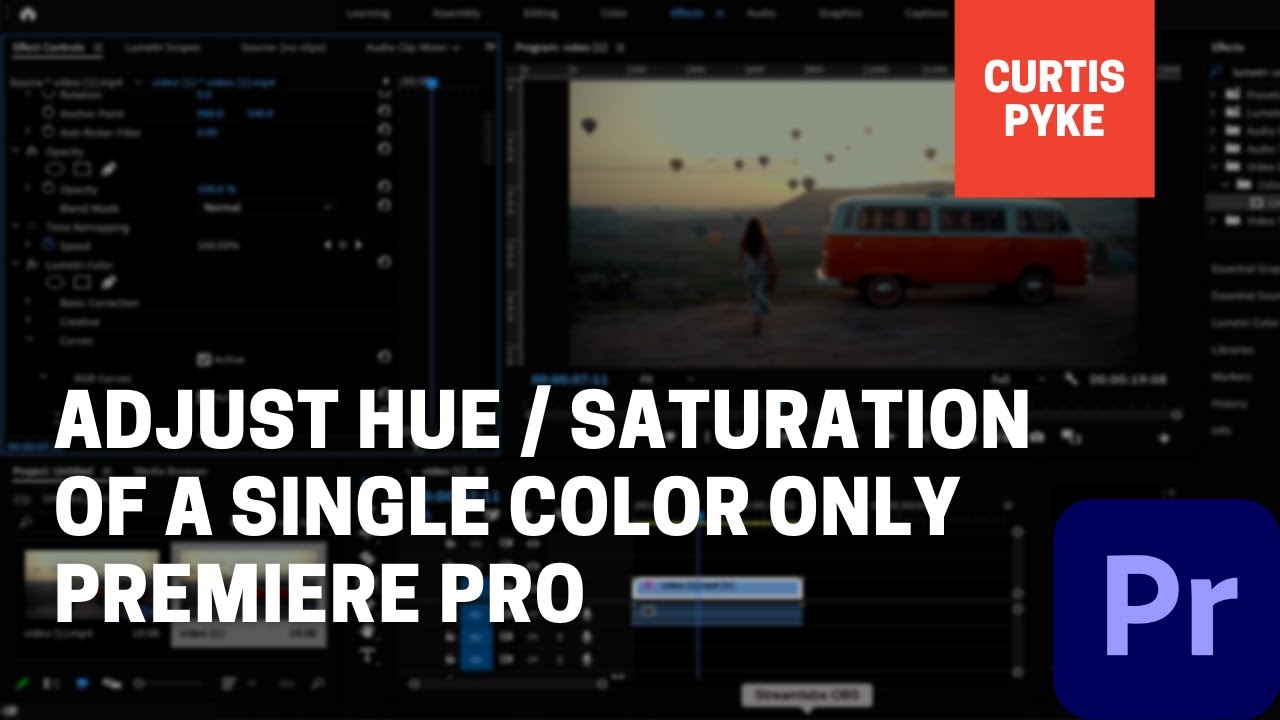
How To Adjust Saturation of a Single Color - Selective Color Correction - Premiere Pro
Автор: Kingy AI
Загружено: 2021-05-30
Просмотров: 45626
Описание:
To adjust the saturation of a single color as opposed to the entire clip, select the Lumetri color effect and drag it on top of your footage. Next, go to the curves tab and select on the Hue vs. Sat option. Next, click on the eye dropper and select a color from your video that you want to selectively color correct.
#selectivecolorcorrection #adjusthuepremierepro #adjusthueonly
Не удается загрузить Youtube-плеер. Проверьте блокировку Youtube в вашей сети.
Повторяем попытку...
Повторяем попытку...
Доступные форматы для скачивания:
Скачать видео
-
Информация по загрузке: