ScanSahara: File Metadata Viewer - Completed
Автор: SaharaHex
Загружено: 2025-09-04
Просмотров: 51
Описание:
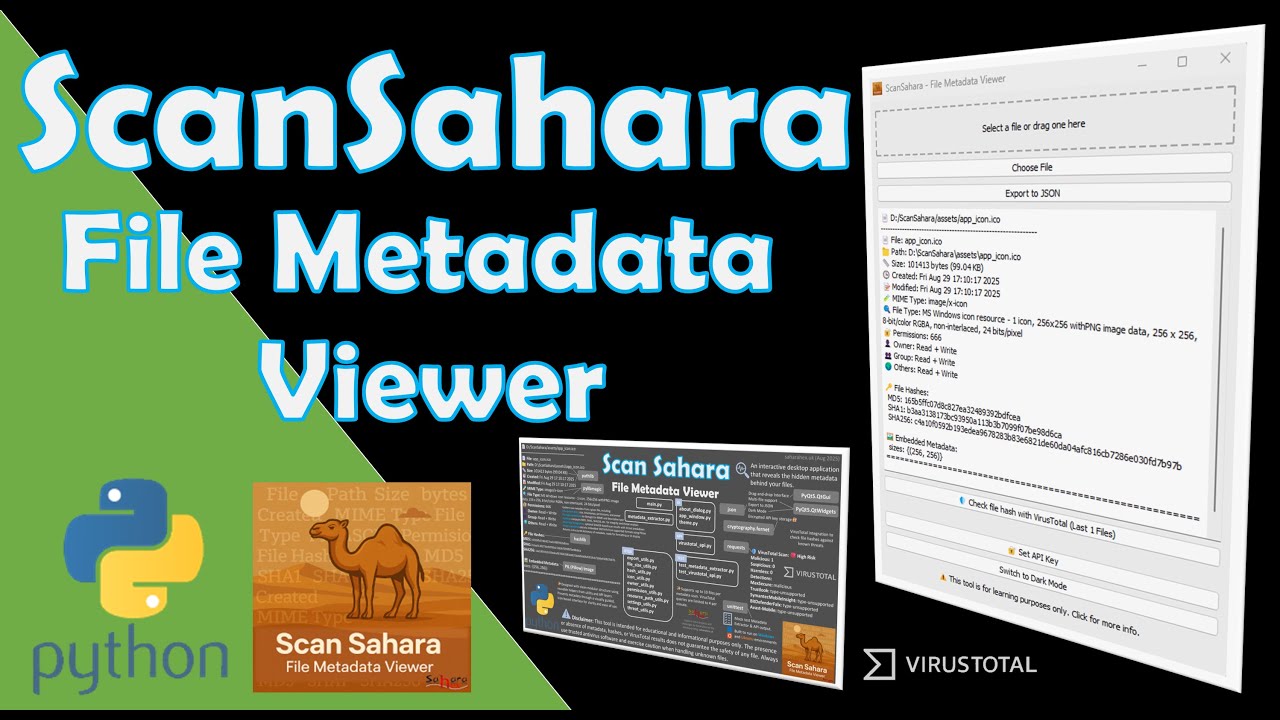
ScanSahara – File Metadata Viewer | Python Desktop App | Demo & Code Walk Through
Welcome to this developer blog, where we explore “ScanSahara”, a lightweight desktop application built in Python for viewing file metadata with ease.
🔍 What’s Inside:
Quick overview of the project structure and key Python libraries
Live demo: drag-and-drop file scanning for metadata (type, properties, permissions)
Expanded support for image files and their metadata
Integration with VirusTotal API using file hashes (no full uploads!)
Secure API key handling with encryption and persistent storage
Smart interface design: single-screen layout, icons for clarity, dark mode toggle
Export results to clean JSON format (icons/layout removed)
Usage limits: file drop count and VirusTotal query rate (4/min)
🖥️ Built for: Windows & Ubuntu
📌 Bookmarks included for quick navigation through test runs with various file types.
⚠️ Disclaimer: This tool is intended for educational and informational purposes only. Always use trusted antivirus software and exercise caution when handling unknown files.
Thanks for watching
Bookmarks:
00:00 Project outline and design illustration
01:34 Integrating Virus Total API
02:28 Interface improved to guide the user
03:01 Modular structure using reusable helpers
03:44 Mock test Metadata Extractor and API output
03:56 Running application in Windows 11
04:52 Disclaimer App is intended for educational purposes only
05:11 Scanning image file Metadata
05:31 Using PIL (Pillow) Image library
05:43 Drag-and-drop Interface
05:59 Compare hash value
06:33 VirusTotal hash values scan
07:24 Export to a JSON file
07:54 Switch to dark mode
08:11 About dialog
08:30 Remember theme selection
08:41 Building application to run on Ubuntu
09:07 Running application in Ubuntu
11:44 Building application to run on Commodore OS Vision 3.0
12:24 Running application in Commodore OS Vision 3.0
Note with Commodore OS Vision 3.0 [Debian Bookworm] (via VirtualBox)
Debian Bookworm is running GLIBC 2.36, but the binary is built against GLIBC 2.38
So had to: Use a Distrobox Container
This lets you run your app inside a Fedora container that already ships with GLIBC 2.38+.
To Install Distrobox and Podman
sudo apt install podman
curl -s https://raw.githubusercontent.com/89l... | sudo bash
Also had to install
sudo apt install uidmap
sudo apt install libgl1
Now you can create the Container
distrobox create --name fedora-glibc --image fedora:39
distrobox enter fedora-glibc
Once that was done, I had to install mesa-libGL
sudo dnf install mesa-libGL
Then navigate to the folder where the app is and run it.
Повторяем попытку...
Доступные форматы для скачивания:
Скачать видео
-
Информация по загрузке: