How to use wireless microphone with Smartphone Camera Android + iPhone Audio Technica Pro 88W Set Up
Автор: Garden4 Parker
Загружено: 2020-01-06
Просмотров: 1670
Описание:
Apparently you can use this splitter to use a wireless microphone or any microphone and also headphones with a Droid, iPhone, tablet, or other computer set up.
Here is a link to the cable on Amazon -
https://www.amazon.com/gp/product/B00...
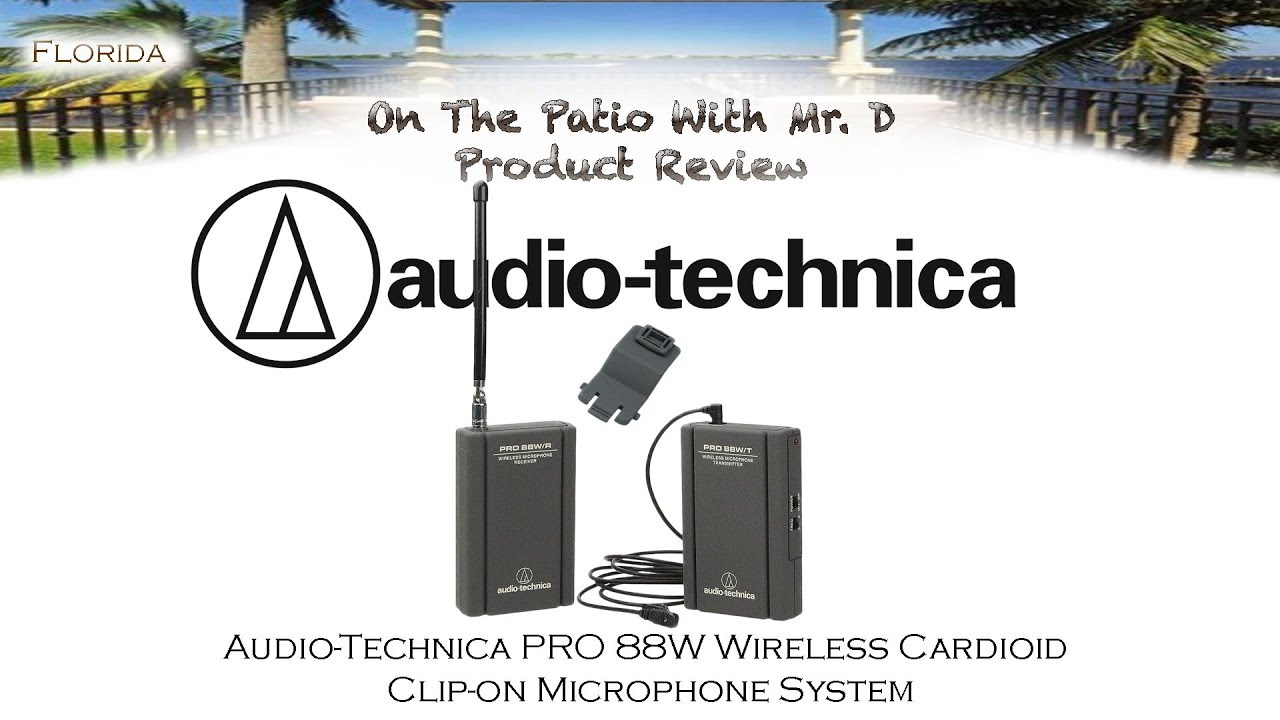
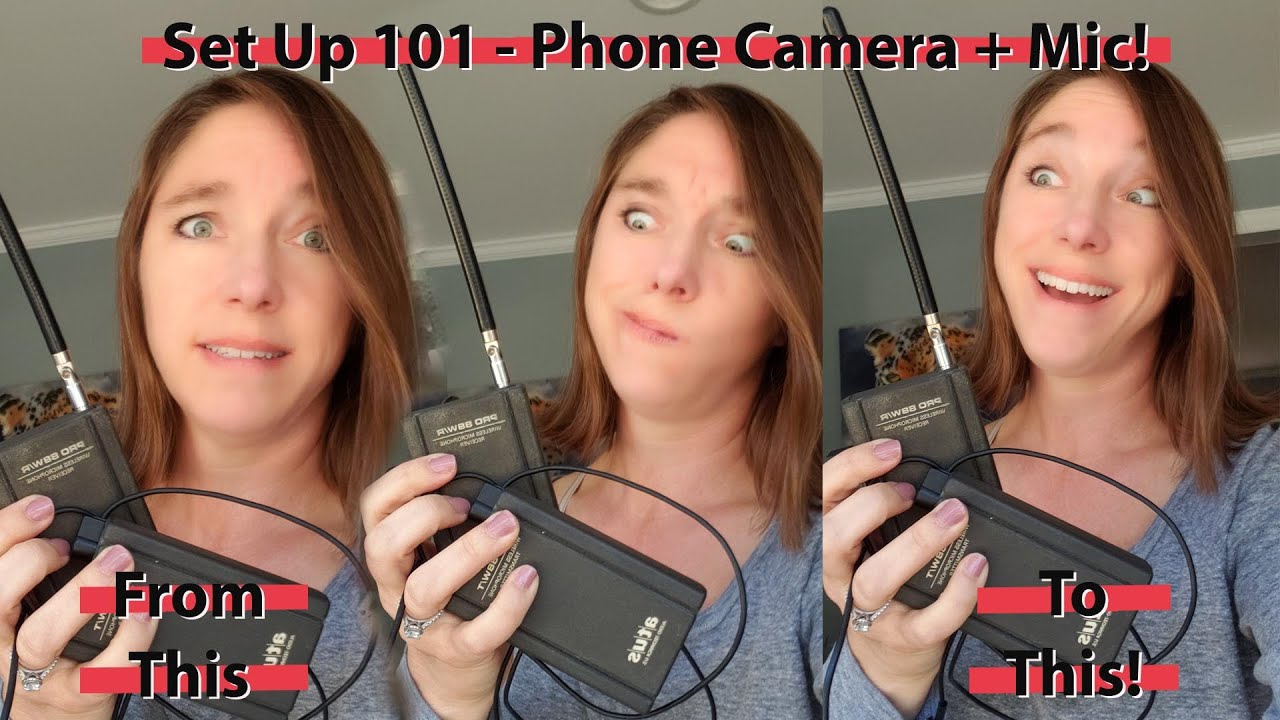
In this video, I will show how I used an adapter cable I bought off Amazon and used it to attach my Smart Phone (Samsung Galaxy S9) with my Pro 88W/R Wireless Microphone Receiver and Microphone Transmitter made by atus Audio Technica US. I found this cable from watching a video here on YouTube, and now I can't find that original video. Suffice it to say I was very frustrated because I had no idea how to set up and use this wireless Microphone. A relative gave me their old one so I didn't have a manual or anything to help me figure out how to make it work with my camera.
So long story short, after researching from a variety of sources, this video will explain how I use an adapter cable I bought off of Amazon to attach this set up to my droid phone (I think it will work with an iphone and other electronics too) to be able to use this wireless microphone with my Android smartphone camera.
Here is information from the listing on Amazon about this cable :
MIC & HEADPHONE COMBO: With one 3.5mm male (TRRS) & two 3.5mm female (TRS) connectors, the adapter transforms a 3.5 mm audio output port into one 3.5mm headset jack and one 3.5mm mic port.
It is a microphone and headphone Y splitter. This headset adapter enables you to use your older audio accessories with newer PCs and devices like your Ultrabook, smartphone or tablet.
This 4 pin headphone & mic splitter cable can be used for connecting a separate headset and microphone combo or an external microphone and powered speakers to your computer or smart phone.
Повторяем попытку...
Доступные форматы для скачивания:
Скачать видео
-
Информация по загрузке: