Level Up Your Textures Instantly! (Substance Painter)
Автор: Pivot Point
Загружено: 2025-08-24
Просмотров: 2051
Описание:
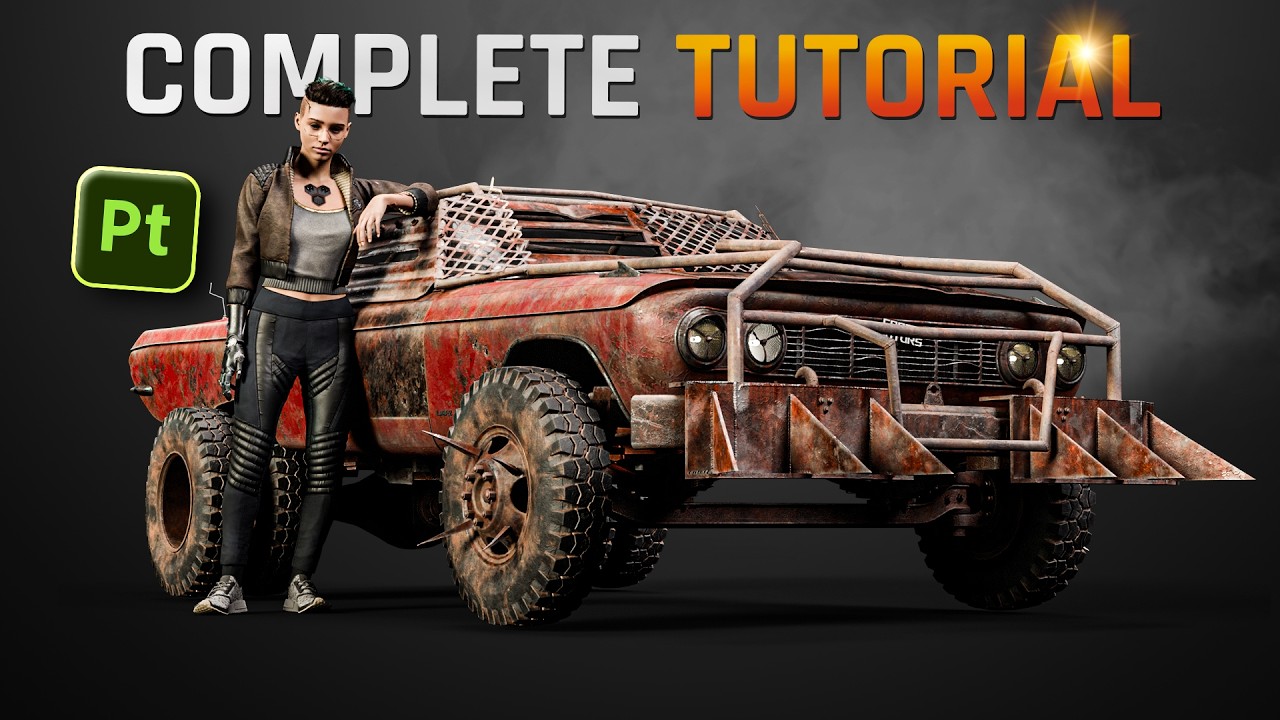
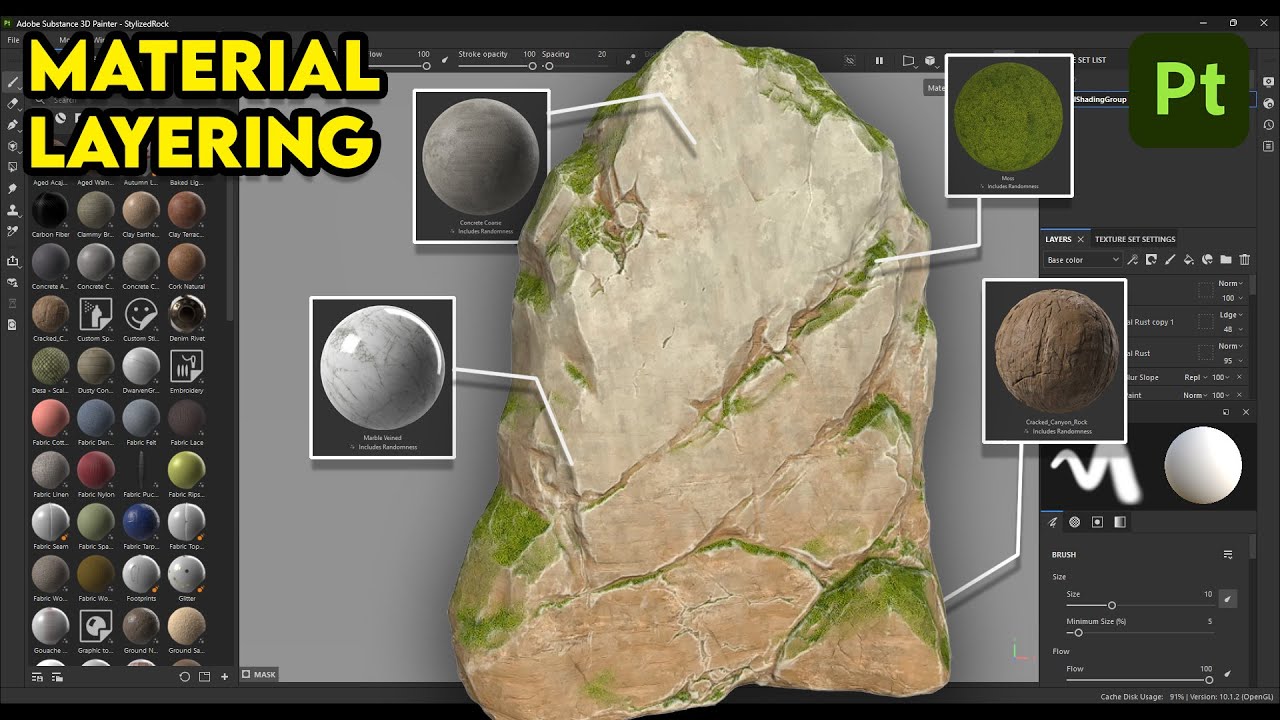
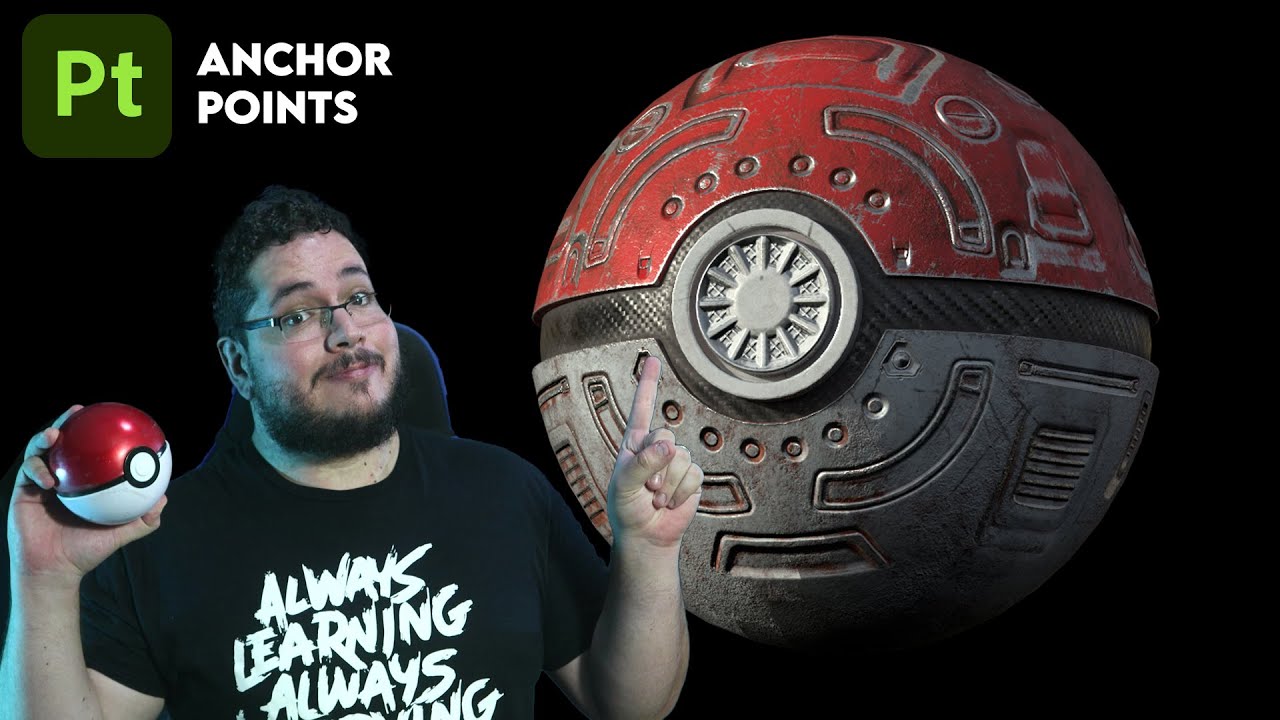
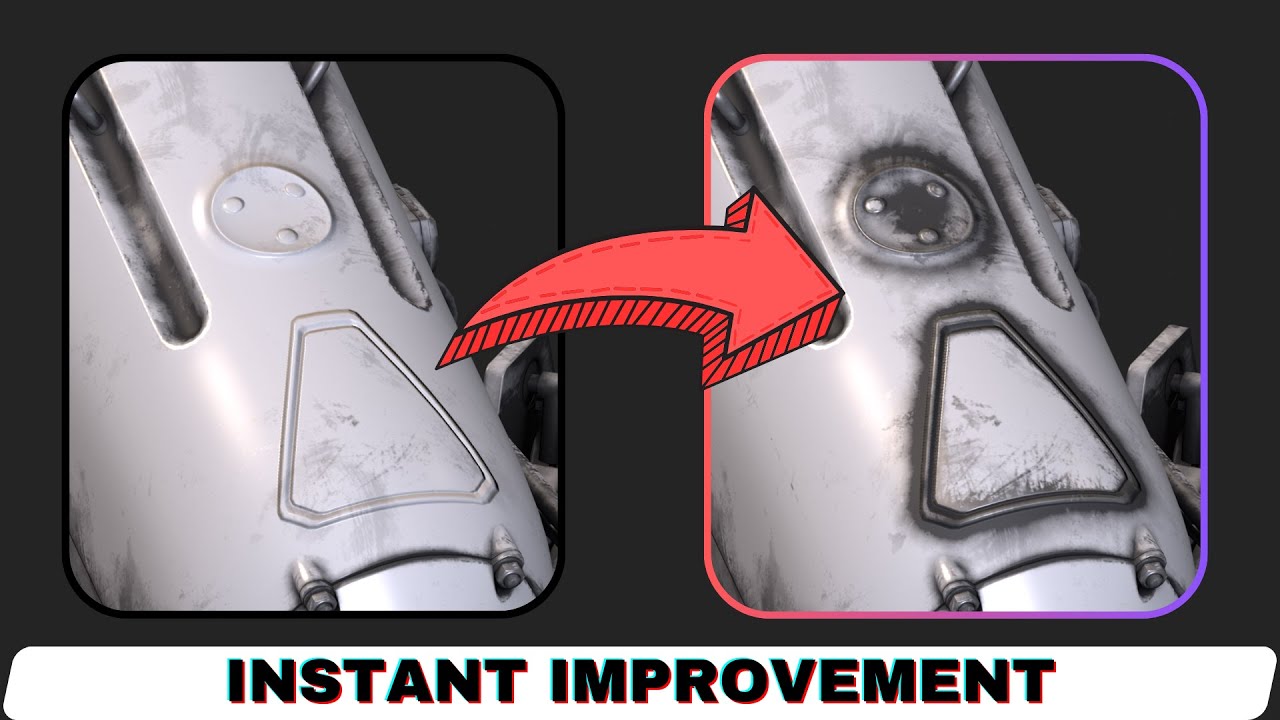
In this Substance Painter tutorial, I show you one of the most important tricks to instantly level up your textures. If you have ever wondered why smart masks don’t react to custom details like bolts, scratches, wood planks, or added height and normal maps, this video will explain the solution.
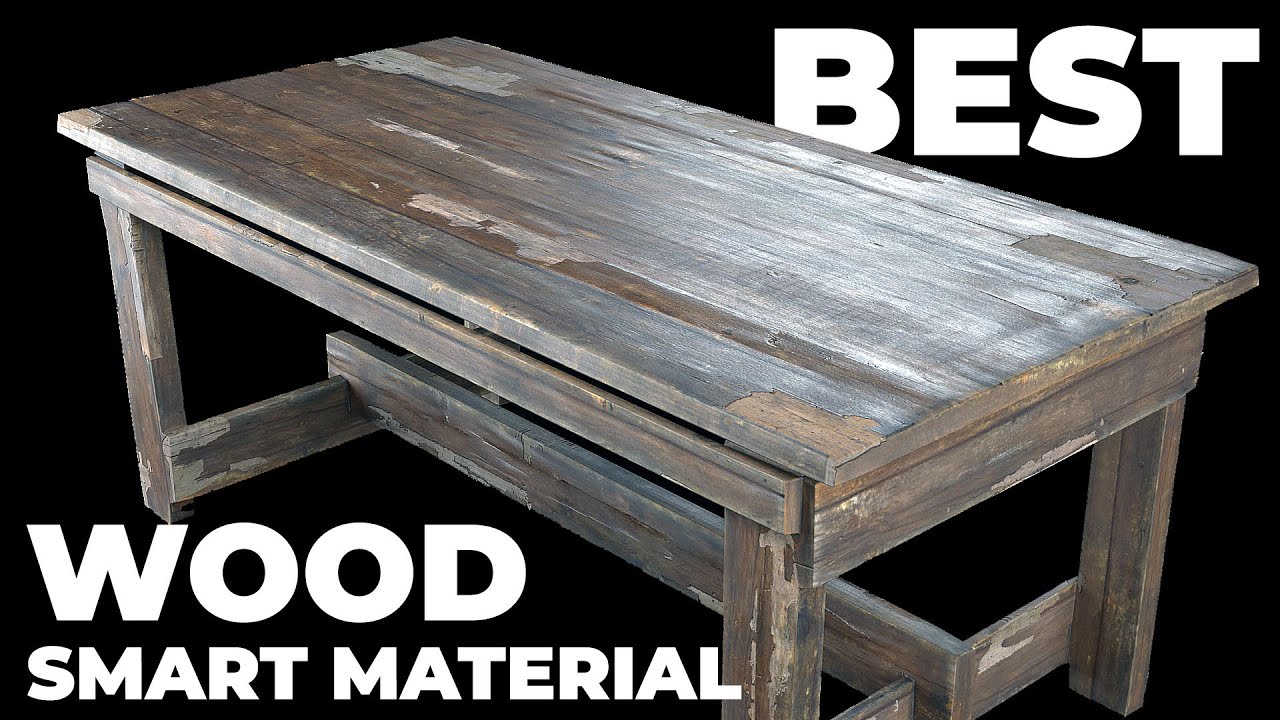
You will learn step by step how to make smart masks recognize added details, how to use anchor points and passthrough layers correctly, how to add realistic dirt, scratches, and edge wear on custom details, and how to fix common texturing mistakes that make models look fake. This simple method works for both height maps and normal maps.
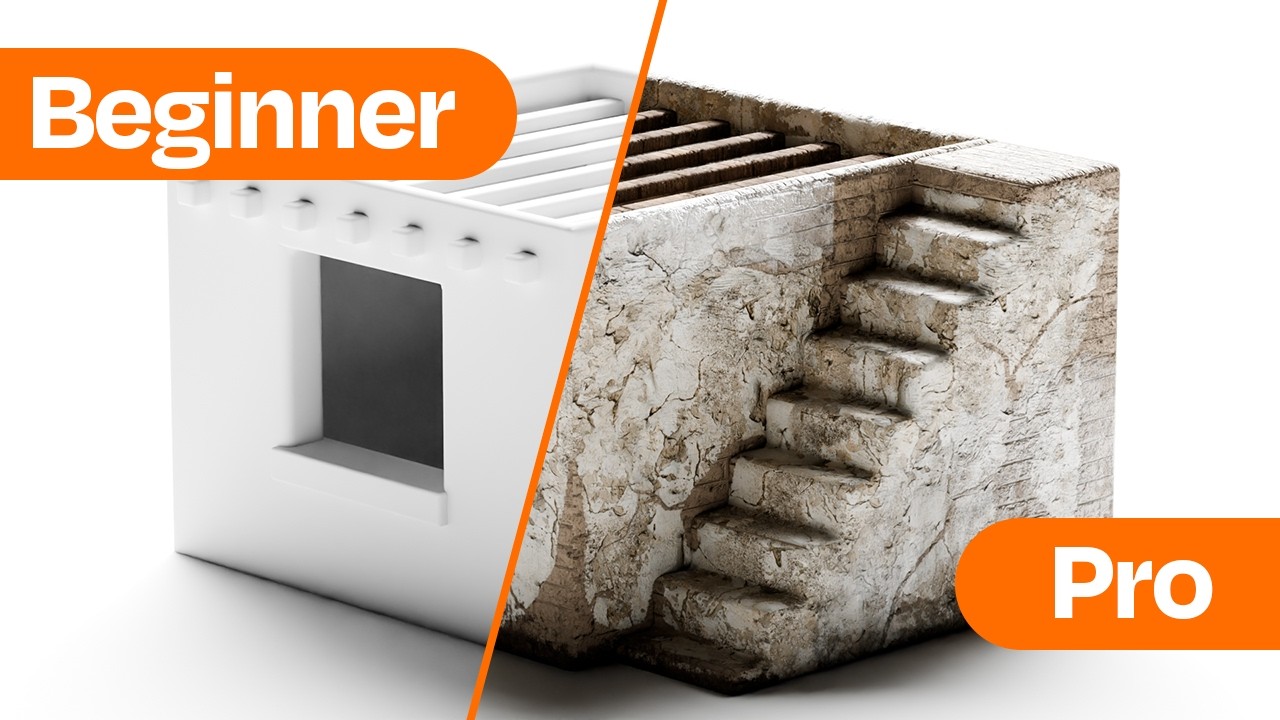
Whether you are creating textures for games, film, or 3D visualization, this workflow will make your materials look much more realistic. If you are interested in 3D modeling, PBR texturing, game art, or Substance Painter tutorials, this video is a must-watch.
If you find it helpful, remember to like, subscribe, and share it with other artists. More Substance Painter tips and tricks are coming soon.
Timestamp
00:00 - Intro
01:04- Tutorial
02:45 - One more example
03:28 - Few more tips
03:50 - Outro
Повторяем попытку...
Доступные форматы для скачивания:
Скачать видео
-
Информация по загрузке: