How to Install Qwen Image Edit | Run GGUF Model on Any Low VRAM GPU (Full Setup + Demo)
Автор: MuseFlow AI
Загружено: 2025-10-24
Просмотров: 617
Описание:
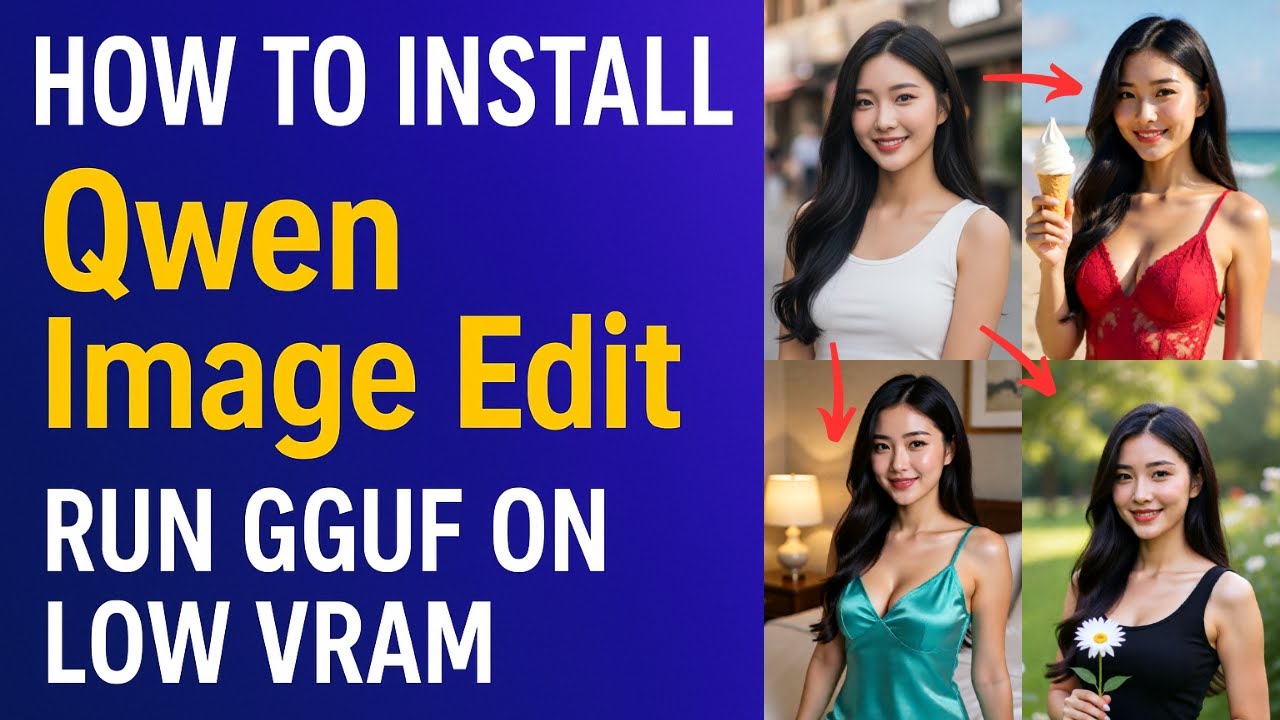
🧠 Qwen-Image-Edit is a powerful open-source model from Alibaba’s Qwen family, designed for AI-based image editing and inpainting with precise text-to-image control.
In this tutorial, I’ll show you how to install and run the GGUF quantized version of Qwen-Image-Edit inside ComfyUI, perfectly optimized for low-VRAM GPUs (as low as 8 GB).
💡 In this video, you’ll learn:
How to install ComfyUI and prepare folders for Qwen-Image-Edit
How to use the GGUF quantized model for reduced VRAM load
How to edit or modify images using text prompts
How to optimize settings for 8–12 GB GPUs without OOM errors
How to fix missing node and CUDA issues during setup
⚙️ System Requirements:
Python 3.10 or higher
Git
ComfyUI (latest build)
Qwen-Image-Edit GGUF model (Q3_K_S ≈ 8.9 GB or Q2_K ≈ 7 GB)
FFmpeg (optional for export)
GPU with 8–12 GB VRAM
🎨 Output: Realistic, precise AI image edits with Qwen’s GGUF model — fully local, optimized for low-VRAM systems.
💬 Comment below if you want a video on combining Qwen-Image-Edit with ControlNet or AnimateDiff for advanced compositing.
🔔 Subscribe to MuseFlow AI for more tutorials on open-source AI tools for image, video, and voice generation.
#QwenImageEdit #ComfyUI #MuseFlowAI #LowVRAM #GGUF #AIImageEditing #AItools #RunLocally #AITutorial #InstallAITool #AIDemo #DiffusionModel #OpenSourceAI #AISetup #AIWorkflow #AIphotoedit #AIinpainting #AIon8GBGPU
Повторяем попытку...
Доступные форматы для скачивания:
Скачать видео
-
Информация по загрузке: