How to Insert Calendar Symbol in Excel Cell
Автор: Mr. Devotor
Загружено: 2026-03-09
Просмотров: 7
Описание:
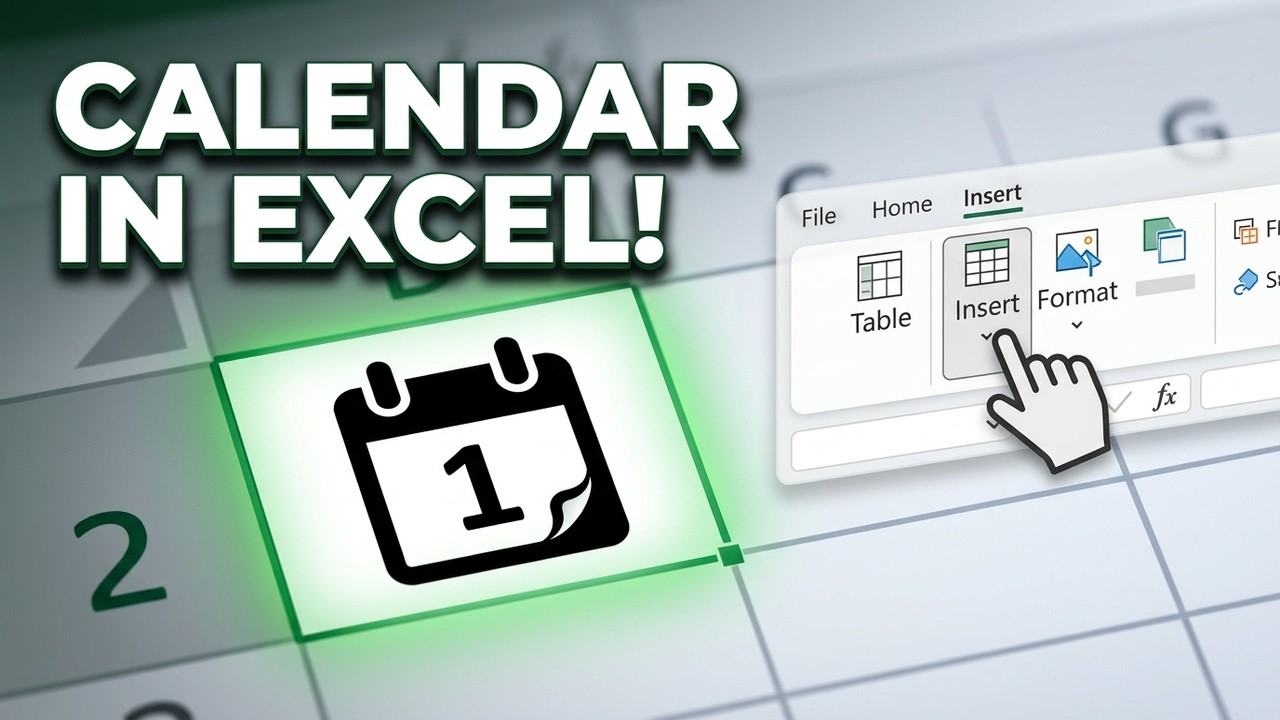
In this quick tutorial, learn 3 reliable methods to insert a calendar symbol or icon into any Microsoft Excel cell. Whether you are tracking deadlines, managing a schedule, or creating a professional dashboard, these visual cues make your data stand out!
In this video, we cover:
The Symbol Menu: How to find the specific character code in Segoe UI Symbol.
The Windows Keyboard Shortcut: The fastest way for laptop and PC users to insert a colored calendar emoji.
Microsoft 365 Icons: Using high-quality vector graphics for a professional look.
Pro Tip: How to use a formula to automatically combine a calendar symbol with your dates.
Formula used in the video:
="📅 " & TEXT(A1, "mm/dd/yyyy")
Note: If your symbol looks like a box, make sure to change your font to "Segoe UI Emoji" or "Arial Unicode MS."
Don't forget to Like and Subscribe for more Excel tips and productivity shortcuts!
Hashtags
#ExcelTips #MicrosoftExcel #ExcelTutorial #Productivity #ExcelShortcuts #DataVisualization #Office365
Повторяем попытку...
Доступные форматы для скачивания:
Скачать видео
-
Информация по загрузке: