How to Fix Telegram Group Not Working
Автор: App Ultra
Загружено: 2026-05-05
Просмотров: 214
Описание:
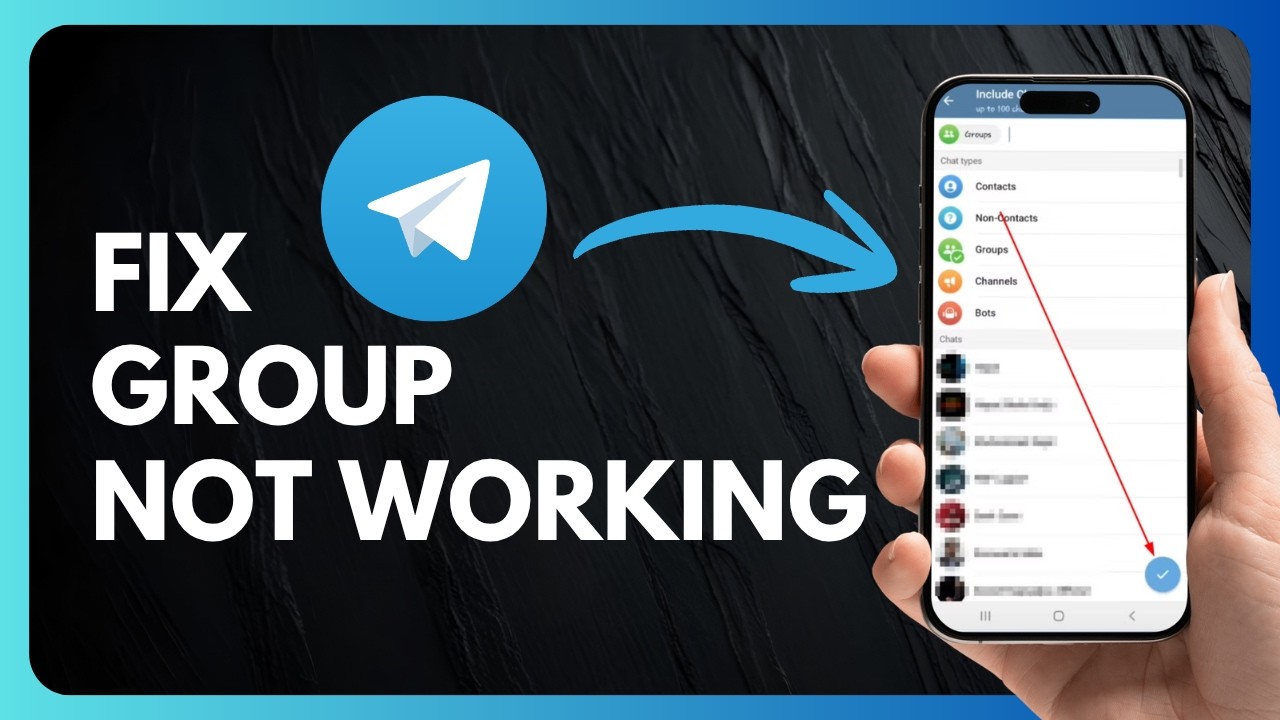
Telegram Group Not Working? Easy Fixes to Solve the Issue Fast
If your Telegram group is not working, not loading messages, or you’re unable to access group content, don’t worry—this is a common issue that can usually be fixed with a few simple steps. Whether it’s a glitch, outdated app, or settings restriction, these solutions will help restore your Telegram groups quickly.
The first thing you should do is check for updates. Open the App Store or Google Play Store, search for Telegram, and see if an update is available. If you see an update button instead of open, install the latest version, as outdated apps can often cause group-related bugs or loading issues.
Next, try force closing the Telegram app and reopening it. This helps clear temporary glitches and refresh the app’s connection. If your Telegram app is working but only certain groups are not loading properly, the issue may be related to settings or content restrictions rather than the app itself.
In that case, go to Telegram Settings, open Data and Storage, and check for content or sensitivity options such as showing restricted or sensitive content. Enabling the correct settings can sometimes fix group visibility issues. Hopefully, this guide helped you fix Telegram group not working problems. If you still have questions, feel free to comment below.
#Telegram #TelegramGroup #NotWorking #FixTelegram #TelegramFix #AppFix #MessagingApp #TechSupport #SocialMediaFix #TelegramTips
For Business Enquiries:
Email - [email protected]
Повторяем попытку...
Доступные форматы для скачивания:
Скачать видео
-
Информация по загрузке: