How to Relight with Modify Video
Автор: Luma AI
Загружено: 2025-08-07
Просмотров: 2385
Описание:
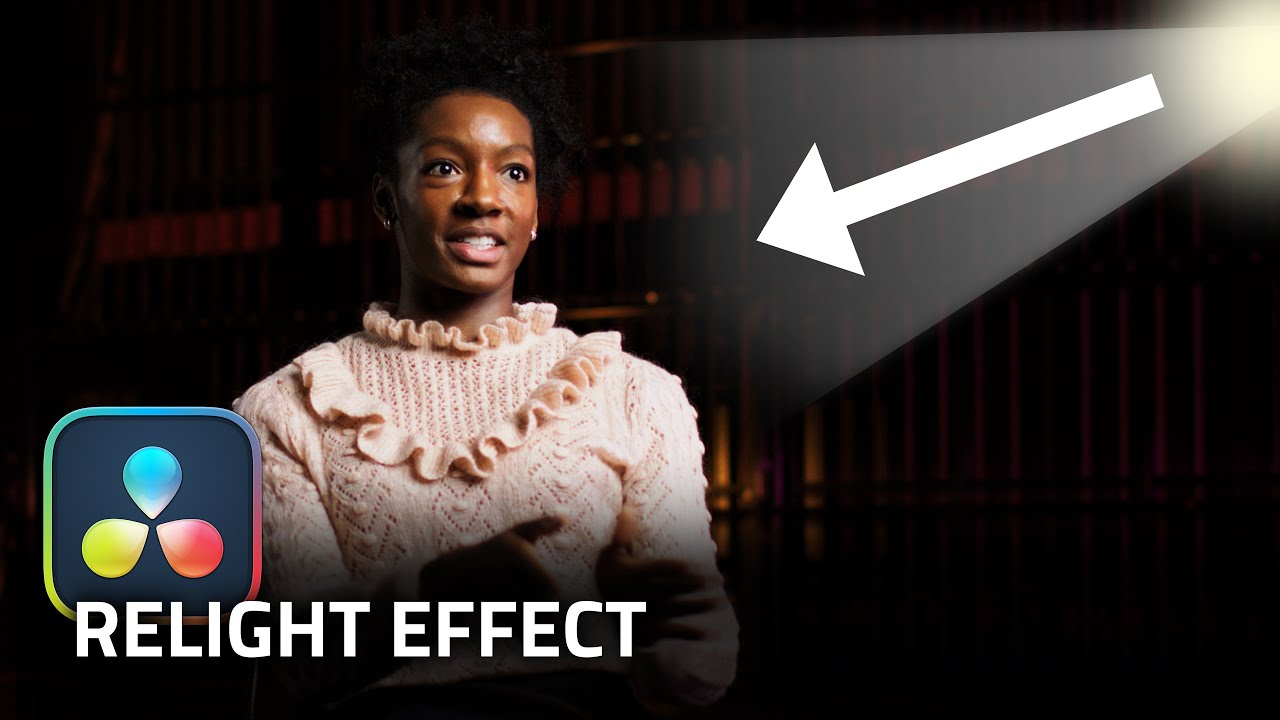
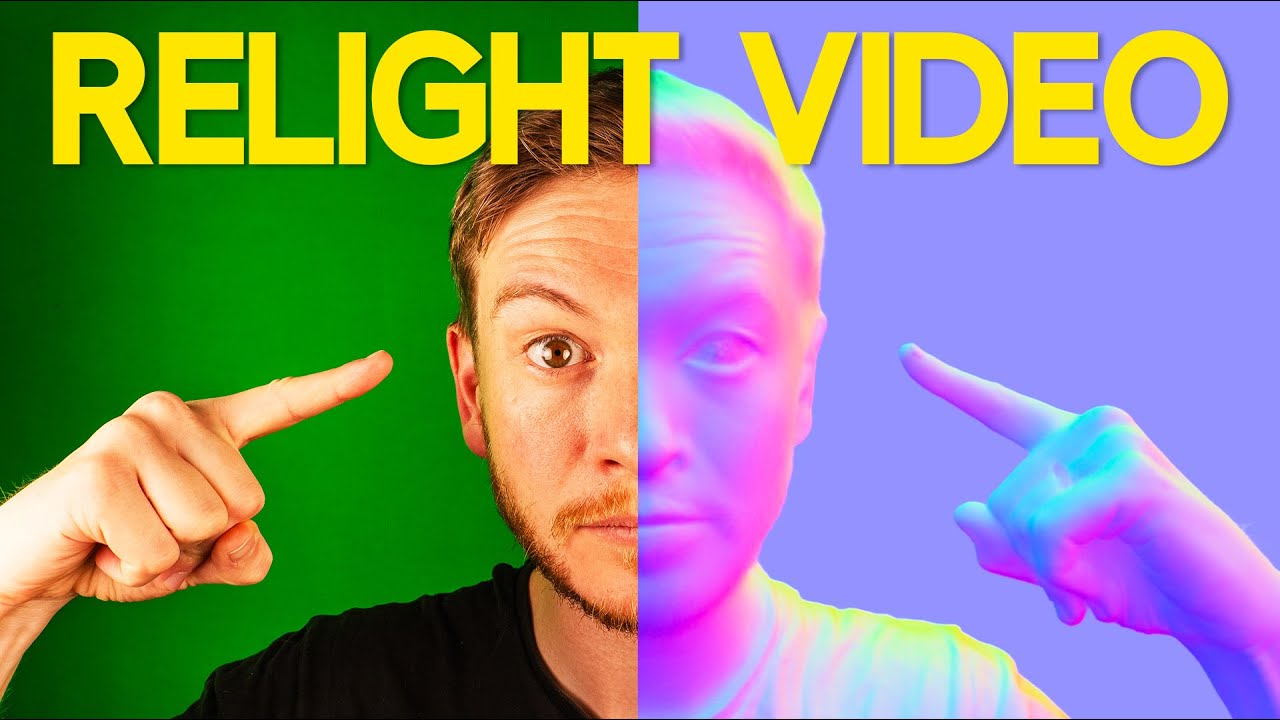
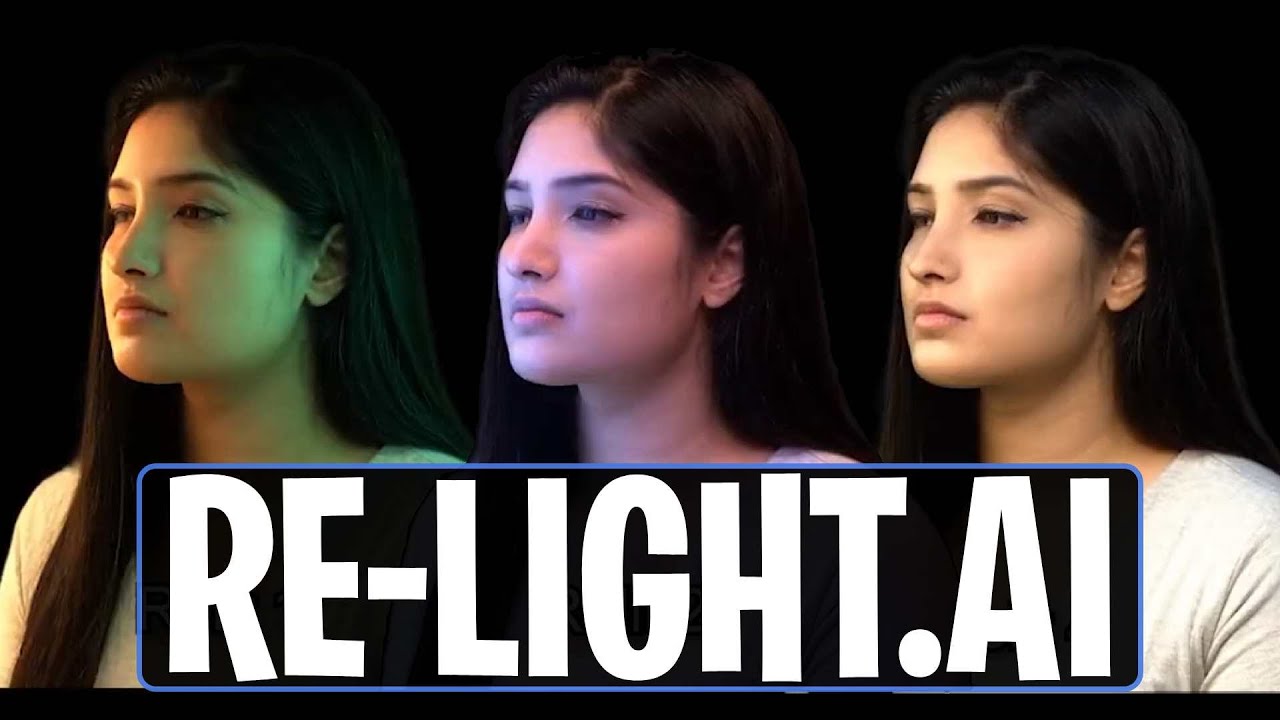
Virtual Relighting with Modify Video
Apply various scene lighting configurations to any video with #Ray2 Modify Video in #DreamMachine.
Step 1: Setup a static shot of a subject and hold still.
Step 2: While holding the pose, capture various Start Frames with different lighting configurations.
Step 3: Record a video of the subject starting in their pose, then moving freely or looking around in the scene.
Step 4: Open Dream Machine and create a new Board.
Step 5: Select the Modify option in composer settings. Then import your captured video onto the blank Video Card in the composer. Import your Start Frame onto the Start Frame Card next to your original video.
Pro Tip: Adjust Strength to select an intensity level. Dial it low to preserve detail. Turn it up to dream bigger.
Step 6: Select and lock in your preferred Strength level. Flex 2 and 3 were used for subtle light changes. Reimagine 1 was used for more aggressive light changes.
Step 7: Tap the Create button in the composer to make your virtual relighting video come to life.
#aivideo #tutorial #vfx #bts #virtualproduction #howto #learn #luma #lumaai #lumadreammachine #modifyvideo
Learn more: https://lumalabs.ai/learning-hub
Follow & Connect with Luma AI:
X: https://x.com/lumalabsai
Instagram: / lumalabsai
LinkedIn: / lumalabsai
TikTok: / lumalabsai
Повторяем попытку...

Доступные форматы для скачивания:
Скачать видео
-
Информация по загрузке: