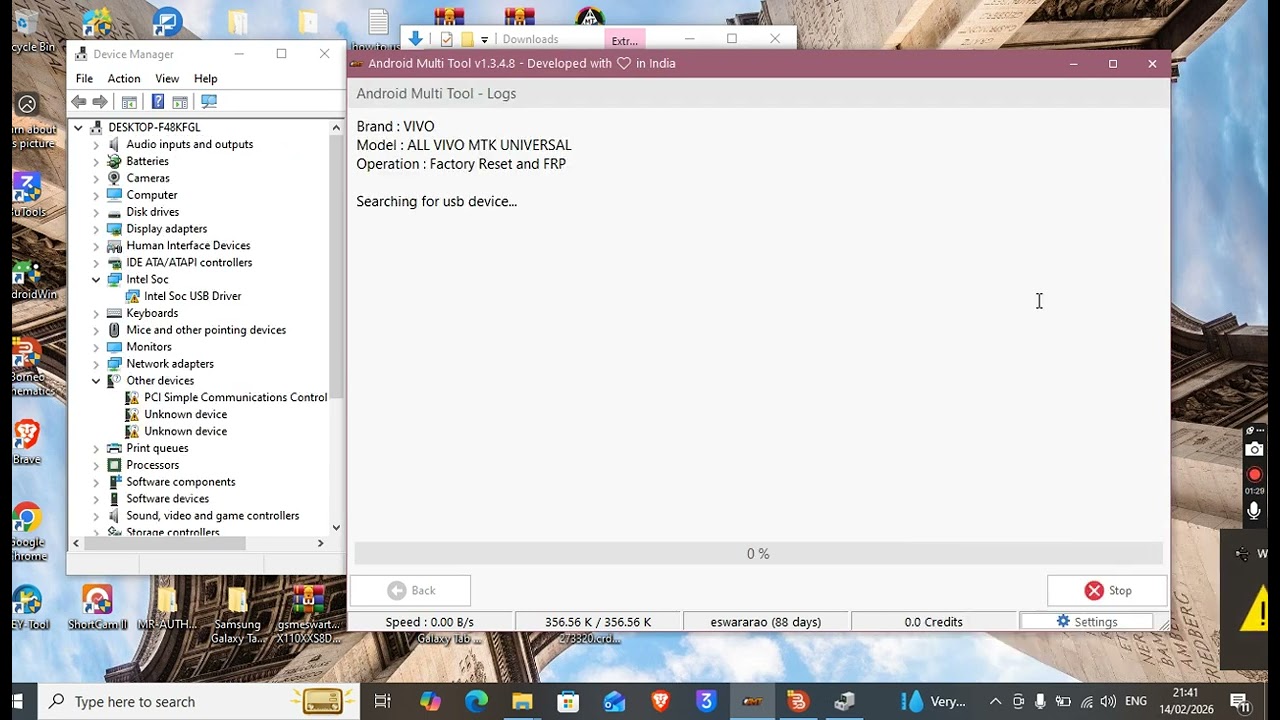
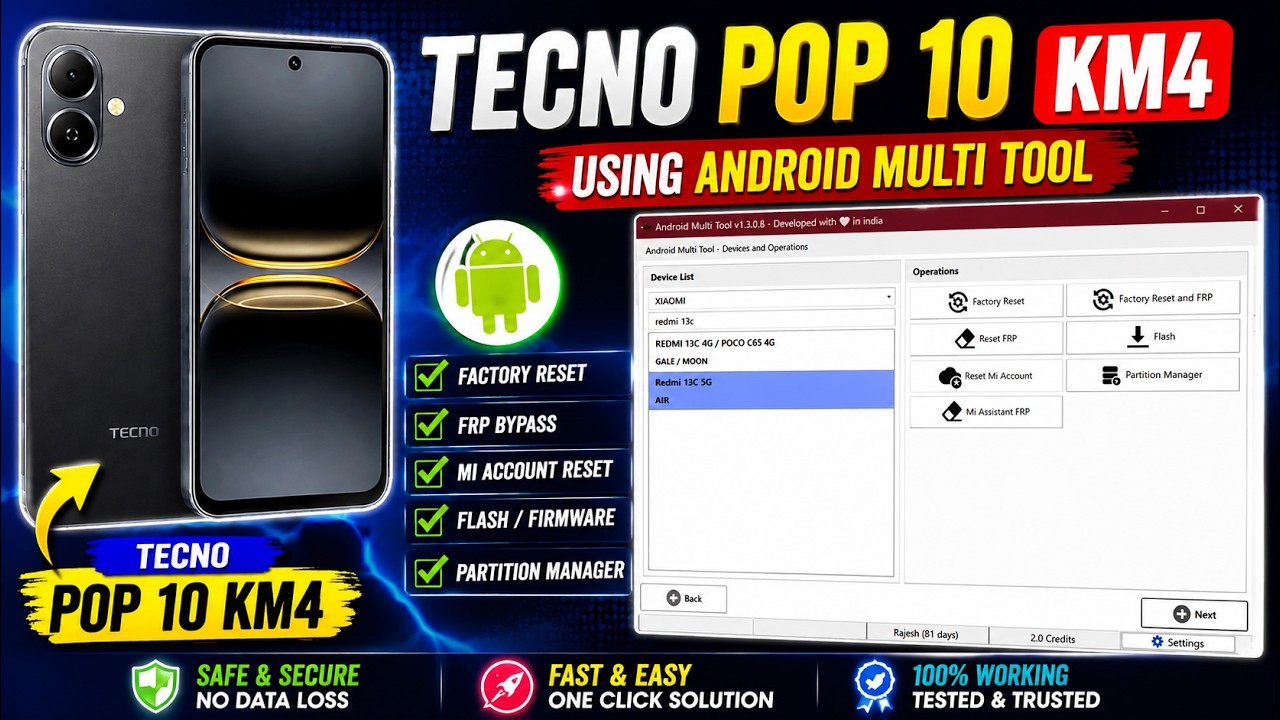
Tecno Pop 10 KM4 FRP Bypass Using Android Multi Tool | Educational | Titan Tech
Автор: 𝕋𝕚𝕥𝕒𝕟 𝕋𝕖𝕔𝕙
Загружено: 2026-02-01
Просмотров: 32
Описание:
In this video, I demonstrate FRP (Google Account) removal on Tecno Spark Go 2 / Tecno Pop 10 (KM4) using Android Multi Tool.
⚠️ DISCLAIMER & CAUTION
This video is created only for educational and informational purposes.
All procedures are performed on a device owned by me or with the full permission of the owner.
I do not support illegal access, stolen devices, or misuse of any device.
FRP/MDM removal laws vary by country.
Proceed at your own risk and always follow local laws.
Titan Tech will not be responsible for any damage, data loss, or legal issues caused by misuse.
📌 VIDEO DETAILS
📱 Model: Tecno Spark Go 2 / Tecno Pop 10
🧩 Model Code: KM4
🔐 Security: FRP (Google Account Lock)
🛠️ Tool: Android Multi Tool
🎯 Use Case: Education | Own Device Only
👉 If this video helped you, Like 👍 | Subscribe 🔔 | Share 📤
👉 Follow Titan Tech for more mobile software & hardware solutions.
Titan Tech is your ultimate hub for phone flashing, PC tools, and repair tutorials. Learn how to install drivers, use Odin, flash firmware, fix boot loop, understand FRP, EDL, and KG modes, and safely repair devices step by step. All tutorials are beginner-friendly, professional, and safe, helping tech enthusiasts and repair technicians master phone and PC repair skills. Subscribe now for more Titan Tech tutorials.
Повторяем попытку...
Доступные форматы для скачивания:
Скачать видео
-
Информация по загрузке: