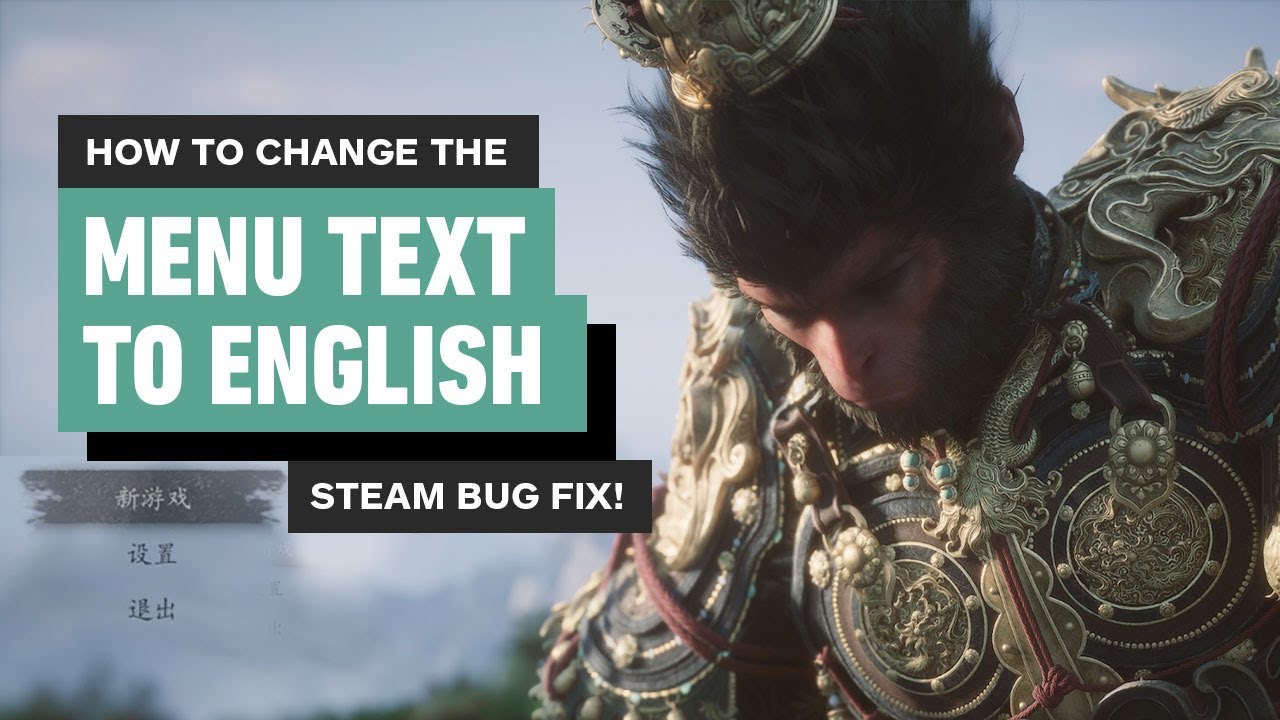
How to Change Language from Chinese to English in Black Myth: Wukong on PS5 | Easy Guide 100%
Автор: Platinum Trophy
Загружено: 2024-08-19
Просмотров: 59227
Описание:
Hey folks, today we've got a quick tutorial on how to fix a problem in Black Myth: Wukong. Every new game has its issues, and it looks like this one is no exception. Unfortunately, there's a bug where you can't change the game language from Chinese to English. Even resetting the settings doesn't work, and to make it worse, when you're in the game, it says to go back to the main menu to change it, but the option is still locked there.
But don’t worry! I've got a simple, 100% guaranteed fix that’ll sort this out easily. If this video helps you out, please don't forget to drop a like! Appreciate you all.
Oh, and just a heads up—this channel is mostly in Persian, but every now and then, I’ll post tutorials like this one in English. Cheers!
If this video was helpful and you’d like to support me, you can send me a PlayStation Gift Card (US Region) in any amount you prefer.
Simply purchase a PSN Gift Card (US) from a trusted store like Amazon, CDKeys, or Eneba, and email the gift card code to:
📧 [email protected]
Your support means a lot and helps me continue creating more content. Thank you! 🎮🔥
Повторяем попытку...

Доступные форматы для скачивания:
Скачать видео
-
Информация по загрузке:




![Эффект Джанибекова [Veritasium]](https://imager.clipsaver.ru/N9HlQ-XVnFk/max.jpg)