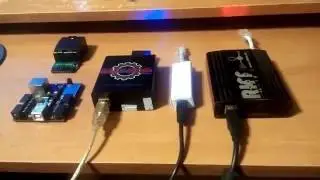
how to write scatter directly to emmc using UFIBOX and save as Dump file
Автор: UFi DRoid, Powered by UFIBOX
Загружено: 2015-09-09
Просмотров: 40289
Описание:
UFI BOX, The Best and The Fastest Emmc Tool Box in the Galaxy..
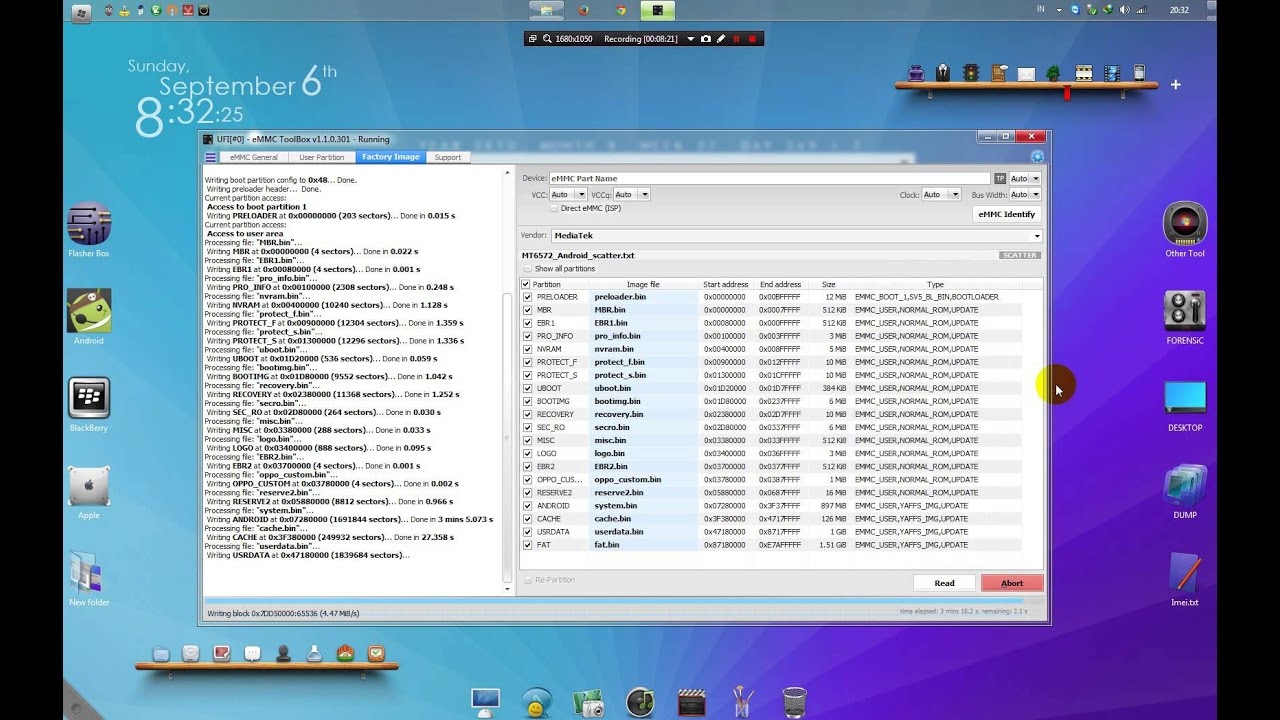
Now, I'll show you, how to write scatter file of any MTK Stock Rom, directly to your blank Emmc, just like flashing your mtk android device with SPFlash tool...
Yes, of course this is just one of the "world first" feature in this Amazing UFi Box, and no other emmc tool support this. Replacing emmc on MTK android device now become so easy, you don't need to config any setting in your blank emmc. UFIBOX did it automatically. Now you have no worry how to get normal device dump file, got headace because no one share it, even googling not much help. All you need to do is just load the stock scatter rom, klick "write", and your done...
After did that, now you can make backup dump file for future use. Create dump file of your emmc is so easy too wit UFIBOX. And of course Fast.
With UFIBOX, you need only 4minutes to backup your whole 4GB user area of your emmc.. it include compressing and calculating crc.. No wasting time anymore... Even more, UFI BOX create backup folder so smart, with automatically make backup name by brand, series of the device, and android version of your emmc... How intelegent is it..
In next, I'll show you more feature of this Best emmc Tool in GSM World... U F i B O X...
For example, I'm using oppo r1001 as demo
Повторяем попытку...
Доступные форматы для скачивания:
Скачать видео
-
Информация по загрузке:


![How to Unbrick every MTK China Phone ! Preloader / SP Flashtool Fix [HD]](https://image.4k-video.ru/id-video/A3TmXtOA0IA)