TP-LINK RE305 – How to Block Unwanted Users
Автор: HardReset.Info
Загружено: 2026-01-21
Просмотров: 18
Описание:
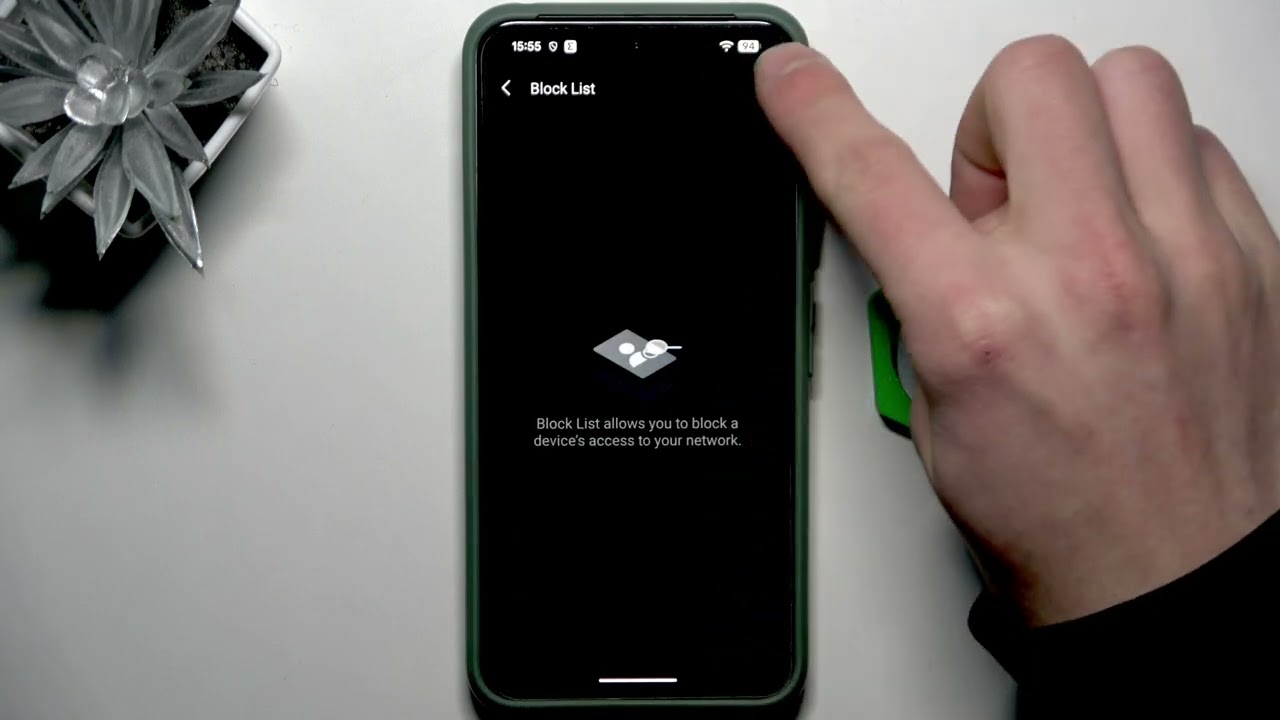
In this short video you'll learn how to block unwanted users and devices from your TP-LINK RE305 Wi-Fi extender using the TP-LINK Tether app. We show exactly where to open the More menu, find the Block List, and add a device by selecting a connected client or pasting its MAC address. This quick step-by-step will help you secure your network, stop unauthorized access, and manage connected clients on your RE305 extender.
How to block unwanted users on TP-LINK RE305?
How to block a device by MAC address on TP-LINK RE305 using the Tether app?
How to access the Block List in the TP-LINK Tether app for RE305?
0:00 Intro – what we will do
0:07 Open the Tether app and tap More
0:21 Go to Block List and tap the + button
0:26 Select client or add by MAC address
0:33 Save changes and outro
#TPLINKRE305 #RE305 #TetherApp #BlockUsers
Find out more:
https://www.hardreset.info/devices/tp...
Follow us on Instagram ► / hardreset.info
Like us on Facebook ► / hardresetinfo
Tweet us on Twitter ► / hardreseti
Support us on TikTok ► / hardreset.info
Use Reset Guides for many popular Apps ► https://www.hardreset.info/apps/apps/
Повторяем попытку...
Доступные форматы для скачивания:
Скачать видео
-
Информация по загрузке: