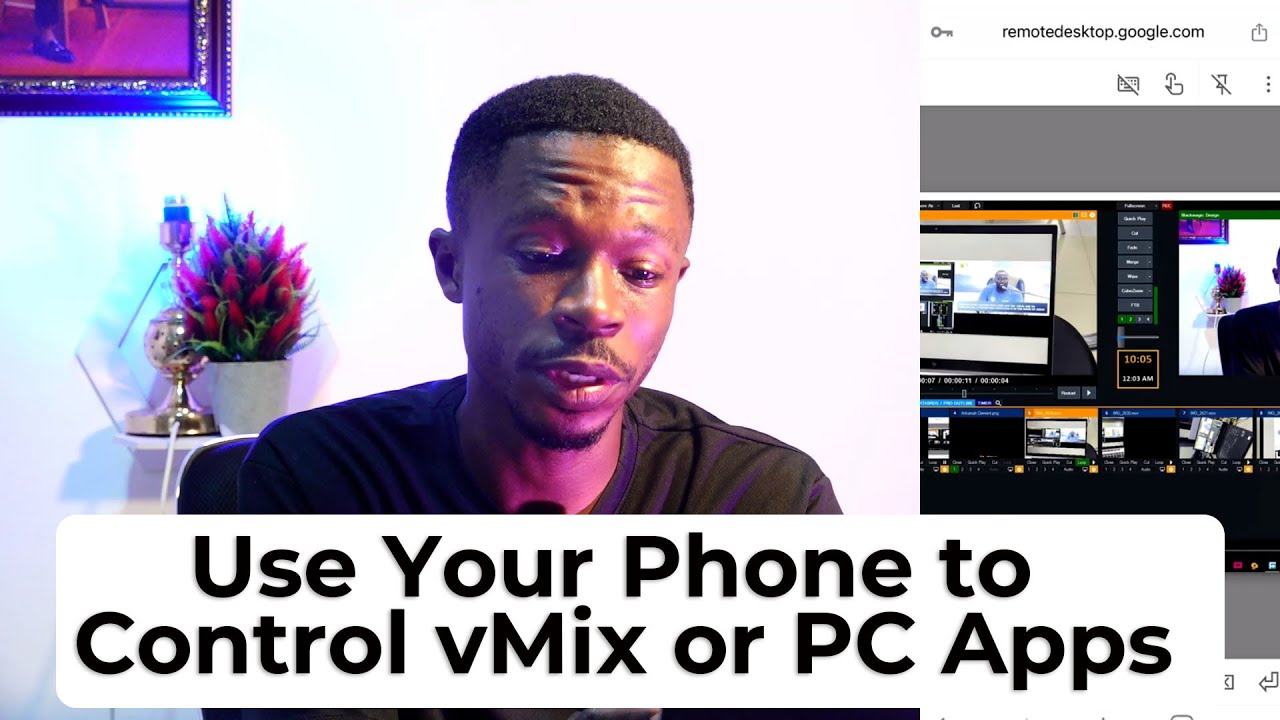
How to Control vMix or Any PC Software from Your Mobile Phone, Tablet, or MacBook! 🖥️📱💻
Автор: Ankamah Clement
Загружено: 2025-05-28
Просмотров: 114
Описание:
In this detailed tutorial, I’ll walk you through how to use Chrome Remote Desktop to connect to your computer from virtually anywhere. This free tool makes it simple to control your PC or Mac using your phone, tablet, or another computer. Whether you're working remotely, offering tech support, or just accessing your files on the go, Chrome Remote Desktop has you covered. All you need is a Google account and the Chrome browser.
📚 Useful Link:
• Chrome Remote Desktop: https://remotedesktop.google.com/
Control vMix or Any PC Software from Your Mobile Phone, Tablet, or MacBook! 🖥️📱💻
Want to control vMix, OBS, or any desktop application from your phone or tablet? In this video, I’ll show you exactly how to use your mobile device or MacBook as a remote control for your production software—whether you're managing a livestream, switching scenes, or adjusting audio from anywhere in the room!
🚀 What You’ll Learn in This Video:
How to set up vMix Web Controller for mobile access
How to use Touch Portal, Bitfocus Companion, or remote desktop apps
Connecting over Wi-Fi or LAN
Controlling from Android, iOS, iPad, or macOS
BONUS: Tips for seamless wireless production control
🙏 REQUEST VIDEOS
https://docs.google.com/forms/d/e/1FA...
📡 Perfect for:
Livestream operators
Church media teams
Event production crews
Solo content creators
Chrome Remote Desktop
💬 Got questions or want a specific tutorial for your setup? Drop them in the comments!
👍 Like • 🔔 Subscribe • 📢 Share if this helps your setup!
#vMix #TouchPortal #RemoteControl #LiveProduction #StreamingTips #MacBookControl #MobileControl #OBS #TechTutorial #ChurchMedia #AnkamahClement
Повторяем попытку...
Доступные форматы для скачивания:
Скачать видео
-
Информация по загрузке: