The EASIEST Inventory System for Your Small Content Business (DIY Google Sheet Setup)
Автор: SmallBusinessCOO
Загружено: 2025-03-14
Просмотров: 926
Описание:
Come on a journey with us in Google Sheets as we make a simple inventory sheet for your small business. Perfect for Excel Users switching to google sheets. Through watching this whole video you’ll have a tool to keep track of your inventory and you won’t need to be a Google Sheets expert to use it. Let’s get started.
To get a copy of this template for your use go to our website: https://www.smallbusinesscoo.com/cont...
I created this video to help a reddit user with their pokemon coaster business. In the post the reddit user gave us a list of Pokemon names. We’ll type them in. The bad thing is that I don’t know if I can pronounce any of them. The Reddit user asked on Reddit how to track their inventory balances by part and they also wanted to be able to add inventory and subtract inventory as they make and sell coasters.
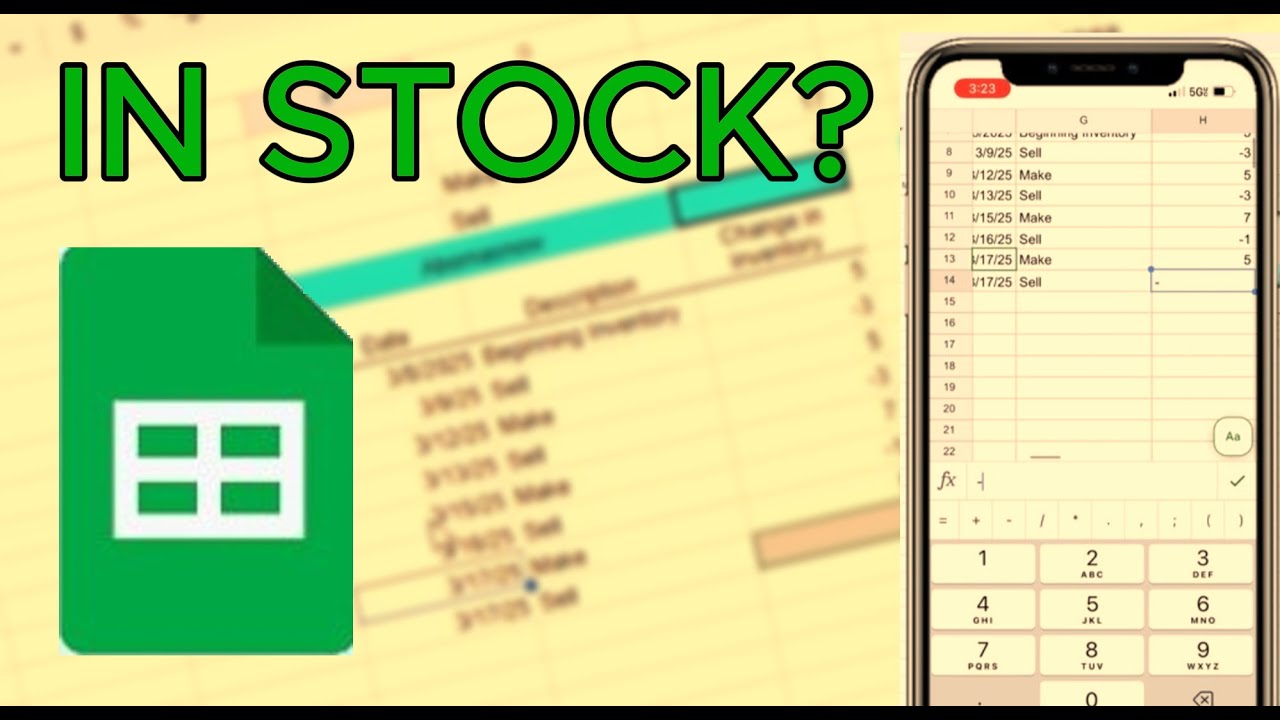
Now we have a list of parts in the form of seven Pokemon and we're going title this column inventory balance here and now over to the right we're going to create an inventory schedule so we're going to take our first one and fill in the part name. Then Fill in Date, Description, and Change in Inventory as our column headers for each part. Now let’s fill in the first record. Let’s use 3/8/2025 as the date, make for the description and 5 for the number of parts made. Now let’s add another transaction to sell 3 parts on 3/9/2025. But, now we have to manually add in our head what was bought and sold. So, let’s add a sum at the top to maintain an inventory balance. In cell H2 fill in =sum(h4:H160) just to have enough rows for your transactions. But, now we know the total of 8 is incorrect. We need to make the sales a negative number. Now the inventory is correct at 2.
Most of the Google Sheets I’ve seen for Inventory here on YouTube and elsewhere are complicated. But, that is the last thing you need. When you are getting started you need something easy. With the schedule we are building together right now you’ll be able to have just enough so that you can focus on more important things and then add the complexity later as your business grows.
The next step is to tie the inventory for the part to the inventory summary on the left. So in cell b3 type =h2.
Now let’s move the summary down a little and add a worksheet title and a date. Now let’s format the summary a little with borders and add the column title Part. But, I don’t like the thick border so I need to apply the thin border. Now back to the inventory detail I want to add some color on the part name and inventory balance.
We’re going to continue by changing the first line to be the beginning inventory. Leave this at zero if you don’t have any thing. We’re also going to add some inventory transactions to the first part.
But, what if you want to know how many you sold and how many you made?
How do you sum based on categories in Google Sheets?
We can add a little more to this schedule using the SumIf Formula. We are going to use two categories make and sell. It’s important as we are creating transactions that we use these two words only. So, don’t use sold or produced for example. But, in cell H3 let’s work this formula. Type in =sumif(G7:G33,G3,H7:H33) . Now you can see the formula adds only the values that relate to the word make. We’ll type in similar for Sell and that is how you use the Sumif formula. Now you can see we made 5 and sold 6.
What’s great is because this sheet is so simple we can copy and paste these four cells to the other 6 parts. Let’s continue to add transactions to show you how this works. As we add inventory transactions the totals all follow as needed. The real benefit is that you can work this on your phone as well. You can easily use this by month. To move to the next month duplicate the sheet. Rename the sheet to the next month. Now take the Inventory balance for each part and enter it into the inventory balance. Then remove all of the copied transactions like this and start the new month fresh. As you make and sell parts you can add transactions. You can even use the mobile app to keep this sheet current. To continue learning Google Sheets for your Small business watch this video next.
#googlesheets #excel #shorts
Повторяем попытку...

Доступные форматы для скачивания:
Скачать видео
-
Информация по загрузке: