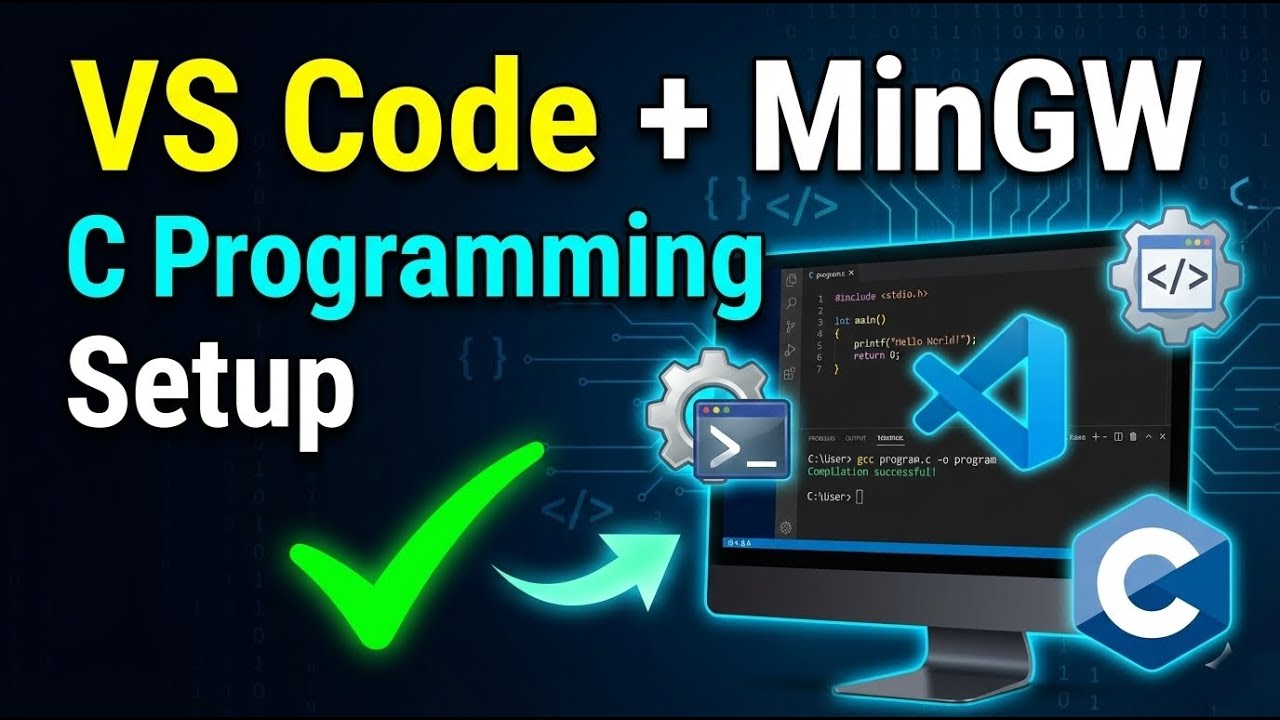
VS Code & MinGW Setup for C Programming | Step-by-Step Guide for Beginners
Автор: ShratonX
Загружено: 2026-01-06
Просмотров: 31
Описание:
In this video, I explain how to properly set up Visual Studio Code (VS Code) and MinGW on Windows for C programming. This tutorial is specially designed for beginners and first-year engineering students who are starting Programming for Problem Solving (PPS) or learning C programming from scratch. The steps are explained in a simple and clear manner so that you can write, compile, and run C programs smoothly without any confusion.
By the end of this video, you will have a fully working C programming environment using VS Code as a code editor and MinGW as the compiler. This setup is suitable for academic use, practical exams, and regular practice. The video also helps you understand how the compiler works behind the scenes and how to avoid common setup mistakes.
For PPT notes, code examples, and important updates related to C programming and PPS, you can join my Telegram channel using the link below:
👉 https://t.me/shratonx
If you find this video helpful, don’t forget to like, share, and subscribe to the channel to stay updated with upcoming C programming and PPS tutorials.
#CProgramming #VSCode #MinGW #GCC #PPS #GTU #CProgrammingSetup #ProgrammingForBeginners
Повторяем попытку...
Доступные форматы для скачивания:
Скачать видео
-
Информация по загрузке: