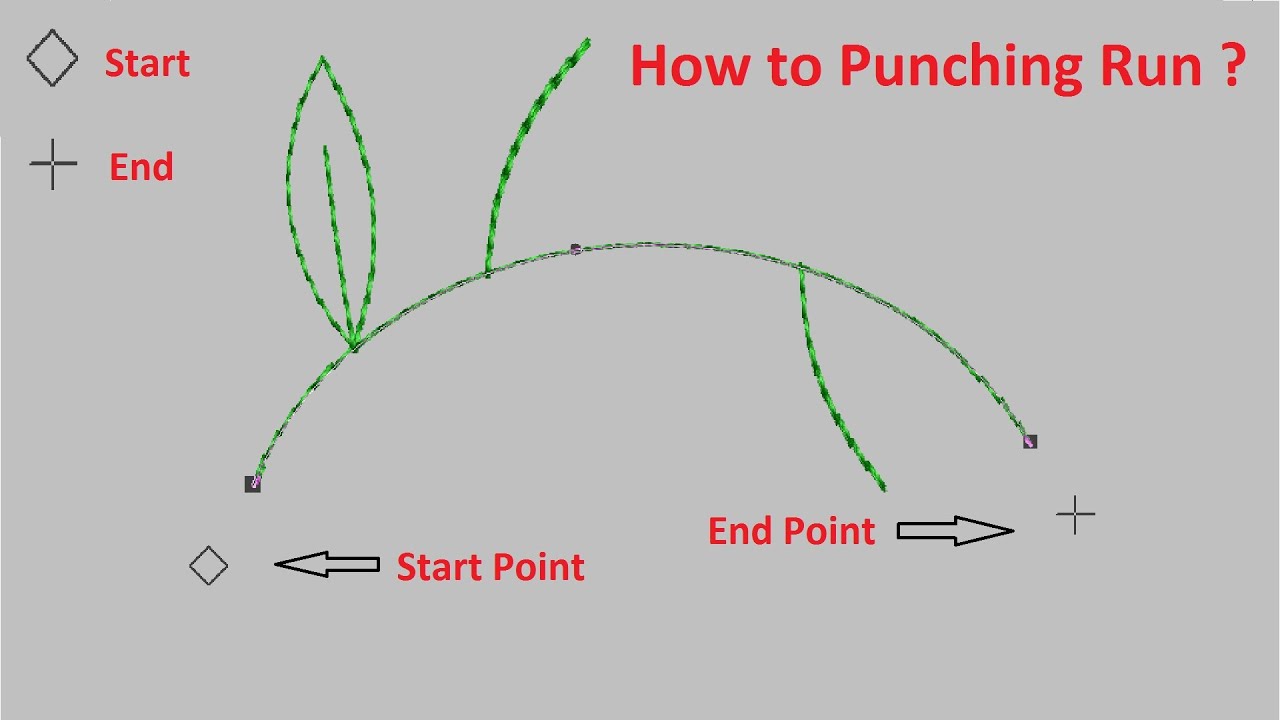
Wilcom Software | Machine Embroidery Design | Run Punching Tips Part 1
Автор: ALL SUPPORT
Загружено: 2020-12-05
Просмотров: 84747
Описание:
• Wilcome software embroidery design run tools
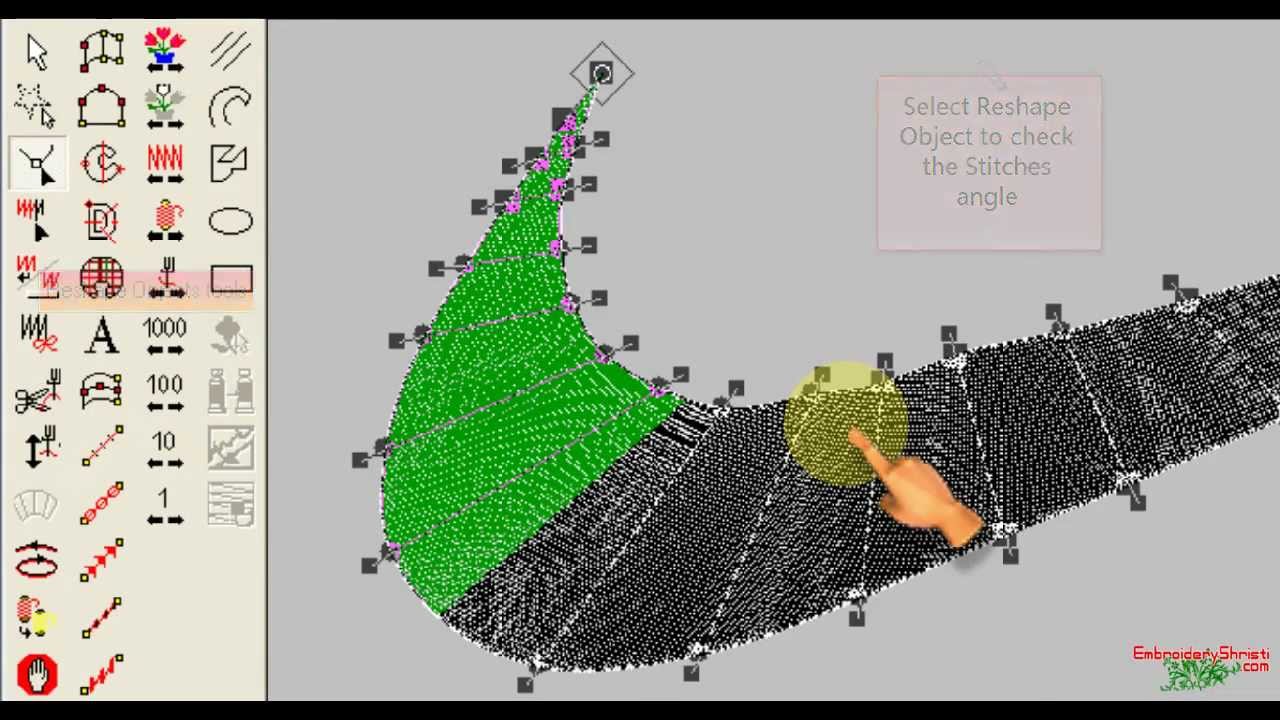
Embroidery Design Tools
Select Object/Select Current, Polygan Select, Reshape Object, Stitch Edit, Keep Last Stitch, Tie Off, Trim, Empty Function, Stitch Angles, Backtrack, Input A, Input B, Complex Fill, Fusion Fill, Auto Applique, Lettering, Team Names, Input C, Run, Triple Run, Motif Run, Backstitch, Stemstitch, Manual, Triple Manual, Circle, Star, Ring, Start End Design, Travel by Object, Travel by Segment, Travel by Color, Travel by Function, Travel 1000 Stitches, Travel by 100 Stitches, Travel 10 Stitches, Travel 1 Stitch, Line, Polyline, Polygan, Ellipse, Rectangle, Auto Trace, Reduce Colors, Sharpen Edges, Smart Design
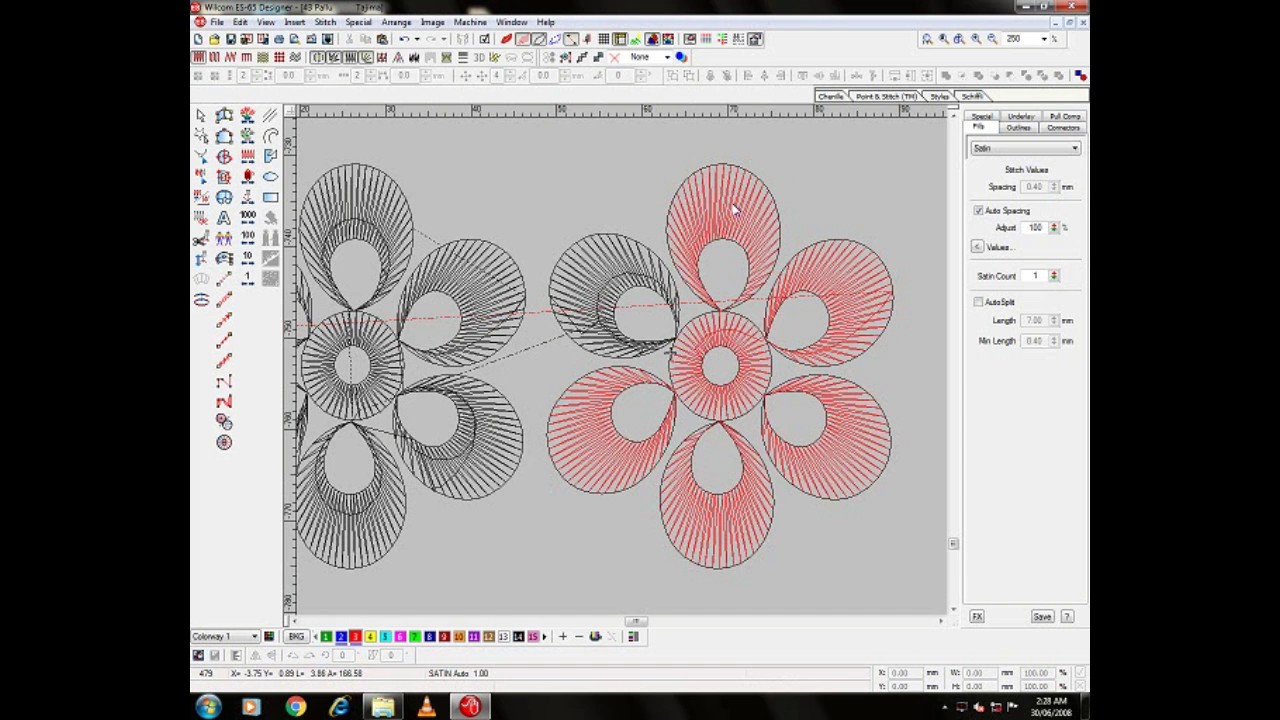
Wilcom Software Toolbar
1. Standard
New, Open, Save, Embroidery Disk Open, Embroidery Disk Save As, Print, Print Preview, Stitch to Stitch Manager, Stitch to Connection Manager, Cut, Copy, Paste, Can’t Undo, Can’t Redo, Branching, Select On Off, True View, Show Stitches, Show Outlines, Show Needle Points, Show Connectors, Show Functions, Show Grides, Show Rulers and Guides, Show Bitmaps, Show Vectors, Show All, Overview Window, Stitch List, Colors Object List, Team List, Properties Windows
2. Stitch Types
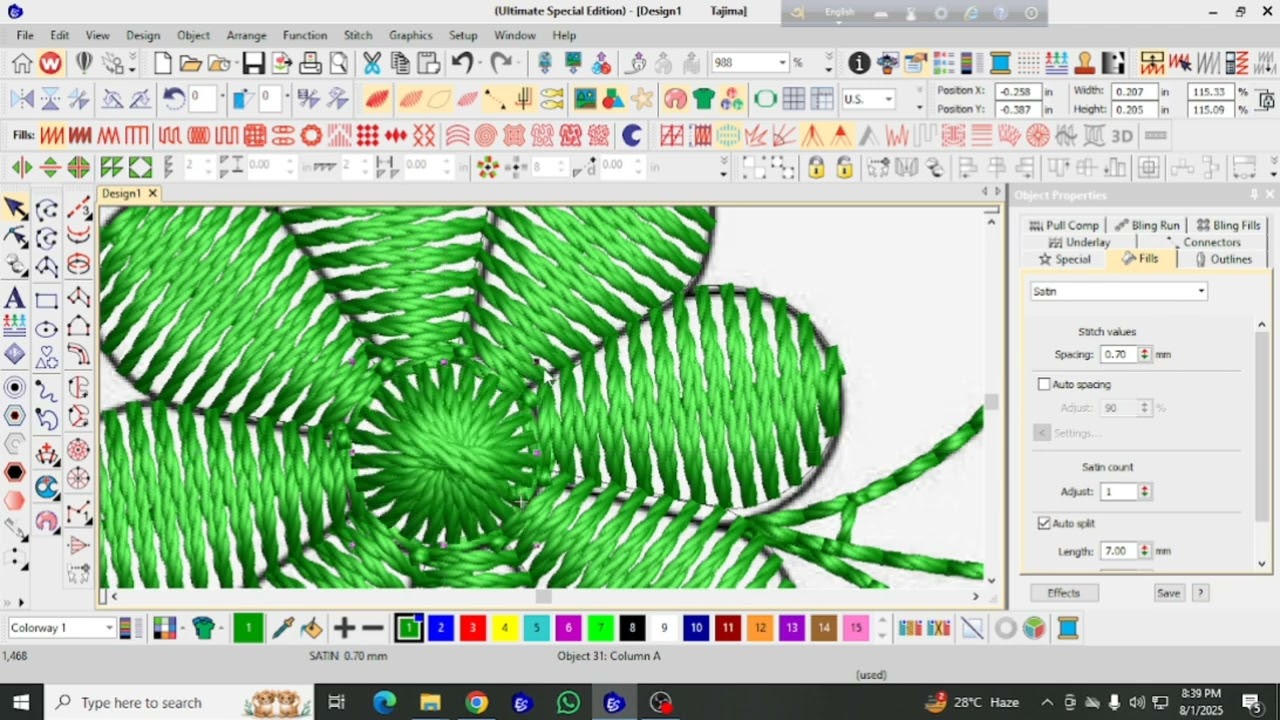
Satin, Tatami, Zigzag, Estitch, Program Split, Motif Fill, Contour, Auto Jump, Shortening, Pull Compensatation, Fractional Spacing, Auto Underlay, Smart Corners, Jagged Edge, Trapunto, User Defined Split, According Spacing, 3D Warp, Flexi Spilt, Florentine Effect, Liquid Effect
3. Generate
Generate Stitches, Penetrations, Borers, Use Auto Start End, Process, Insert Offset Object,Color Blending, Stipple Run, Borders
4. Arrange
Group, Ungroup, Lock, Unlock All, Align Left, Align Horizantal Centers, Align Right, Align Top, Align Verticle Centers, Align Bottom, Space Evenly Across, Space Evenly Down, Make Same Width, Make Same Height, Make Same Width and Height
5. Zoom
Zoom 1:1, Show All, Zoom Box, Zoom In 2X, Zoom Out 2X,
6. Sequin
Vectors to Sequin, Manual Sequin, Sequin Run Auto, Sequin Run Manual, Sequin Run Palettle, Sequin Palette Editor
7. Styles
Make Properties Current, Apply Current Properties, Favourite Style 1, Favourite Style 2, Favourite Style 3, Favourite Style 4, Favourite Style 5, Favourite Style 6, Favourite Style 7, Favourite Style 8, Favourite Style 9, Favourite Style 10, Apply Style
8. Shapping
Weld, Intersect, Exclude, Front Back, Back Front, Flatten, Divide, Combine, Keep Source Object
9. Mirror Merge
Array, Reflect, Wreath, Kaleidoscope,
10. Chenile
Coil, Straight, Perpendicular, Island coil, Chain, Moss, Needle Height, Compound Chenille, View by Chain Moss
11. Schiffile
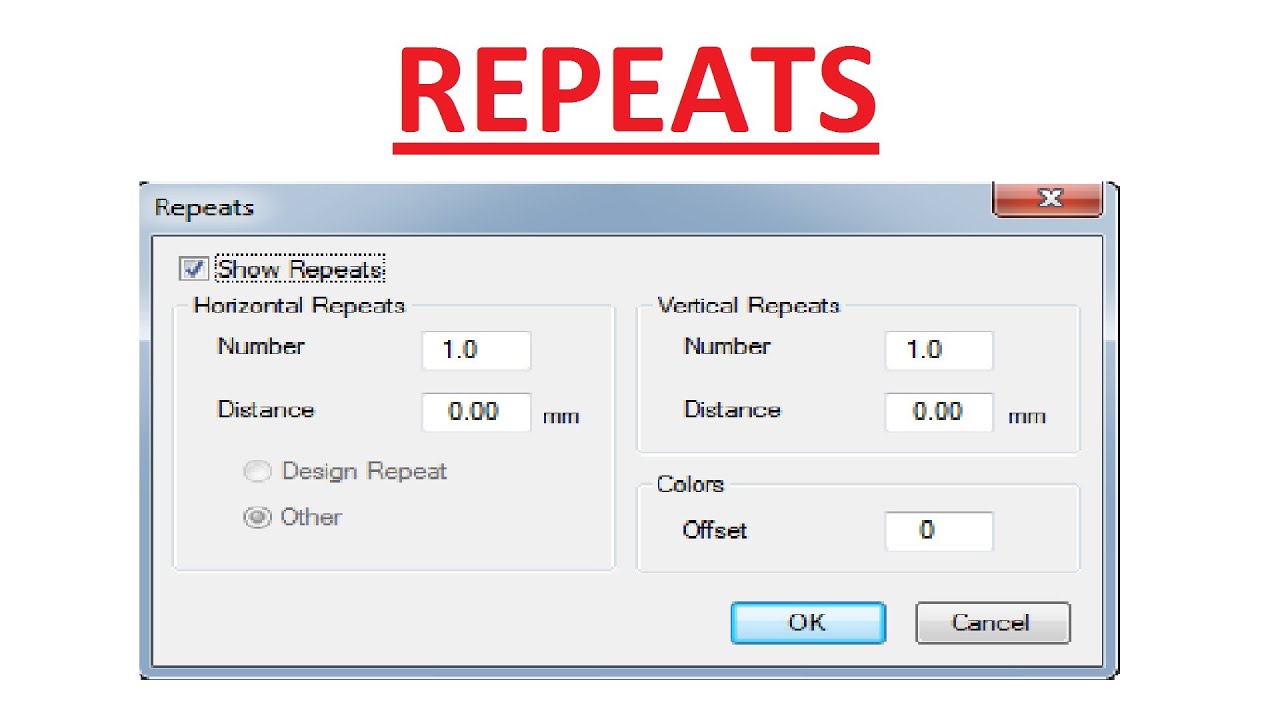
Show Repeats, Blatt, Stepp, End Jump, Degree
12. Clipart
Show Clipart, Record to Clipart, Manage Keyword
13. Show Vertical
Show Pointer, Show Input Toolbar, Show Travel Toolbar, Show Image Toolbar
Повторяем попытку...
Доступные форматы для скачивания:
Скачать видео
-
Информация по загрузке: