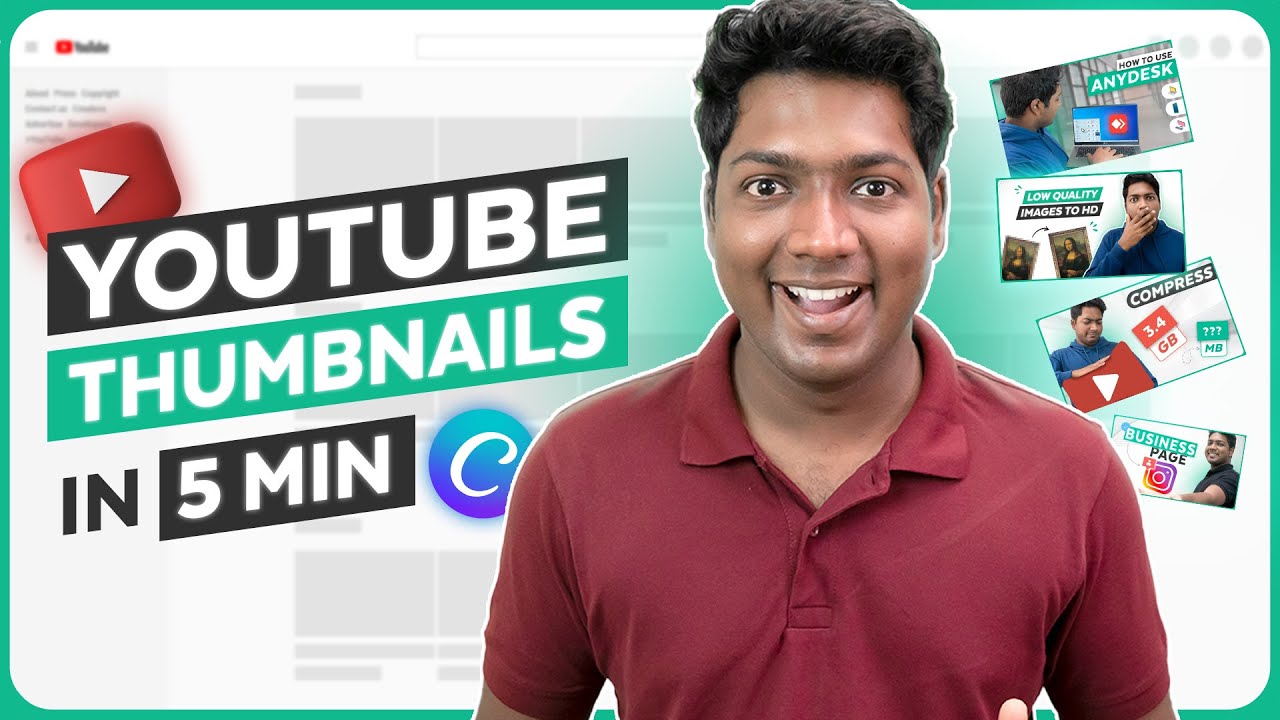
How to Make a Professional Thumbnail for YouTube Videos (in Just 3 Steps)
Автор: Website Learners
Загружено: 2021-06-19
Просмотров: 152941
Описание:
❤️ Start here ➜ https://wl.tools/canva
🏆 #1 Content Generator ➜ https://gravitywrite.com/
🌐 The Best Place to Host your Website ➜ https://webspacekit.com/
🎬 Making tutorials? Skip the voiceover hassle → https://videomule.ai
👉 Record silently, AI does the rest.
👉 𝗚𝗲𝘁 𝟱𝟬% 𝗢𝗙𝗙 𝗢𝗡 𝘁𝗵𝗲 𝗦𝗨𝗣𝗘𝗥 𝗙𝗔𝗦𝗧 𝗪𝗼𝗿𝗱𝗣𝗿𝗲𝘀𝘀 𝗛𝗼𝘀𝘁𝗶𝗻𝗴 ➜ https://go.webspacekit.com/YouTubeThu...
👉 𝗖𝗵𝗲𝗰𝗸𝗼𝘂𝘁 𝗼𝘂𝗿 𝗕𝗹𝗼𝗴 𝗽𝗼𝘀𝘁𝘀 𝗳𝗼𝗿 𝗳𝗿𝗲𝗲 𝗰𝗼𝗻𝘁𝗲𝗻𝘁 ➜ https://wl.coupons/30D4kia
✍️ 𝗚𝗲𝗻𝗲𝗿𝗮𝘁𝗲 𝗛𝗶𝗴𝗵-𝗤𝘂𝗮𝗹𝗶𝘁𝘆 𝗖𝗼𝗻𝘁𝗲𝗻𝘁 𝗤𝘂𝗶𝗰𝗸𝗹𝘆 ➜ https://gravitywrite.com/
📌 Get New Video Updates ➜ https://whatsapp.com/channel/0029VaAY...
Learn how you can create attractive custom thumbnails for your YouTube videos ✔️
A good thumbnail will let you stand out from your competitors.
And will help you get you more clicks & views on your videos.
So let’s get started! 👇
🎬 𝗧𝗮𝗯𝗹𝗲 𝗼𝗳 𝗖𝗼𝗻𝘁𝗲𝗻𝘁𝘀
0:00 Intro
1:06 Create an Account on Canva
1:49 Choose Design for your Thumbnail
2:28 To Edit the Design
5:12 To Add your Picture
📌 𝗙𝗼𝗹𝗹𝗼𝘄 𝘁𝗵𝗲𝘀𝗲 𝘀𝗶𝗺𝗽𝗹𝗲 𝘀𝘁𝗲𝗽𝘀
Step 1: Create an Account on Canva
To create an account, click here ➜ https://wl.tools/canva
And sign up to your account.
So now you have successfully created your account.
Step 2 : Choose Design for your Thumbnail
Search for ‘YouTube Thumbnail’
Take a look at the designs & select your design by clicking on it.
Step 3: To Edit the Design
To change the background image,
Click ‘photos’ & then search for your background,
Now to add a background just drag & drop the image.
To change the text colour
Select the text, go to the text colour icon, choose your colour.
Now, to change the text, just select the text & type your own text.
To add your logo, just drag & drop the logo on your design
Now to add a picture of yourself,
First take a picture,
Now To remove the background of your picture,
Open new tab, go to remove.bg
Upload your picture, & click ‘download’
Now just drag & drop the image.
To add a graphic to your thumbnail,
Go to Elements & search for the graphic, select the image.
And drag & drop it where you want to place it.
Now to download the thumbnail, just click ‘download’,
And select PNG, then click ‘download’.
So this is how you can create a thumbnail for your YouTube video.
❤️ 𝗢𝘂𝗿 𝗥𝗲𝗰𝗼𝗺𝗺𝗲𝗻𝗱𝗲𝗱 𝗪𝗼𝗿𝗱𝗣𝗿𝗲𝘀𝘀 𝗧𝗼𝗼𝗹𝘀
🔴 🌐 Free Domain + ⚡ Fast Hosting | 𝗪𝗲𝗯𝗦𝗽𝗮𝗰𝗲𝗞𝗶𝘁 | https://wl.coupons/3LmNCVt
🔴 🖥️ Ready-made Websites for 🏷️ Sale | 𝗠𝗮𝗸𝗲𝗬𝗼𝘂𝗿𝗪𝗣 | https://wl.coupons/37TL1Vk
🔴 🧑💻 Get your website developed by 👨💻 Experts | https://wl.coupons/3N1CgXV
🔴 🛠️ Check out our Top recommended 𝗧𝗼𝗼𝗹𝘀 | https://wl.coupons/3yK9MOP
🔥 𝗪𝗲𝗯𝘀𝗶𝘁𝗲 𝗚𝘂𝗶𝗱𝗲 - 𝗦𝗶𝗺𝗽𝗹𝗲 & 𝗘𝗮𝘀𝘆 𝗦𝘁𝗲𝗽𝘀 𝘁𝗼 𝗹𝗮𝘂𝗻𝗰𝗵 𝘆𝗼𝘂𝗿 𝗳𝗶𝗿𝘀𝘁 𝗪𝗲𝗯𝘀𝗶𝘁𝗲
🟢 🖥️ Make a Website in 10 mins | https://wl.coupons/3sHfz3E
🟢 📰 Make a Blog - Quick & Easy | https://wl.coupons/3sHfzka
🟢 🛍️ Make an Ecommerce site | https://wl.coupons/3NkMu67
🎓 𝗥𝗲𝘀𝗼𝘂𝗿𝗰𝗲𝘀 𝘁𝗼 𝗴𝗲𝘁 𝗯𝗲𝘁𝘁𝗲𝗿 𝗮𝘁 𝗪𝗼𝗿𝗱𝗣𝗿𝗲𝘀𝘀
🔵 🔥 Beginner WordPress Course | 50% Coupon ytSub | https://wl.coupons/3LpPWez
🔵 🛒 Ecommerce Course | SAVE 50% Coupon ytSub | https://wl.coupons/3yKz9Aa
🔵 📖 Check out our Blog posts for free content | https://wl.coupons/3sHfzAG
🎁 𝗖𝗼𝘂𝗽𝗼𝗻𝘀
🟡 🔍 Grammarly|20% off|https://wl.coupons/Grammarly
🟡 📲 Publer|10% off|https://wl.coupons/publer
🟡 📈 Mangools |10% off|https://wl.coupons/mangools
🟡 💼 Fiverr|10% off Coupon WEBSITELEARNERS10|https://wl.tools/fiverr
🟡 🖼️ Astra|10% off Coupon WLDiscount|https://wl.coupons/Astra
🟡 📊 SEMScoop|20% off Coupon SAVE20LT|https://wl.coupons/SEMScoop
🟡 📝Anyword|20 % off Coupon Anyword20| https://wl.tools/Anyword
🙌 𝗢𝗳𝗳𝗶𝗰𝗶𝗮𝗹𝗹𝘆:
𝗪𝗲❜𝗿𝗲 𝗛𝗶𝗿𝗶𝗻𝗴: https://websitelearners.com/careers/
Want your website developed by us? Email us your requirements to [email protected]
💬 𝗙𝗼𝗹𝗹𝗼𝘄 & 𝗖𝗵𝗮𝘁 𝘄𝗶𝘁𝗵 𝘂𝘀:
Instagram ➜ / websitelearners
Facebook ➜ / websitelearners
LinkedIn ➜ / website-learners
Повторяем попытку...
Доступные форматы для скачивания:
Скачать видео
-
Информация по загрузке:


![Как ПРАВИЛЬНО создать канал на YouTube в 2026 [Пошаговая инструкция]](https://imager.clipsaver.ru/xGbRqnO9sks/max.jpg)