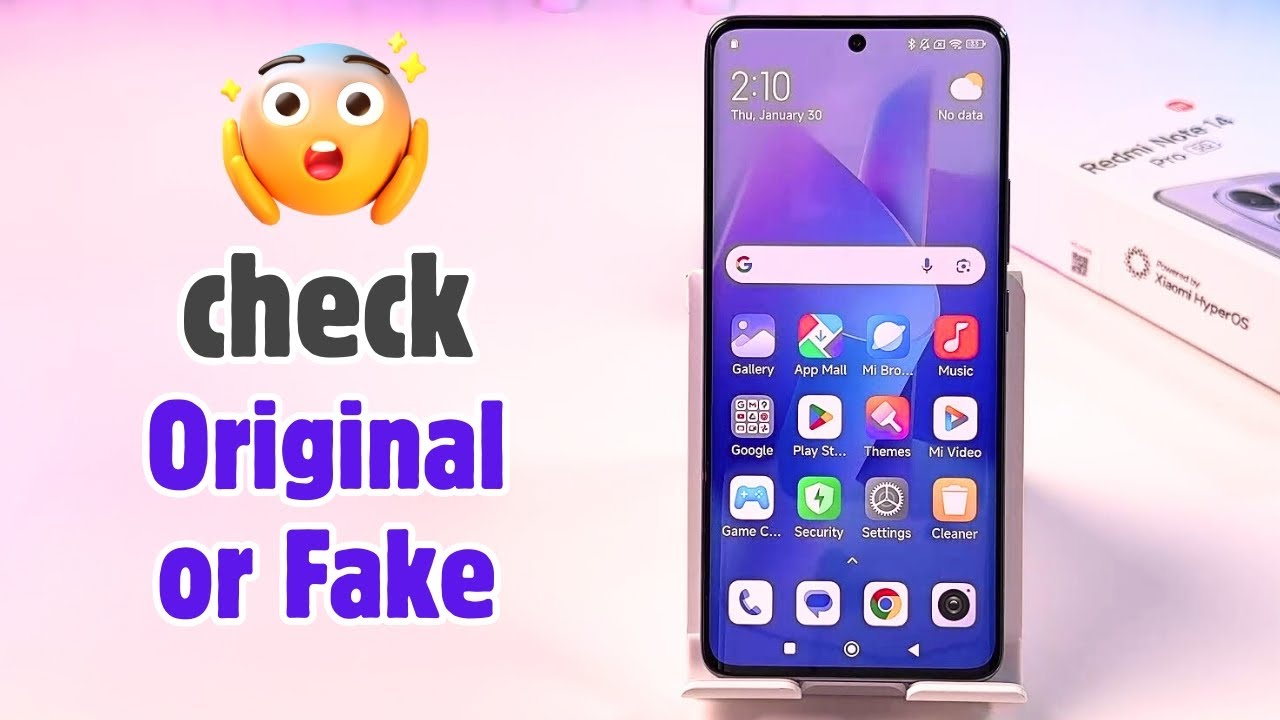
How To Confirm If Your Redmi Note 14 Pro / 14 Pro+ Is Original / Fake
Автор: WebPro Education
Загружено: 2025-06-11
Просмотров: 9152
Описание:
Worried you might have bought a clone or fake Redmi Note 14 Pro / 14 Pro+? In this video, I’ll show you simple and reliable methods to check if your device is original or fake. Learn how to verify the IMEI number, serial number and more in this tutorial.
How To Confirm If Your Redmi Note 14 Pro / 14 Pro+ Is Original / Fake:
Method 1:
Open ''Phone/dialer App'' ,Tap the keypad and type this code *#06#.
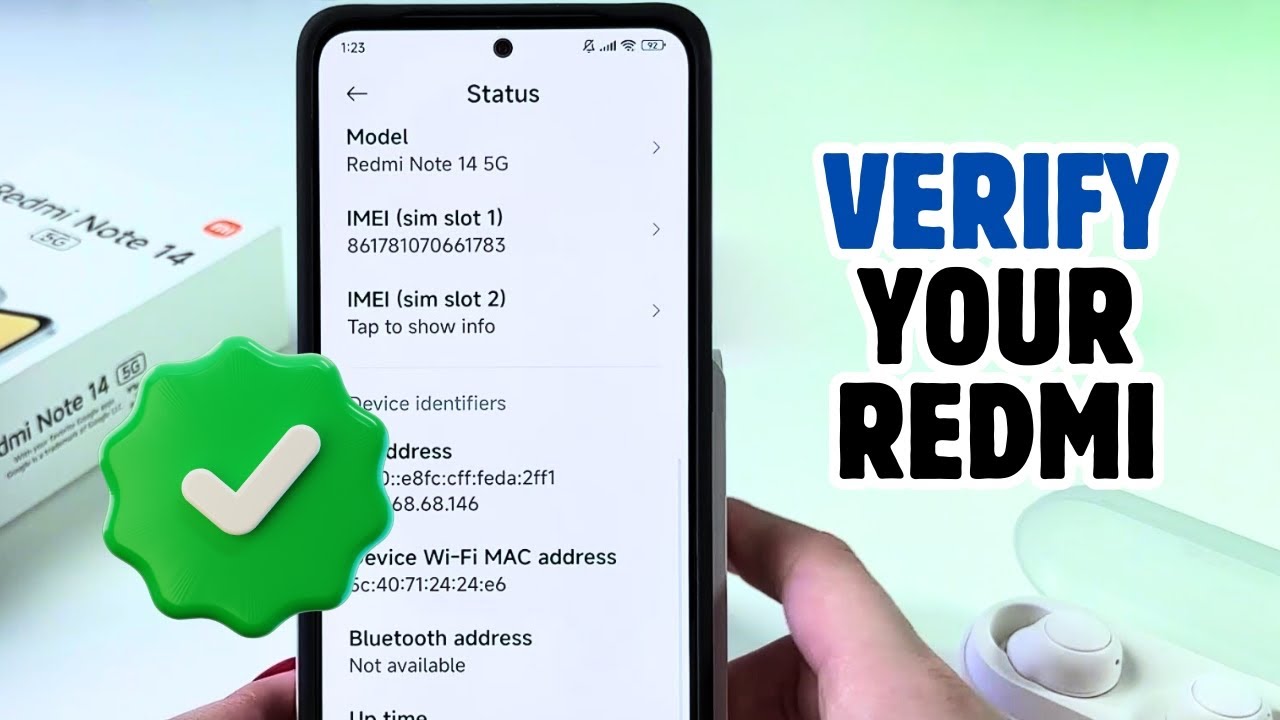
A device information will be displayed involving the Serial Number, IMEI Number and ICCID. Grab your box and verify if the numbers displayed on the box matches with the ones displayed on your phone.
If the numbers match, your phone is Original but if they don't your phone is Fake.
Method 2:
Open ''Settings'' and tap ''About phone''.
Scroll down and tap ''detailed info and specs''.
Tap ''Status'' at the bottom of your screen and tap ''Model''.
Serial Number will be visible. Check if the number matches with the serial number on your box.
If it matches your device is Original but if they don't your device is Fake.
#RedmiNote14Pro #FakeVsOriginal #XiaomiVerification
Xiaomi Redmi Note 14: https://amzn.to/43IRfkX
----My Gear for Youtube videos----
Main Camera (iPhone 13 pro): https://amzn.to/3GZztve
Tripod: https://amzn.to/35acqRa
Cell Phone Tripod Adapter: https://amzn.to/3v3wFuI
Lights: https://amzn.to/3vkoGK7
As full disclosure, I use affiliate links on this channel and purchasing through these links earns me a small commission. The price you pay will be the same!
Website: https://www.webproeducation.org
Facebook: / webproeducation.org
Twitter: / webpro_e
Instagram: / webproeducation
Повторяем попытку...

Доступные форматы для скачивания:
Скачать видео
-
Информация по загрузке: