[Advanced] Legit Vocal Reverb Sidechain in FL Mobile (not auto-ducking or manual automation)
Автор: LowLarBeatz
Загружено: 2023-06-16
Просмотров: 7389
Описание:
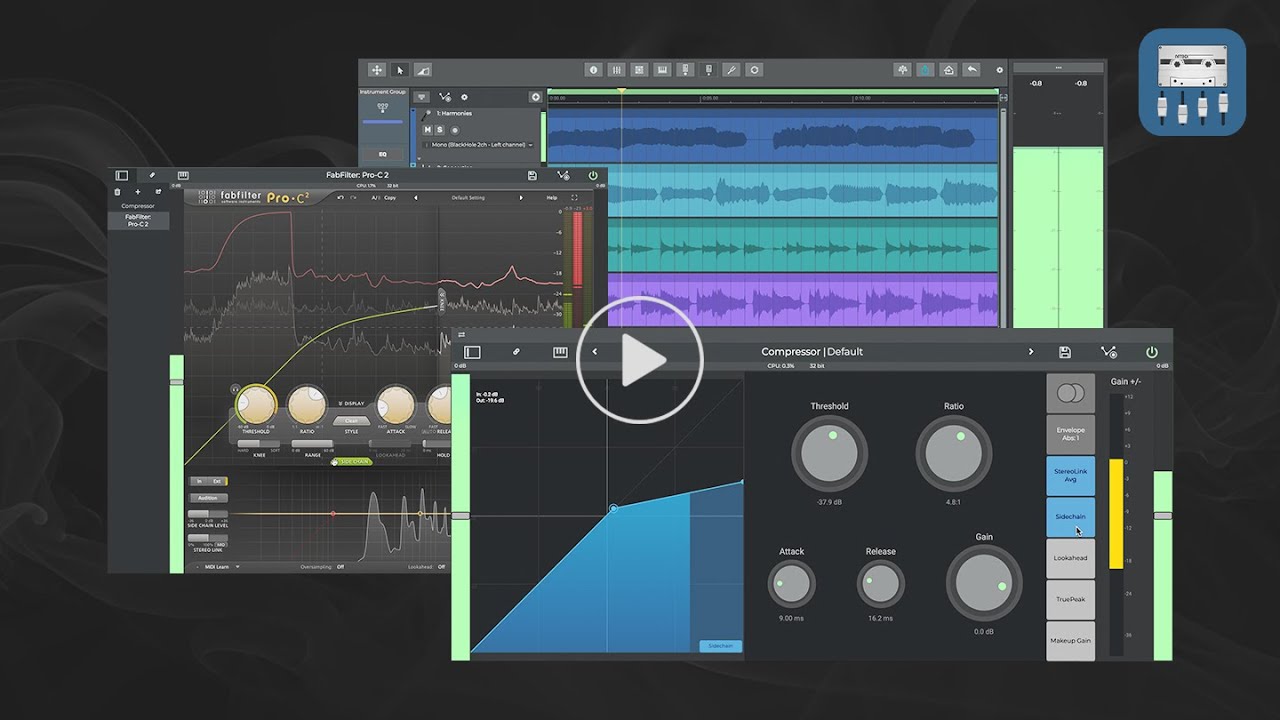
In our previous tutorial [ • Easy Method for Legit Side-Chaining in FL ... ] we demonstrated how to use the FX Limiter and aux routing in FLM to achieve actual sidechain compression that's convenient for synths, pads, drums and more. While it works great, there is room for improvement: (1) the need to adjust the main input level below the Limiter's threshold (so it doesn't trigger its own compression) makes it difficult to set up multiple inputs with the same sidechain channel, as the main input levels must be rebalanced after they've been lowered as mentioned; and (2) the Limiter isn't as responsive or smooth when using a dynamic signal as a sidechain input, especially when the main input is sidechained to a processed version of itself, e.g. ducking a vocal reverb in response to the volume of the vocal track. While the former issue has been addressed in our recent YouTube Short [ • New! How to set up a quick, convenient and... ], the latter issue can be improved somewhat by significant preprocessing of the dry signal (e.g. boosting the gain, aggressive compression and/or gating) before it's fed into the Limiter, similar to how it's done in our last YouTube Short, but then one is stuck with a highly processed signal that they may not want in their mix.
Here we build upon our previous sidechain procedures to yield an incredibly effective way to sidechain in FLM, and use it to sidechain a dry vocal track to a vocal reverb so that the reverb swells only when the vocal track goes silent. This is done by 1) routing the main and sidechain input channels to a channel with an FX Limiter, 2) boosting the level of the sidechain input beyond the limiter's threshold with an FX Leveller in the sidechain input channel, and 3) subtracting the sidechain input signal with a phase inverted copy of itself by using an FX Spacer in a separate FX channel. This general method can be used to efficiently sidechain just about any one or more elements to any other elements in the mix.
Link to download .flm file:
https://drive.google.com/file/d/1lyAX...
#flm #flstudiomobile #sidechain #reverb
00:00 Introduction
00:45 Links to Previous Tutorials
00:58 Defining Main and Sidechain inputs
01:23 Set up Limiter Channel
01:46 Boost Sidechain Level with sends and a Leveller
02:10 Create a Slider for controlling the Leveller Gain from the Track Mixer
02:29 Engage the Limiter with the Sidechain Input
02:46 Set up Phase Inverted Channel
03:28 Match up the FX Limiter setting in both the Limiter and Inverted Channels
03:45 Confirming that GR curves in both Limiter and Inverted channels match
03:58 Invert the phase of the Sidechain signal from the Inverted Channel
04:22 Adjust Master Send in the Sidechain Channel to Produce an Optimum Level
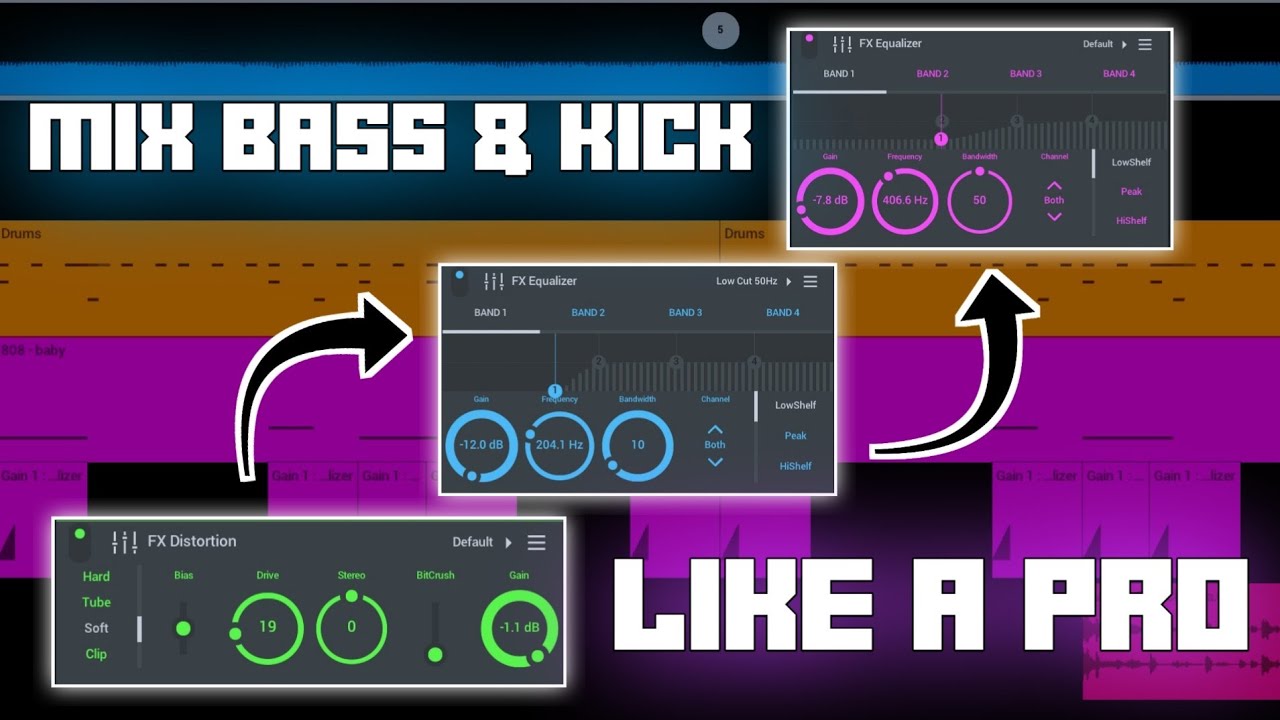
04:43 Applying the same workflow to Sidechain the Kick Drum to the Bassline
Повторяем попытку...
![[Advanced] Legit Vocal Reverb Sidechain in FL Mobile (not auto-ducking or manual automation)](https://imager.clipsaver.ru/FE5aSeDHtMs/max.jpg)
Доступные форматы для скачивания:
Скачать видео
-
Информация по загрузке: