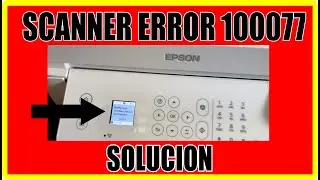
How To clean printer head and fix Scanner error Epson Eco Tank ET 4800 detailed step by step
Автор: auctionmusic
Загружено: 2025-06-02
Просмотров: 4963
Описание:
See my short video for quick overview.
Clean printer head • Clean Your Epson Eco Tank Print Head Fix scanner problem • Fix Your Epson Printer Scanner Problem Exact details for both are in this video. Learn how to fix printing problems and Scanner Error E02 plus other maintenance info to achieve the best printing results. See other videos for repair, explanation of other items. • How To
00:00 - Intro
00:25 - Understanding what the print head, ink cartridges, ink tank, and nozzles are.
01:30 - Discussion of the printed output of the Head Cleaning utility
02:46 - Running the Head Cleaning utility.
06:20 - Secure printer lid before opening
07:59 - Lifting the printer lid
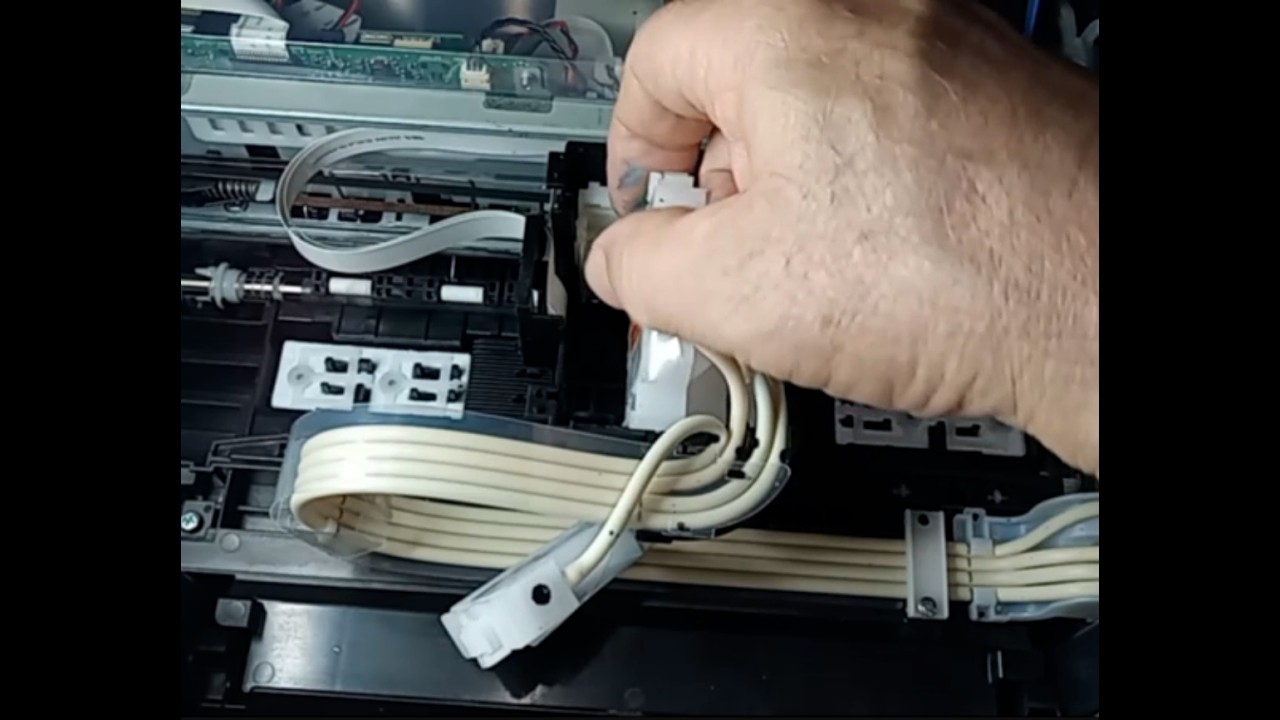
11:41 - Scanner problem that can/will happen because you lifted the printer lid which caused two ribbon cables to the scanner to disconnect.
13:11 - Now reconnect the pulled out ribbon cables
13:26 - Remove the left side panel first
19:22 - Now reconnect the ribbon cables that disconnected when the printer lid was opened
23:33 - Put side panel back on.
27:33 - Move print head carriage to middle area.
28:59 - Now manually clean the printer nozzles.
40:48 - Now run the head cleaning utility again.
41:53 - Understanding nozzle cleaning and ink flow
47:16 - Make sure you get the correct ink for your printer.
#epsonecotank, #printer, #repair, #printerhead, #diy
Повторяем попытку...
Доступные форматы для скачивания:
Скачать видео
-
Информация по загрузке: