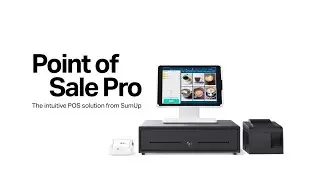
How to set up the item catalogue on SumUp Point of Sale Lite
Автор: SumUp
Загружено: 2022-11-15
Просмотров: 10498
Описание:
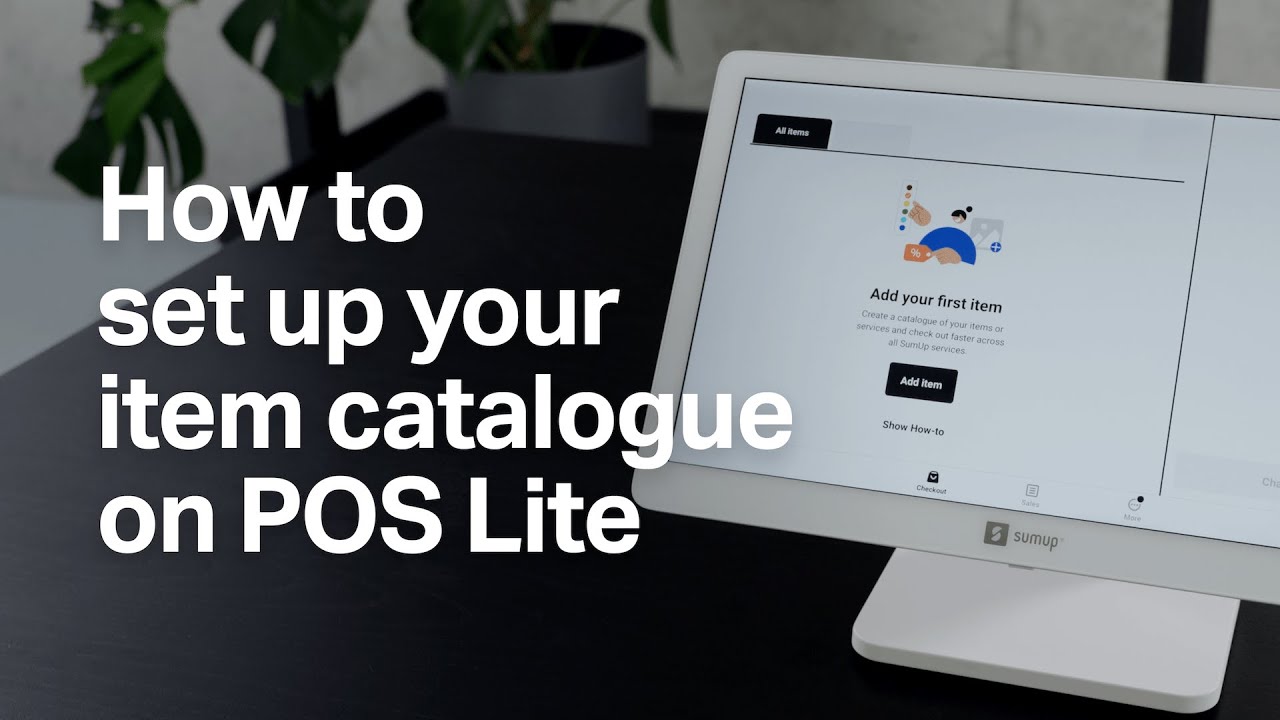
Would you like to create an item catalogue on SumUp Point of Sale Lite? You can do so in a few simple steps.
To create your first item, tap "Add item" on the welcome screen. First, give your item a name and add its price and tax rate, if needed. Next, add variants to your item. If you’re running a café, for example, you could add various types of cappuccino to your item catalogue. Do you want to offer it in different sizes? Decaffeinated? With or without syrup? You can add any item variation you might want to offer in the variants section.
Next, create a category for your items and group them however works best for you. In the example of the café, all different types of coffee could be added to one category and all food items to another. To create a category, just press "Add new category", give it a name and save. When you're done creating the item, scroll to the top of the page to save.
You can now find the new item and category in your item catalogue. To add another item or category, tap the tag icon on top of the screen and select "Item" or "Category". To create another category, follow the previous steps.
All done! Say 'goodbye' to manually entering items for every sale and 'hi' to a smooth checkout.
For further information on creating an item catalogue on SumUp Point of Sale Lite visit: sumup.co.uk/pos-lite
Have you seen any of our other "How to" videos? Find out how to set up and connect SumUp Point of Sale Lite and the Solo card reader here: “How to set up POS Lite + Solo“: • Видео
Keep up to date with the latest SumUp news by following us on our social media channels:
🔹 Facebook - / sumup.co.uk
🔹 Instagram - / sumup
🔹 Twitter - / sumup
If you want to receive more useful resources for small business owners, head to our SumUp Business Guide: https://sumup.co.uk/business-guide/
Stay tuned for our next "How to" video 🙌
Повторяем попытку...
Доступные форматы для скачивания:
Скачать видео
-
Информация по загрузке: