hapily Lead Capture App Redesign | What's New
Автор: hapily
Загружено: 2026-03-17
Просмотров: 97
Описание:
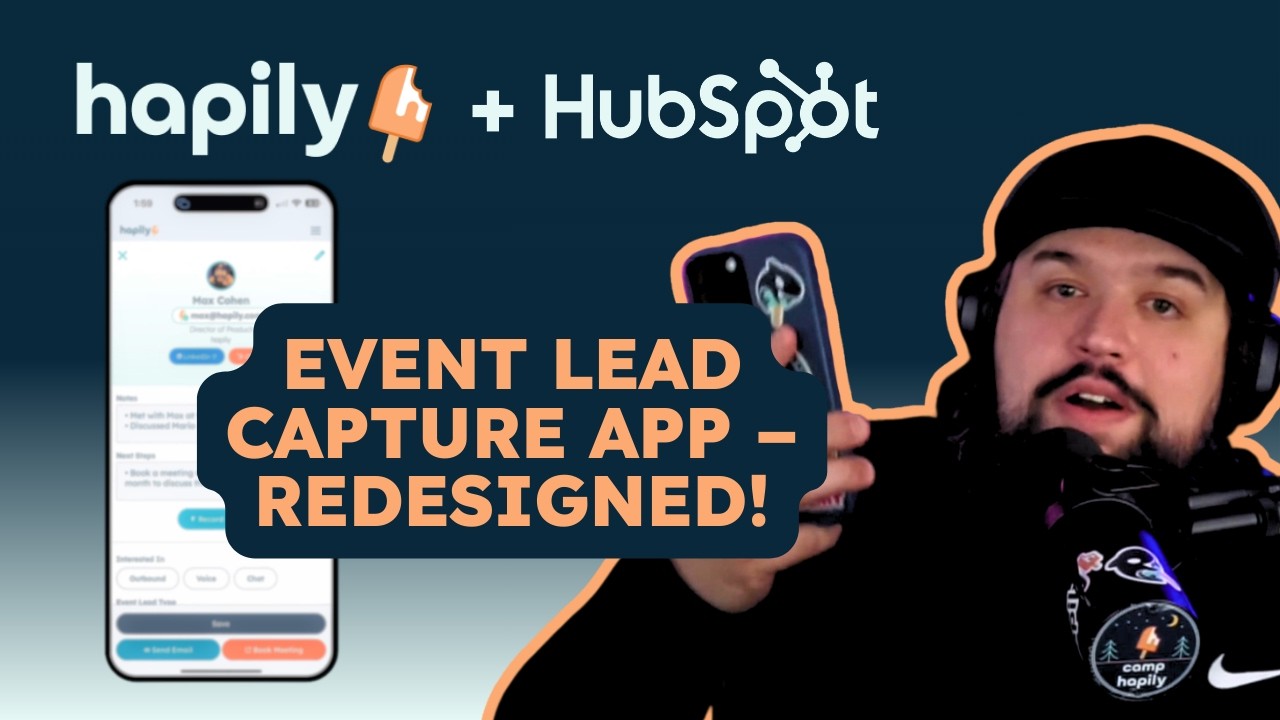
Max, Director of Product at hapily, walks through the fully redesigned hapily Lead Capture app, covering every update from the new home screen layout to smarter badge scanning, AI-powered voice notes, and a streamlined offline mode.
The redesigned home screen now organizes captured leads into two clear categories: enriched contacts and those that need a closer look, making it easy to spot any leads that need manual attention right at a glance. Capturing new leads is faster too, with a unified plus button that brings together badge scanning, manual entry, and bulk photo upload in one place.
Once a lead is captured, the updated lead detail page gives you everything in one view: contact info, LinkedIn access, a direct link to their CRM record, and notes. The new AI voice recording feature lets you speak your notes out loud and automatically splits them into notes and next steps. From there, you can book a meeting directly in the app with lead data pre-filled into your HubSpot meeting link, or send a follow-up email drafted by AI using context from the event itself.
The offline mode has also been fully rebuilt. If you lose connectivity at a venue, the app keeps working. You can scan badges, enter leads manually, and everything syncs and enriches automatically once you're back online.
Contact us at [email protected]
🔗 hapily: https://hapily.com
⏱ Timestamps:
0:00 - Introduction
0:22 - Redesigned home screen and lead categories
0:44 - Unified lead capture button
1:00 - Badge scanning and manual entry options
1:30 - Bulk photo upload
1:38 - Improved badge scan validation
1:55 - Redesigned lead detail page
2:18 - AI voice notes and next steps
3:00 - Save options and booking a meeting
3:20 - Pre-filled HubSpot meeting link
4:00 - AI-powered follow-up email
4:20 - Customizable AI email prompt
4:28 - Updated lead list view
4:50 - Settings: meeting link and logout
5:00 - Rebuilt offline mode
#hapily #HubSpot #LeadCapture #EventManagement #TradeShows #Conferences #EventTech #BadgeScanning #B2BMarketing #MarketingAutomation #CRM #EventROI #LeadScanner #HubSpotIntegration #EventPlanning
Повторяем попытку...
Доступные форматы для скачивания:
Скачать видео
-
Информация по загрузке: