Скачать
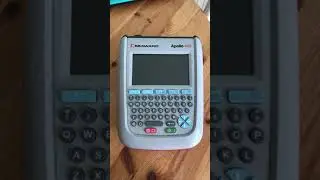
How to Connect a printer with the Apollo+ Series
Автор: Seaward Electronic Ltd.
Загружено: 2018-05-03
Просмотров: 6969
Описание:
1. On the home screen press "F4"
2. In the menu screen press "3" this is the Bluetooth option.
3. In the Bluetooth menu press "F2" to search for Bluetooth devices
4. Using the arrow keys scroll to "Printer" and press the right arrow key. This will bring up the Bluetooth devices the Apollo+ has found.
5. Select the correct printer.
6. Finally Press "F4" to save.
Не удается загрузить Youtube-плеер. Проверьте блокировку Youtube в вашей сети.
Повторяем попытку...
Повторяем попытку...

Доступные форматы для скачивания:
Скачать видео
-
Информация по загрузке: