iPad Slow and Laggy Keyboard Problem And Fix, How To Fix Slow Keyboard Issue on iPhone or iPad
Автор: Jacob Siggaard (Apple help for iPad and iPhone)
Загружено: 2019-03-06
Просмотров: 76300
Описание:
Why is my iPad so slow when typing?
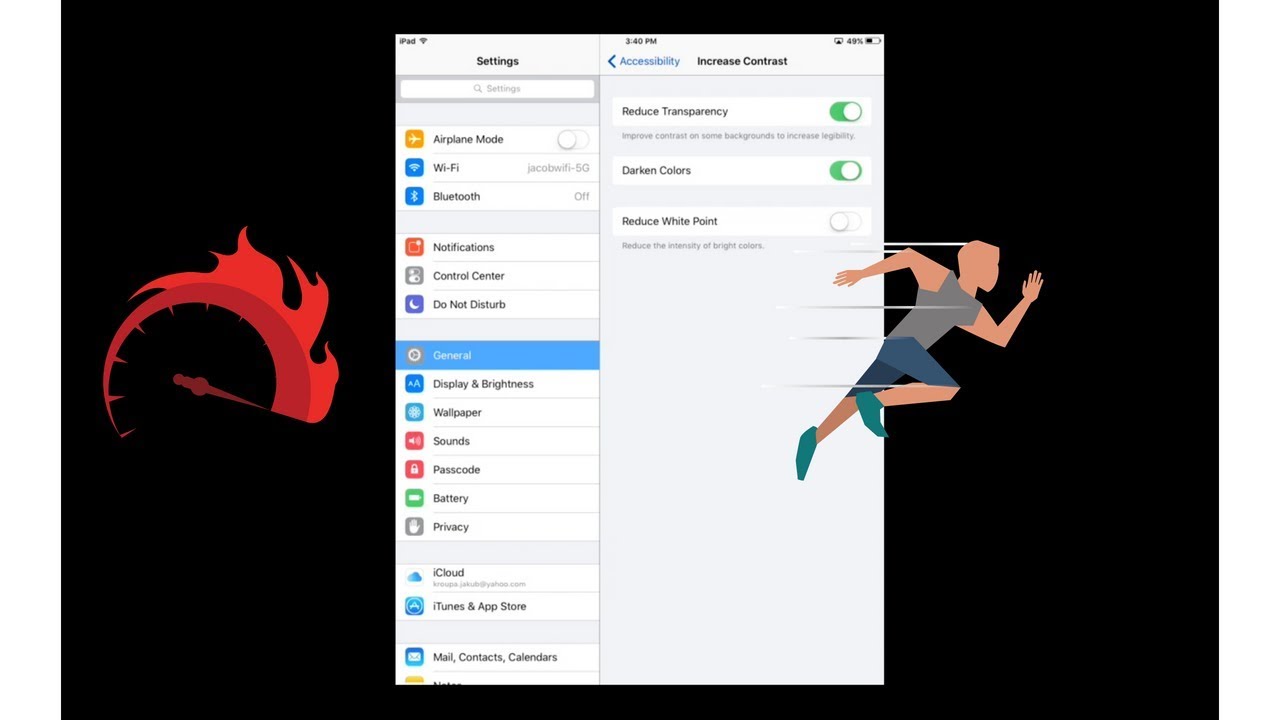
In Settings app, General settings panel, turn OFF Background App Refresh for any apps you feel do not need constant data updating/Internet updating in the background when not using the an app OR turn OFF Background App Refresh entirely/globally for the entire device. Do the same in the Settings app under Notifications.
Disable ALL Keyboard Settings
Settings - General - Keyboard
Turn Toggles OFF for all these settings from Auto-Capitalization through Shortcut
iPhone Keyboard Lag, Not Working? How-To Fix
Delete Additional Keyboards
Settings - General - Keyboard - Keyboards
Select Edit and select minus sign to delete
Reset the Keyboard Dictionary
Settings - General - Reset - Reset Keyboard Dictionary
iPhone Keyboard Lag, Not Working? How-To Fix
Disable Keyboard Settings
Disable Predictive Text
Settings - General - Keyboard - Predictive - OFF
#ipad
#ipadpro
#appleipad
#iPadAir
#iphone
#ipadkeyboard
#ipadsolution
#problemsolving
#keyboard
#language
#fixed
#apple
🩳 NEW Shorts Channel - / sixbux
😁 Subscribe - / @sixbux
Troubleshoot Slow and Laggy Keyboard on iPhone or iPad, iPad Fix For Slow and Lagging Keyboard Problem. Try out my fix, It will not cost you any money.
Повторяем попытку...

Доступные форматы для скачивания:
Скачать видео
-
Информация по загрузке: