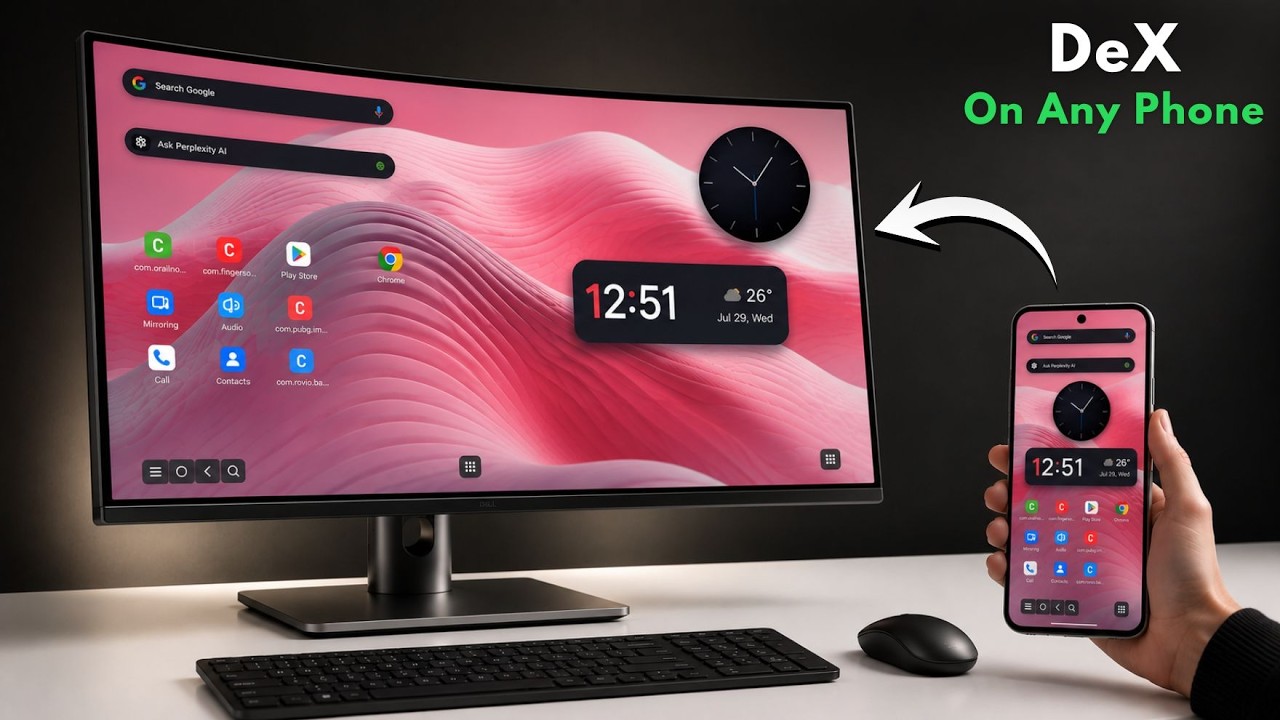
Samsung DeX for ANY Android — No Root, No Samsung Needed
Автор: thevoidkernel
Загружено: 2026-07-30
Просмотров: 9335
Описание:
Turn ANY Android phone into a full desktop PC experience — completely FREE, no Samsung required. In this video, I'll show you the exact method to unlock Samsung DeX-style desktop mode on literally any smartphone, including Moto, OnePlus, Xiaomi, Nothing, and more.
Whether you've got a flagship or a budget phone, this trick works the same way. Plug in a cable (or go wireless) and instantly get a full desktop interface where you can run Android apps, resize windows, multitask, make calls, use your phone's camera, and even play games like PUBG Mobile with mouse and keyboard support.
In this tutorial, you'll learn:
• How to enable Developer Options, USB Debugging, and Wireless Debugging
• How to connect your phone to your PC (wired and wireless methods)
• How to run Android apps directly on your PC screen
• How to play mobile games with full PC-level control
• How to boost your productivity by running Android and PC side by side
This method works on both Windows and Linux, and it doesn't require root access. It's beginner-friendly and takes just a few minutes to set up.
If you've ever wanted the Samsung DeX experience without owning a Samsung flagship, this is the video for you.
⏱️ Timestamps:
00:00 Intro
00:17 Android Dex
01:14 Pubg on PC
02:00 Installation
02:28 Phone setup
03:20 Run android Dex
03:58 wireless connection
04:022 Run Dex wireless
04:44 outro
🔗 Resources:
https://github.com/Shrey113/Android-D...
👍 Found this useful? Like, subscribe, and turn on notifications for more Android, Linux, and AI tutorials from thevoidkernel.
#SamsungDeX #AndroidDeX #LinuxOnAndroid #AndroidTips #TechTutorials #thevoidkernel #FreeApps #AndroidTricks #ai #ubuntu
Повторяем попытку...
Доступные форматы для скачивания:
Скачать видео
-
Информация по загрузке: