Affinity Designer, Photo and Publisher for iPad | Saving & Importing Templates | Quick Tip Tutorial
Автор: Tracey Capone - The Creator Collage
Загружено: 2025-10-07
Просмотров: 517
Описание:
#affinitydesigneripad #affinitypublisheripad #affinityphotoipad #ipadtutorial
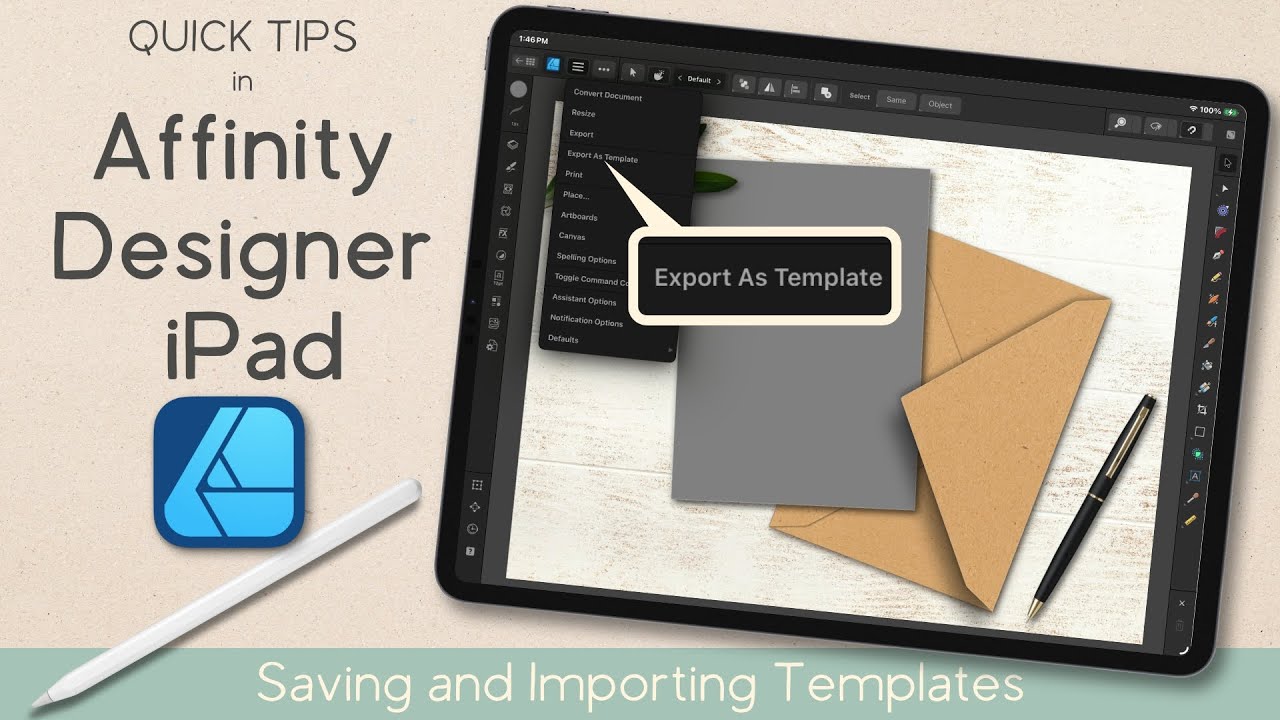
In this quick tip tutorial, I'll show you, in Affinity Designer for iPad, how you can save reusable templates that include all of your original layers, edits and effects. While this is taught in Designer, the same process applies for Photo and Publisher for iPad as well. Templates are a great way of reusing your designs, as well as sharing them, all without impacting your original.
Want to learn how to create the mockup from this tutorial? Find the YouTube tutorial here:
• Affinity Designer V2 | Create a Greeting C...
****************************************************************************
Where you can find me:
Full length classes-
On Skillshare - https://lnk.bio/s/MySkillshareChannel
On my Creator Collage site - https://lnk.bio/s/CreatorCollageSchool
Creator Collage Community (my free community for digital creatives):
https://lnk.bio/s/JointheCreatorColla...
Find my website, Instagram and more here:
https://lnk.bio/traceycapone
Please note- Some links are affiliate links which means I may earn a bit of additional income when you use or purchase something from the links, but they are no additional cost to you. (I only endorse what I use myself!)
Music Credit: "Happy Fields" by Pendelton on audiio
https://audiio.com/partner?oid=1&affi...
(Get 70% off your first year of Audiio Pro with code SAVE70)
Повторяем попытку...
Доступные форматы для скачивания:
Скачать видео
-
Информация по загрузке: