Step by Step MinimOSD setup on a MultiWii
Автор: Painless360
Загружено: 2014-08-07
Просмотров: 43751
Описание:
This video was created to help a number of my subscribers who have had problems with this board.
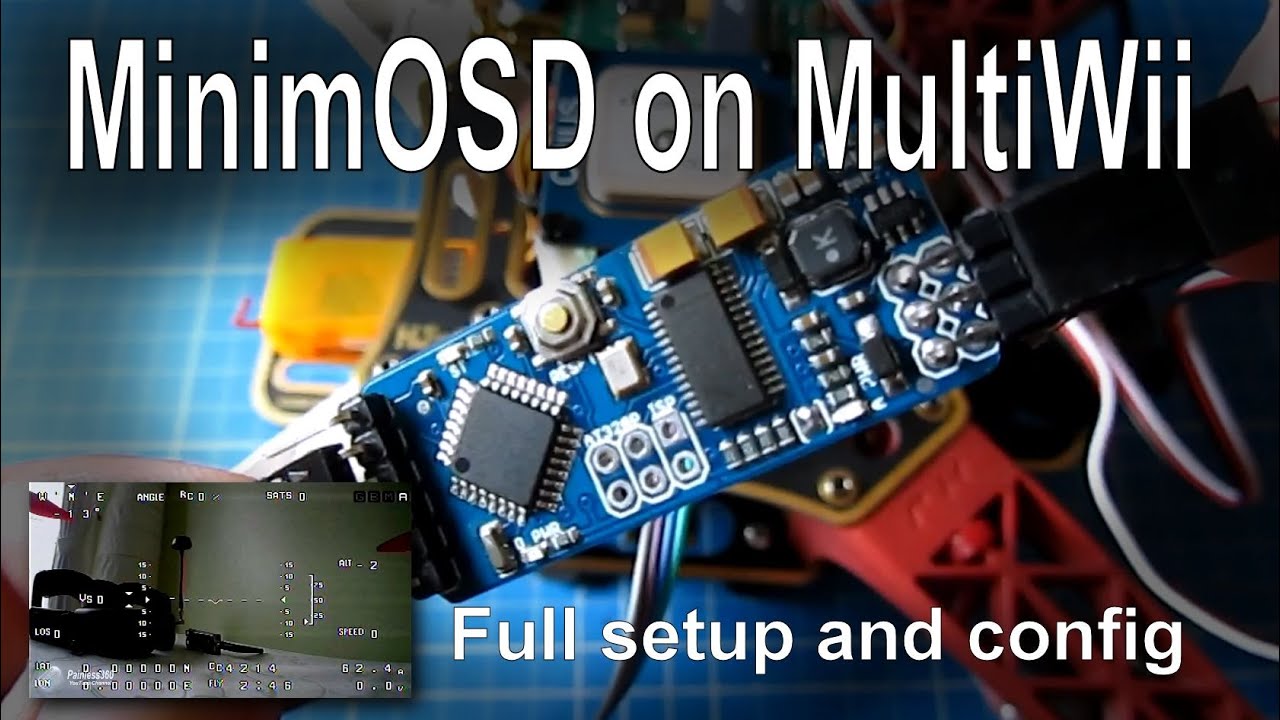
In this video I show how to configure and connect a MinimOSD to your Multiwii board and get great OSD images easily and cheaply.
Originally the MinimOSD was developed to work with the APM 2.5 and use the MAVLink data that comes from that board to work. With the latest firmware and software you can now attach this cheap board to a Cirus SE 2.0/2.5 board or similar and display the telemetry data, perfect for FPV.
If you want the voltage readouts to work then you will need to do a little soldering. This is not covered in this setup video but you can see more at https://code.google.com/p/rush-osd-de...
You will need a few things to get this working but by following these steps you should have the board working in less than 30 minutes.
In this video we will cover
How it works
What you need
Where to download the new firmware from
How to erase the memory ready for new firmware
How to configure and load the new code
How to configure the main board and load updated fonts
How to power the MinimOSD
How to connect the data to the MinimOSD
A quick demo of the MinimOSD working connected to a Multiwii
For another option for the software for this board you can watch • MinimOSD setup on MultiWii - another firmw...
To add the voltage sensor to this board you can watch • MinimOSD setup on MultiWii - Adding batter...
Thanks for watching, please LIKE and SUBSCRIBE
Happy flying!
Повторяем попытку...
Доступные форматы для скачивания:
Скачать видео
-
Информация по загрузке: